
WhatsApp is blocked in Russia. Roskomnadzor, the country’s internet regulator, removed it from Russia’s national domain system on February 12, 2026, after months of restricted calls and throttling, and the Kremlin pointed users to the state messenger MAX. A VPN restores WhatsApp by connecting you to a server outside Russia, but Russia blocks standard VPN connections too, so obfuscation is now required.
On Finnish servers, the closest uncensored location to Moscow, our obfuscated connections recorded between 112.87 and 184.82 Mbps in October, and WhatsApp calls over them were smooth.
How to Use WhatsApp in Russia: Steps for October 2026
- Subscribe to Proton VPN and install it before you travel, since VPN apps were removed from Russia’s App Store.
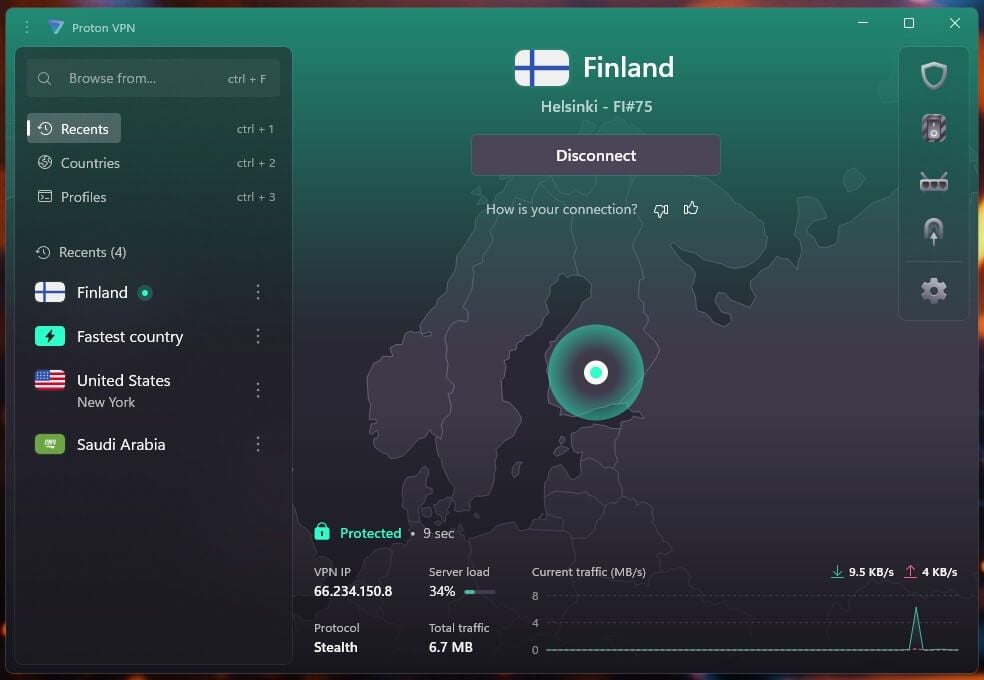
- Open Settings, then Protocol, and select Stealth. It disguises the VPN connection as ordinary encrypted traffic.
- Connect to a server outside Russia, such as Finland, the Netherlands, or Germany.
- Open WhatsApp and check that a message sends before calling.
Does WhatsApp Work in Russia?
No, not without a VPN. Russia restricted WhatsApp step by step before blocking it:
- 2024: Signal and Viber were blocked.
- August 2025: Roskomnadzor restricted WhatsApp and Telegram calls, citing phone fraud.
- October to November 2025: WhatsApp was restricted in southern regions, then throttled nationwide.
- February 10, 2026: Telegram restrictions began.
- February 12, 2026: WhatsApp was removed from Russia’s national domain system, so devices in Russia can no longer find its servers.
The Kremlin blamed Meta’s failure to comply with Russian law and recommended MAX, a state-backed messenger linked to VK. WhatsApp called the block an attempt to push more than 100 million users toward a surveillance app. Other countries that limit WhatsApp are covered in our WhatsApp VPN guide.
Why a Standard VPN Isn’t Enough in Russia
Russia filters traffic at the network level and disrupts common VPN protocols such as WireGuard and OpenVPN. It has also restricted hundreds of VPN services, banned VPN advertising from September 2025, and had Apple remove a batch of VPN apps from Russia’s App Store in July 2024, Proton VPN among them.
Obfuscation is the answer to protocol filtering: it makes VPN traffic look like ordinary encrypted web traffic. Install the VPN before you travel, or use an App Store or Google Play account registered in another country. Regional mobile internet shutdowns are the one problem a VPN can’t solve, because they cut off the connection underneath it.
How WhatsApp Worked Over Obfuscated Connections
We tested each VPN’s obfuscation on a Finnish server in October. Finland is the closest location to Moscow and St. Petersburg with no WhatsApp restrictions. Results on a 190.36 Mbps connection:
| VPN | Obfuscation | Download (Finland) | Ping | WhatsApp calls |
|---|---|---|---|---|
| Proton VPN | Stealth protocol | 112.87 Mbps | 70 ms | Smooth |
| ExpressVPN | Automatic on every server | 170.40 Mbps | 60 ms | Smooth |
| Surfshark | Camouflage, OpenVPN (UDP) | 184.82 Mbps | 65 ms | Smooth |
| Surfshark | Camouflage, OpenVPN (TCP) | 61.36 Mbps | 73 ms | Bad stutters, one dropped call |
On our Galaxy S26 Ultra, WhatsApp calls over the Finnish servers were smooth on Proton VPN, ExpressVPN, and Surfshark’s OpenVPN (UDP) connection, and texts and photos sent normally. Surfshark on OpenVPN (TCP) was the exception: calls stuttered badly at times, and one dropped completely, so we had to call again. A test from Europe can’t reproduce Russia’s filtering, so expect some connections from Russia to take a second attempt or a different server.
Best VPNs for WhatsApp in Russia
1. Proton VPN: Best for Blocked Networks
Pros
- Stealth on any location
- Alternative routing
- Free plan includes Stealth
- Yearly Securitum audits
Cons
- Pulled from Russia’s App Store
- Slower Finnish server
With Stealth enabled, Proton VPN recorded 112.87 Mbps down and 16.45 Mbps up on the Finnish server, and WhatsApp calls over it had no interruptions. On a UK server, Stealth was only 1.9% slower than plain WireGuard, so the protocol itself costs little speed. Alternative routing connects to Proton’s servers through third-party networks when its own addresses are blocked, which matters in Russia. Securitum has audited its no-logs policy every year since 2022.
The free plan includes Stealth too, so it’s a no-cost way to try the setup, though it assigns the country for you. Proton VPN’s VPN Plus plan costs under $3 a month when paid for two years. Proton VPN also has 53 servers in Moscow for the reverse case, getting a Russian IP address from abroad.
2. ExpressVPN: Best for No-Setup Obfuscation
Pros
- Obfuscation always on
- 170.40 Mbps in Finland
- KPMG-audited no-logs policy
- Router app for consoles
Cons
- Few customization settings
- Costly after the first term
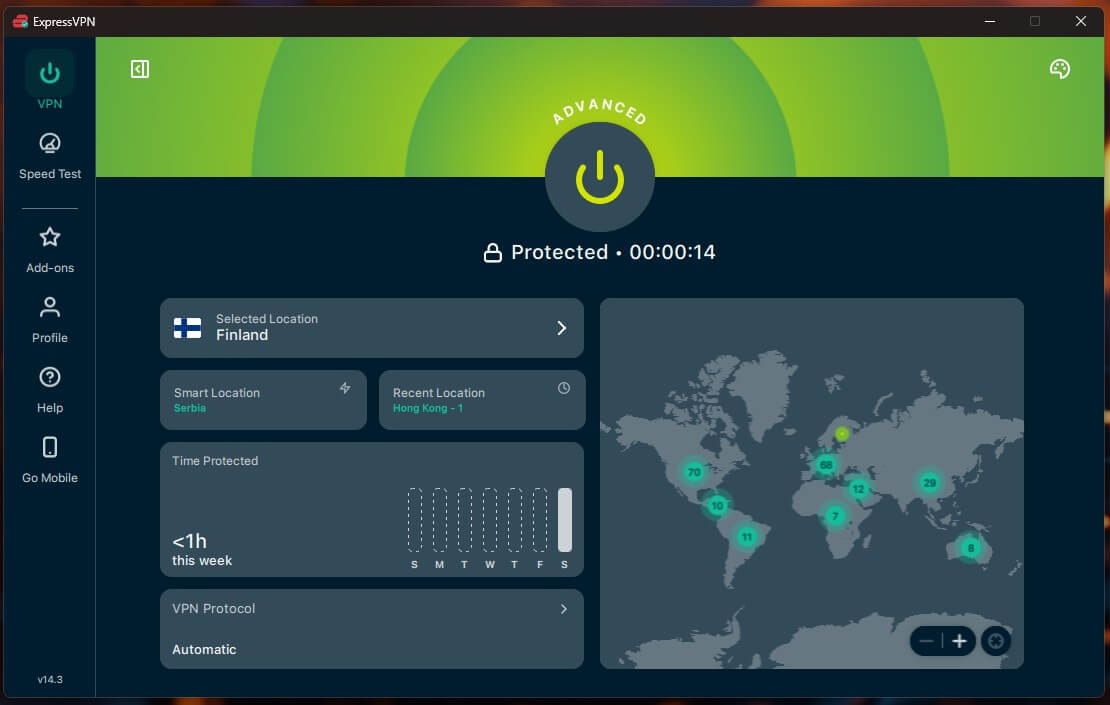
ExpressVPN obfuscates every server with no setting to change, so the connection that works in Europe also works in Russia. Its Finnish server recorded 170.40 Mbps down and 18.01 Mbps up with obfuscation active, with a 60 ms ping, and WhatsApp calls had no stutters. It took one to two seconds to connect, and its no-logs policy passed a KPMG audit in 2025.
It offers little advanced customization, which rarely matters for messaging. A two-year Basic plan costs under $3 a month, and its router app extends the VPN to consoles such as the Xbox. It’s also a common choice in Iran, where WhatsApp has been unblocked since December 2024.
3. Surfshark: Best for Unlimited Devices
Pros
- Camouflage Mode
- Unlimited devices
- Manual WireGuard backup
- Low long-term price
Cons
- Camouflage only on OpenVPN
- Choppy calls on OpenVPN TCP
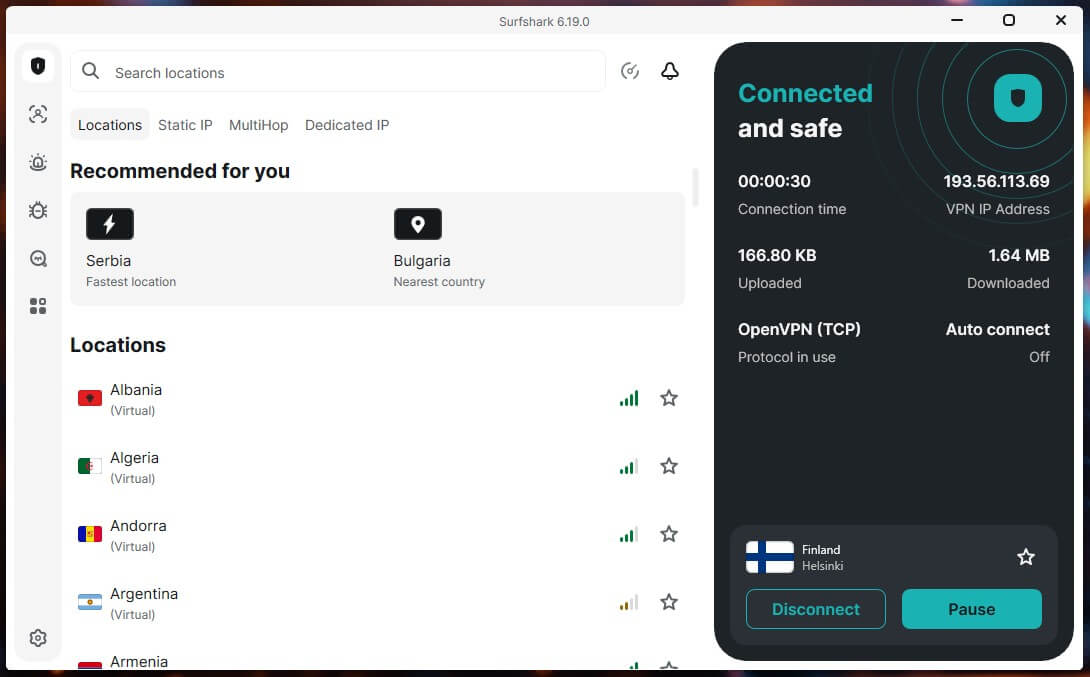
Surfshark’s Camouflage Mode runs automatically on the OpenVPN protocol. On OpenVPN (UDP), its Finnish server recorded 184.82 Mbps, with stable WhatsApp calls. OpenVPN (TCP), the fallback for networks that block UDP, dropped to 61.36 Mbps, and WhatsApp calls stuttered badly at times, with one dropping completely.
In a March 2026 round in Shanghai, WhatsApp calls worked in every session once Surfshark connected. One subscription covers unlimited devices, and the Starter plan is under $2.50 a month on a 27-month term. Our Surfshark review covers the rest.
WhatsApp Still Not Working With a VPN?
- Enable obfuscation. Select Stealth on Proton VPN or OpenVPN on Surfshark. ExpressVPN applies it automatically.
- Change servers. Pick a country where WhatsApp calls aren’t restricted, and avoid the UAE and Qatar, which limit VoIP calls.
- Use UDP for calls. On Surfshark, OpenVPN (TCP) made WhatsApp calls choppy in our test, so keep it for networks where UDP won’t connect.
- Enable Proton VPN’s alternative routing if the app can’t connect to its servers.
- Update the app before you travel, since app stores and VPN websites are restricted in Russia.
- Check the connection underneath. During a regional mobile internet shutdown, switch to Wi-Fi.
The same obfuscated connection works for other blocked websites, and our guide to VPN connection problems covers general fixes.
MAX and Other Messengers in Russia
MAX is the state-backed messenger Russia promotes in place of WhatsApp. It combines messaging, payments, and government services, isn’t end-to-end encrypted, and researchers have found it checks whether a VPN is active on the phone. Telegram is restricted too, and Signal and Viber have been blocked since 2024, so every encrypted alternative requires the same VPN setup as WhatsApp.
Is It Legal to Use a VPN in Russia?
Using a VPN isn’t illegal for individuals in Russia, but the rules around it have tightened. Advertising VPNs has been banned since September 2025, and the same month a fine of 3,000 to 5,000 rubles took effect for knowingly searching for material listed as extremist. Using WhatsApp itself isn’t an offense. Treat this as general information rather than legal advice. Our list of the best VPNs for Russia covers more VPNs.
Summary
WhatsApp is blocked in Russia at the domain level, and a VPN is the only way to keep using it. Standard protocols get filtered, so the VPN has to disguise its traffic. On Finnish servers, Surfshark’s Camouflage Mode kept the most speed, ExpressVPN required no setup at all, and Proton VPN’s Stealth protocol comes with alternative routing for networks that block its servers.
Calls worked well on each, except over Surfshark’s TCP fallback. Install the VPN before you travel, since the app stores are restricted, and keep a second server location ready. More picks are in our best VPN rankings.
Frequently Asked Questions
Does WhatsApp work in Russia?
No, WhatsApp has been fully blocked in Russia since February 2026. Its domains were removed from Russia's national domain system, so it works only through a VPN connected to a server abroad.
Why is WhatsApp not working in Russia?
Russia blocked WhatsApp after Meta didn't comply with Russian data and security laws. The authorities first restricted calls, then throttled the app, then blocked it at the domain level.
Can you use WhatsApp in Russia with a VPN?
Yes, but the VPN requires obfuscation, since Russia filters common VPN protocols. Proton VPN's Stealth protocol and ExpressVPN's automatic obfuscation disguise the connection as ordinary encrypted traffic.
What do Russians use instead of WhatsApp?
The state promotes MAX, a messenger linked to VK that lacks end-to-end encryption. Many Russians keep using WhatsApp and Telegram through VPNs instead, since the two apps are restricted.
Does WhatsApp Web work in Russia?
No, WhatsApp Web depends on the same blocked domains as the app. It loads only in a browser on a computer connected to a VPN server outside Russia.