
It’s easy to see why binge-watchers hunt for the best VPN for Netflix. The streaming giant serves a different catalog depending on your location, so viewers in the US, Europe, Australia, and Asia all see different movies and shows. A Netflix VPN changes your IP address to another country, and the missing half of the catalog opens up. The catch is that Netflix actively detects and blocks VPN traffic, and most providers lose that fight.
The ones that win also need enough speed to carry Full HD and Ultra HD without buffering. We tested 30 providers against both requirements, and most fell short. The five below didn’t, and here’s why they’re the best VPNs for Netflix in 2026. First, a recap, and then a full Netflix VPN comparison we just updated.
Best VPN That Works With Netflix: Top 5 Ranked
- NordVPN: Best VPN for Netflix and Streaming Overall
- Proton VPN: Netflix VPN With Strong Privacy
- ExpressVPN: Best Netflix VPN, Fast for UHD Streaming
- CyberGhost: Streaming Servers to Get Netflix Unblocked
- Surfshark: Best Cheap VPN for Netflix Streaming
Compare the Best VPN for Netflix 2026: Full Analysis
This list covers five tested, premium providers that work reliably as of this writing. Netflix regularly updates its VPN detection systems, though, so we revisit this page and swap out any provider that stops delivering, meaning you’ll always find working picks here. Here are the best Netflix VPNs in September 2026:
| NordVPN | Proton VPN | ExpressVPN | CyberGhost | Surfshark | |
| Netflix Catalogs Unblocked | US, UK, Japan, Canada, Australia, Turkey, etc. | UK, US, Japan, Canada, Australia, Iceland, etc. | US, UK, Japan, Canada, Australia, etc. | US, UK, Canada, Australia (occasionally) | US, UK, Japan, Canada, Australia, Iceland, Turkey, Hong Kong, etc. |
| 4K Streaming | Consistent even on distant servers | Consistent | Consistent | Inconsistent on distant servers | Inconsistent on distant servers |
| Best Feature for Netflix | SmartPlay for easy unblocking | Streaming-optimized VPN servers | MediaStreamer | Streaming servers built for Netflix | Camouflage Mode for streaming anywhere |
| SmartDNS for TV/Consoles | Yes | No | Yes | Yes | No |
| Simultaneous Connections | 10 | 10 | 10-14 | 7 | Unlimited |
| Start Price | $3.49/mo | $2.99/mo | $3.49/mo | $2.19/mo | $2.49/mo |
| Free Trial | 3 days | No | 3 days | 1-7 days | 7 days |
| Refund Policy | 30 days | 30 days | 30 days | 45 days | 30 days |
1. NordVPN: Best VPN for Netflix Overall
Pros
- Geo-unblocking with SmartPlay
- Servers in 137 countries
- Fast NordLynx VPN protocol
- SmartDNS for TVs/consoles
- Offers Fire OS and Vega OS apps
Cons
- Higher prices
- Confusing UI
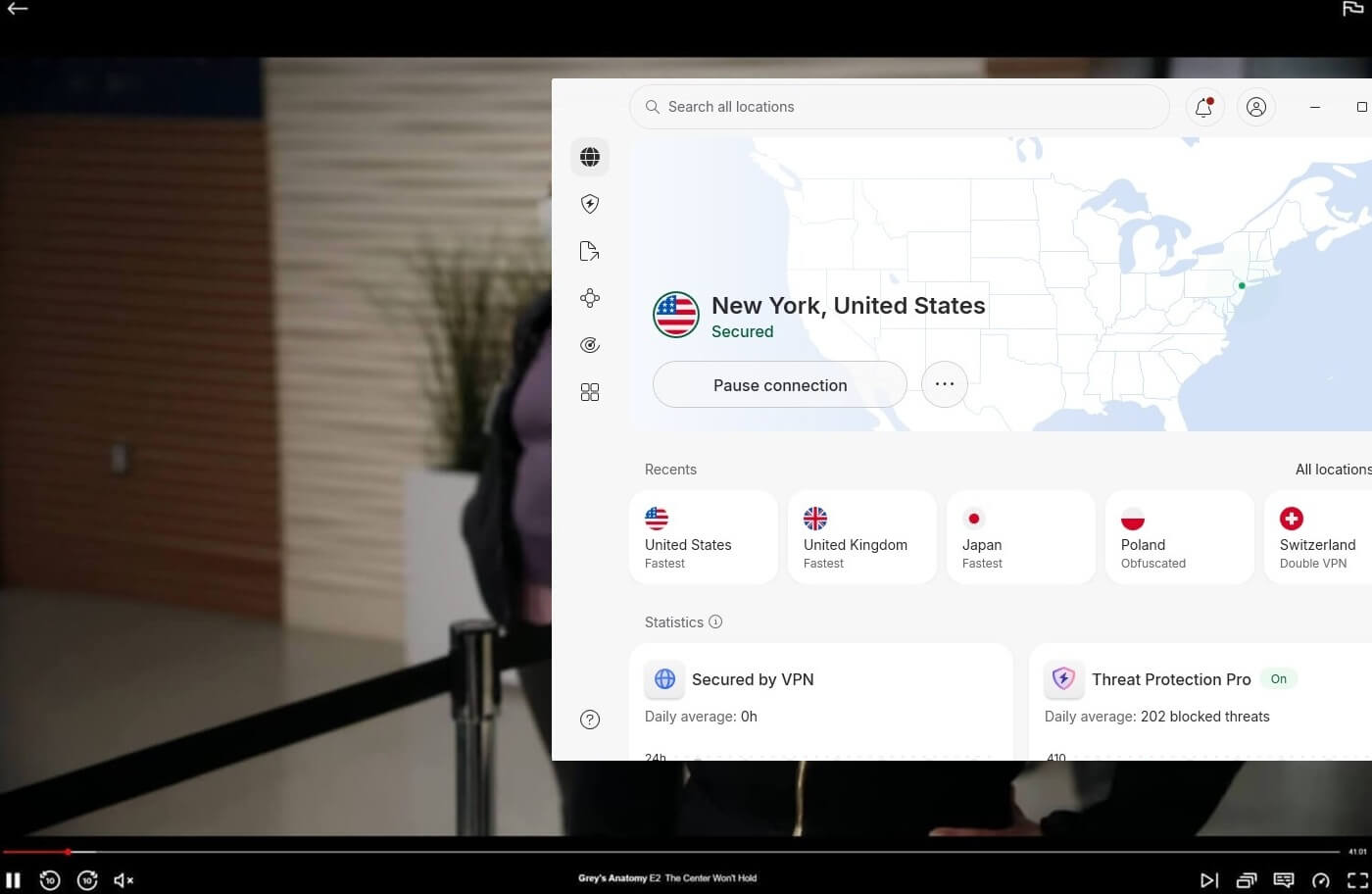
NordVPN leads our best VPN for Netflix ranking on the strength of one number: in our tests, it unblocked more than 20 catalogs, including the heavyweights from the US, Japan, the UK, Australia, and Canada. With 9,500 servers in 137 countries, there’s almost always a nearby server for whichever library you’re chasing, and SmartPlay technology handles unblocking automatically on every one of them. NordLynx pushes enough bandwidth for Ultra HD even on distant servers, whenever.
So, watching Netflix Japan from Europe doesn’t mean settling for 480p. Connection takes a single click, and if Netflix flags a server, switching to another takes seconds. Two Netflix-specific extras stand out. SmartDNS brings Netflix unblocking to devices that can’t run VPN apps, and NordVPN is also ideal if you’re looking to bypass the password-sharing ban on Netflix, since a VPN lets your household appear under one roof. Beyond Netflix, you can watch BBC iPlayer abroad and unblock HBO Max or Hulu.
Device coverage means unblocking follows you everywhere: apps for Fire TV Stick and Apple TV sit with the desktop and mobile clients, with 10 simultaneous connections. 256-bit encryption, a kill switch, and an ad-blocker run underneath. For Netflix alone, the cheapest Basic plan at $3.49 per month does everything described, and a 30-day refund policy covers the trial run. Renewal prices climb after the introductory deal, worth knowing upfront, but as an all-around Netflix VPN, nothing else matched it.
2. Proton VPN: Reliable, Ultra-Secure VPN for Netflix
Pros
- Massive server network
- Fast with VPN Accelerator
- NetShield blocks ads
- Strong privacy pedigree
- Works with Netflix US abroad
Cons
- Slow customer support
- No SmartDNS
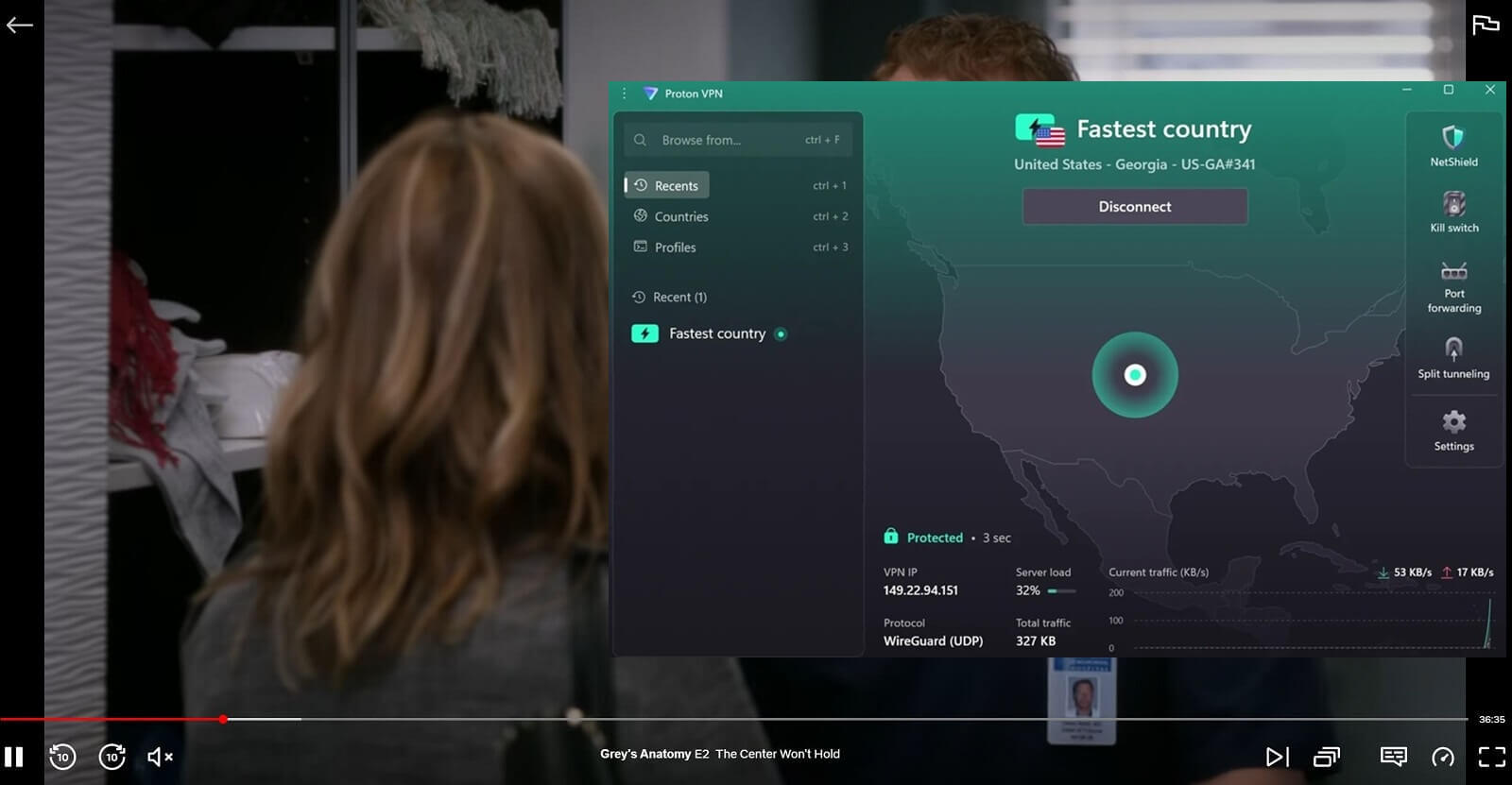
Watching Netflix with Proton VPN works well, but you need a paid plan. The premium tiers include streaming servers, and in our tests, those unblocked Netflix US, UK, Australia, Japan, and Canada, along with a few more catalogs plus Hulu, BBC iPlayer, and Hotstar. The free tier exists, but its small server pool won’t unblock Netflix, so treat it as a preview rather than a streaming tool. The network behind the paid plans is huge: 20,000+ servers in 148 countries, among the largest fleets anywhere.
Performance holds up for streaming thanks to WireGuard and the VPN Accelerator, a Proton-built technology that speeds up connections over long distances, exactly the scenario you’re in when watching a foreign Netflix library. Privacy is Proton’s calling card, and it carries over to streaming intact: Swiss jurisdiction, an audited no-logs policy, and Secure Core routing for anyone who wants their Netflix habit to be nobody’s business. The apps are simple, so none of that depth gets in the way of pressing play.
The Netflix-specific gap is SmartDNS, which Proton doesn’t offer. That matters if you want Netflix unblocked on a smart TV or console that can’t run VPN apps. 10 simultaneous connections handle the rest of the household. Pricing comes to around $3 per month on the biennial plan, often less during promotions, with a 30-day money-back guarantee attached. Proton VPN is built for privacy first, but our extensive testing showed the streaming side gets real attention too.
3. ExpressVPN: Fast VPN for Netflix UHD Streaming
Pros
- Fast Lightway Turbo protocol
- SmartDNS for TVs and consoles
- Blocks tracking and ads
- Unblocks major Netflix catalogs
- Apps for Apple TV and Firestick
Cons
- Expensive renewals
- No advanced features
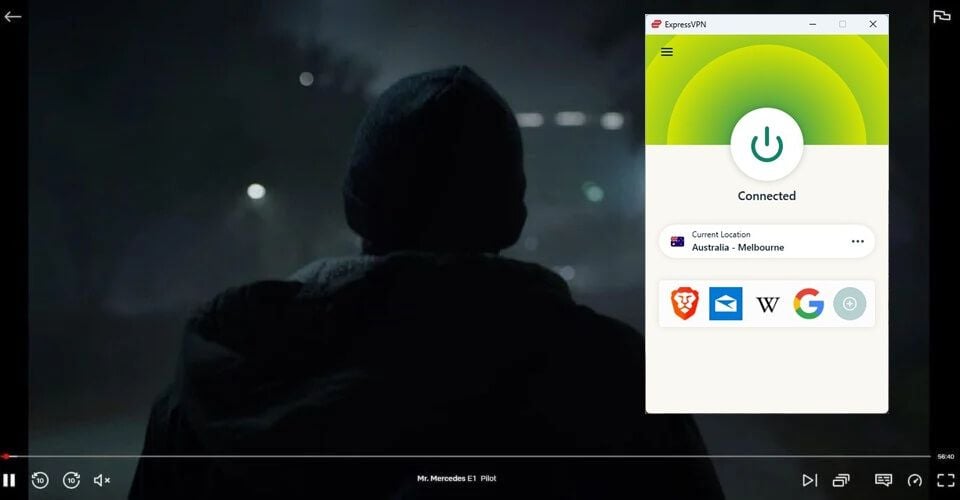
ExpressVPN’s claim on this list comes down to speed, the quality Netflix punishes you for lacking. In our tests, 4K streams started quickly and never dropped quality, even on faraway servers where most VPNs start to struggle. Credit goes to Lightway Turbo, the rebuilt version of its in-house protocol that runs encrypted tunnels in parallel, keeping distant Netflix libraries watchable in full quality. The unblocking record backs up the speed. Across our numerous tests, ExpressVPN opened over 15 Netflix libraries.
Those include the US, Japan, UK, Canada, Spain, Australia, and Germany (see more details in our ExpressVPN review). With 3,000 servers in 113 countries, the catalog map is well covered. Where ExpressVPN pulls ahead for living-room streaming is MediaStreamer, its SmartDNS service. It brings Netflix unblocking to smart TVs, consoles, and other devices that can’t install VPN apps, and setup takes a few minutes. For devices that can run VPN apps, the Fire TV Stick and Apple TV clients connect in one click.
The no-logs policy and leak protection run underneath, keeping Netflix from spotting the VPN and your ISP from spotting the streaming. Simultaneous connections range from 10 to 14 depending on your plan. The price argument has improved: the Basic plan currently costs $3.49 per month with the discount and 4 free months, though renewals climb steeply after that first term. A 30-day money-back guarantee means testing it against your Netflix wishlist costs nothing. Test it risk-free below.
4. CyberGhost: Cheapest VPN That Works With Netflix US
Pros
- Dedicated Netflix-streaming servers
- SmartDNS works on all devices
- Fast speeds with WireGuard
- Powerful 256-bit AES encryption
- Audited no-logging policy
Cons
- Lacks traffic obfuscation
- Limited to 7 devices at a time
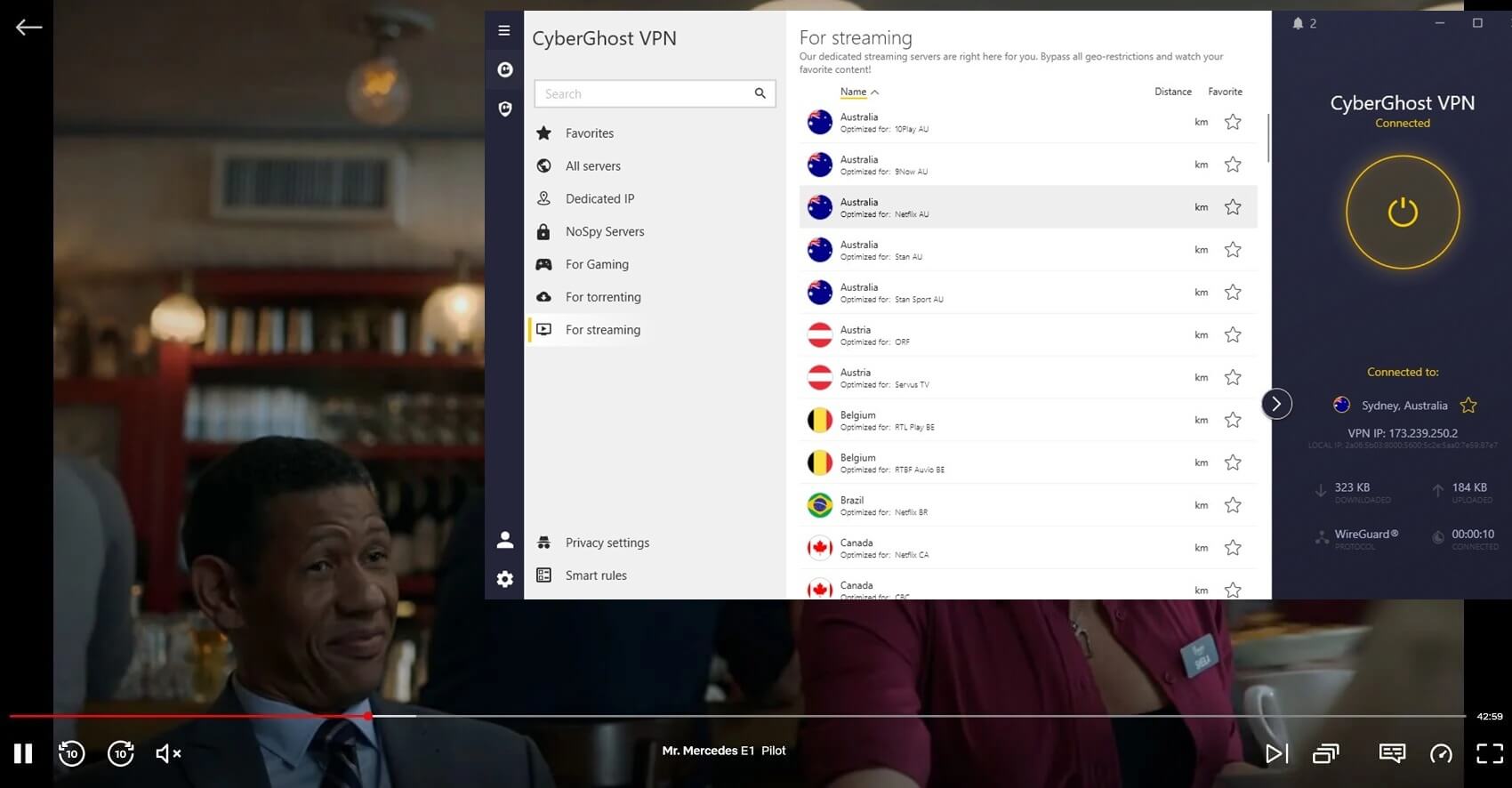
CyberGhost approaches Netflix differently than everyone above: instead of making every server work, it maintains dedicated streaming servers labeled by library. Open the list, pick “Netflix US” or “Netflix UK,” and you’re on hardware tuned and monitored for exactly that catalog. For anyone tired of trial-and-error server hopping, it’s the most beginner-friendly system. The results cover about 10 Netflix libraries, including the US, UK, Canada, and occasionally Australia and Japan. Others were mostly blocked.
WireGuard keeps Ultra HD smooth on the 12,000+ servers across 100 countries, and if a server ever stops cooperating, the 24/7 live chat will recommend a working Netflix server on the spot, a support perk none of the pricier rivals offer. SmartDNS rounds out the streaming toolkit, extending Netflix access to smart TVs and consoles, and native apps cover Fire TV Stick and Android TV for everything else. Seven simultaneous connections is the tightest allowance on this list, worth noting for bigger households.
The essentials run underneath without fuss: strong encryption, a kill switch, leak protection, and an audited no-logs policy from its Romania base. The weakness is censorship, since CyberGhost won’t work in China due to missing obfuscation, but that’s irrelevant to Netflix duty in most of the world. Pricing is the closest: $2.2 per month on the 2-year plan, a 45-day guarantee that doubles everyone else’s testing window, and a 24-hour free trial on Windows and macOS to sample before committing anything.
5. Surfshark: Unblocks 30+ Netflix Libraries in 2026
Pros
- Unblocks most Netflix catalogs
- Fast and stable speeds
- Virus and tracker protection
- Advanced security features
Cons
- Longer connection times
- Starter plan offers only basics
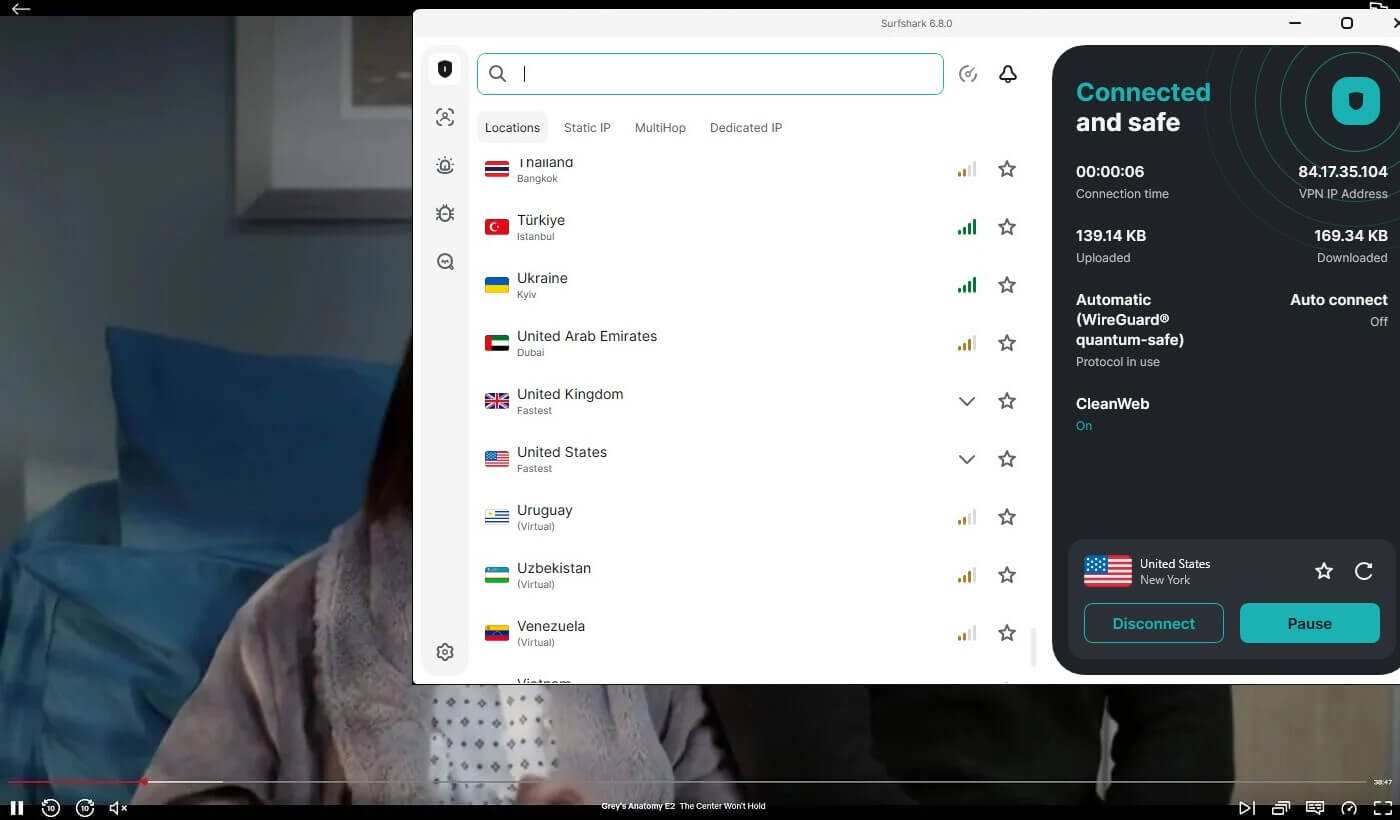
Surfshark closes the list, holding its record: over 30 Netflix libraries unblocked in our tests, more than any other provider here. The usual suspects (US, Canada, Australia, Japan, UK) all work, but it’s the long tail of smaller catalogs where Surfshark separates, so if your watchlist lives in Netflix Korea or Netflix Poland, this is the pick. A recent fleet upgrade brought the network to 4,500 servers in 100 countries, all streaming-capable. This VPN uses WireGuard to keep buffering out of the picture.
Leak protection matters more than it sounds for Netflix, since an IP or DNS leak is exactly how Netflix spots and blocks VPN users mid-episode. The household math is Surfshark’s other Netflix argument. Unlimited simultaneous connections mean one subscription streams on the living room TV, two phones, and a laptop at once. Native apps cover Fire TV Stick and the other devices, with SmartDNS available for the screens that can’t run apps. Occasional long connection times are the one wrinkle we hit.
However, once connected, streams stayed stable. CleanWeb improves the experience too, stripping ads and trackers from the browsing around your streaming, and higher tiers add antivirus if you want one subscription doing double duty. The pricing seals it: the Starter plan at $2.49 per month makes Surfshark officially the cheapest Netflix VPN on this page, with the One plan at about $2.79 adding antivirus. A 30-day money-back guarantee applies, and given the library count, it’s a lot of Netflix per dollar.
Best VPN for Netflix: Selection Methodology
Netflix is one of the hardest platforms to unblock, so picking the best VPN for Netflix takes more than reading feature lists. Here’s what our testing measured:
Is It Working With Netflix?
The obvious first hurdle, and the one that eliminated most candidates: at least 80% of the VPNs we tested got detected and blocked by Netflix outright. The five that made our list unblock the catalogs people actually hunt for, like Netflix US and Canada for the biggest mainstream selection, or Netflix Japan for anime staples like Attack on Titan, One Piece, and My Hero Academia. A tip for your own testing: Unogs.com shows which countries carry any given title. If Unogs says a show is available in the country you’re connected to but Netflix isn’t showing it, your VPN has been spotted.
Does It Have Fast Speeds?
Every VPN costs you some speed to encryption and server distance. The question is whether you notice. With picks like NordVPN and Proton VPN, streaming stayed smooth even on servers 1,000+ km away, and a Netflix Premium account could run 4K without complaint. Slow VPNs show themselves quickly through long load times and mid-episode buffering, which no catalog is worth.
How Many Servers Does It Have?
More server countries means more Netflix catalogs within reach. Our picks range from 3,000 to 20,000+ servers across 100 to 149 countries, with deep coverage in the US, UK, Canada, Australia, Japan, Germany, and Spain. No VPN unblocks every catalog, but that spread covers nearly any show worth chasing. CyberGhost and Proton VPN add dedicated streaming servers, which help with sites beyond Netflix, like iPlayer, Disney+, and Hotstar.
Does It Work With Other Platforms?
A VPN that only handles Netflix is a half-solution, since sooner or later your watchlist wanders elsewhere. All five picks unblock the other major platforms, with NordVPN the most capable overall: beyond 20+ Netflix catalogs, it opens foreign TV channels and other streaming services reliably.
VPN Working With Netflix Explained
Netflix has spent years improving its VPN detection, and the results show. The classic sign of a blocked VPN used to be the proxy error, and when a VPN isn’t working on Netflix, you may still see it today: The proxy error means Netflix has detected and blocked your VPN’s server. Until you switch servers, switch providers, or disconnect entirely, the platform stays off-limits.
🛑 Limited Access
The sneakier failure mode is partial unblocking. Say you want to unblock Netflix US abroad: you connect to a US server, open Netflix, and see American titles, so everything looks fine. But with a detected VPN, you’re often browsing only a fraction of the real catalog, the portion Netflix serves globally regardless of location. This tricks plenty of people into believing their VPN works when it doesn’t. Unogs exposes the gap, since it shows which titles the full catalog contains, so missing shows become obvious
Limited access has other tells too: a title appears in your search but throws the proxy error when you press play, or loading times stretch far beyond what your connection produces. In all these cases, the VPN half-works, which for practical purposes means it actually doesn’t.
✅ How to Know if a VPN Works With Netflix?
A working Netflix VPN shows none of the symptoms above. The full catalog appears, every title plays when clicked, speeds hold up, and no proxy errors interrupt. These were exactly the criteria behind this list, and our team’s spread across multiple countries let us compare native catalogs directly against the same catalogs unblocked through a VPN. Every VPN above passed that comparison at the time of testing.
Conclusion: What is the Best VPN for Netflix?
Finding the best VPN for Netflix in 2026 took serious testing on our end, but the shortlist makes your choice simple. NordVPN remains our top recommendation for combining the widest catalog access with the speed to stream it all in 4K, and the other four each carve out their own case, whether that’s Surfshark’s record-breaking library count or CyberGhost’s labeled streaming servers.
All five unblock the major catalogs, connect in a click, and back your purchase with a money-back guarantee, so testing one against your own watchlist carries no risk. Pick the one that fits and see what your subscription has been hiding. And if a foreign catalog leaves you without subtitles in your language, our guide on adding subtitles to Netflix solves that too.
Frequently Asked Questions
🧰 Netflix spots my VPN, what should I do?
Switch servers first, since another city in the same country often works (Salt Lake City instead of New York, for example), then clear your browser cache. If you're on a free or low-quality VPN, no trick will save it, and switching to a premium provider, like NordVPN or Proton VPN, will easily fix the problem.
🤑 Will a free VPN for Netflix work in [year]?
No, in most cases, it won't work with Netflix. Free VPNs get detected by Netflix almost always, and even the rare exception buries you in data caps, slow speeds, and missing server locations. Some also sell your data. With premium picks starting around $2 per month, the savings aren't worth it.
🛑 Why is Netflix blocking VPNs?
Licensing. Netflix buys streaming rights per country, so a show available in the US may be off-limits in Spain. VPNs let viewers cross those lines, which puts Netflix in breach of its licensing deals, so it blocks VPN traffic to keep rights holders satisfied.
⚖️ Is using a VPN for Netflix legal? Can they ban my account?
It's legal, and no one has ever been banned for it. The worst outcome is the VPN simply not working. We've used the same account through years of testing hundreds of VPNs, and it's still active today.
⚙️ What VPNs work with Netflix?
NordVPN, Proton VPN, and ExpressVPN are the best VPNs that work with Netflix. They will unblock the most popular libraries and offer the fastest speeds for UHD streaming.
🔓 How to get Netflix unblocked?
With a VPN. No proxy can beat a VPN for Netflix for unblocked Netflix. Get a high-quality VPN, connect to a server, and enjoy all the previously geo-restricted movies and series.
