The NordVPN Steam Deck setup may seem complex. While Steam Deck doesn’t work with a VPN natively, it doesn’t mean you can’t take advantage of one. We’re discussing a highly popular gaming device, especially for gamers wanting portability and gaming on the go. It’s easy to see why so many want a VPN.
They need to bypass geo-blocks, get better gaming deals, ward off DDoS, and dodge ISP throttling. Installing a VPN on Steam Deck, particularly NordVPN, kills all flies with one hit. This guide explains the whole NordVPN Steam Deck setup and highlights its many benefits for gamers and even casual users.
How to Install NordVPN on Steam Deck?
First of all, it’s important to mention that a Steam Deck VPN can’t be installed as an ordinary app. Steam Deck uses a system called SteamOS, a Linux distribution based on Arch Linux. NordVPN supports Linux, which is great, but SteamOS is a lot different than other Linux systems like Ubuntu, Debian, and others.
Before we move on to installation, you need to subscribe to NordVPN. If you didn’t do it, click below to get an exclusive discount for biennial plans. Rest assured, you also get a full 30-day money-back guarantee for a possible refund. Got it? Okay, now let’s learn how to install NordVPN on Steam Deck in 2026.
- Download Decky Loader from GitHub. You can find the latest version here.
- Grab your Steam Deck and click three horizontal dots on the right side.
- Choose Plugin Loader.
- You’ll now open the Plugin store, where you can find the plugin called TunnelDeck. Search for it and install it on your Steam Deck.
- Launch TunnelDeck once it’s installed.
- In the app, turn on the option to install OpenVPN.
- Go to the Desktop Mode. To do that, tap the Steam button, select Power, and then press Switch to Desktop. Your Steam Deck will reboot to the Desktop Mode.
- Open the Menu and go to System Settings.
- Choose Network and then go to the Connections tab.
- Click the + icon. When the new menu opens, scroll down and under Other, select the option that says Import VPN connection…, then click on Create.
- Get NordVPN’s OpenVPN configuration file. You can find all OpenVPN configuration files by signing in to your account. Download the config file for the server you want (it has 9,000+ servers in 130 countries).
- Once the configuration file is downloaded, go back to Step 9, and once you click on Create, search for the downloaded file location. Select the configuration file and press Open.
- A prompt asking you to copy your certificates might appear; click Yes.
- Under username and password, enter the credentials you provided during subscription.
- Click on the drop-down menu that, by default, has the option Store password for this user only (encrypted) enabled. Change it to Store password for all users (not encrypted).
- Click on Apply.
Using NordVPN on Steam Deck
With the 16 steps above completed, you successfully installed NordVPN on Steam Deck. To use it and connect to NordVPN, follow these straightforward steps:
- Go back to the Gaming Mode on your Steam Deck.
- Open the Menu on the right by clicking on the three horizontal dots.
- Select TunnelDeck.
- Now, you should see your newly-created connection from NordVPN.
- Toggle the button next to it to ON, and the connection will be established.
- To make sure you have a new IP address, you can use iplocation.net. The new IP address should be from the country where the server you selected is located.
NordVPN Steam Deck Setup: Features & Benefits
NordVPN is referred to as one of the top VPNs for PS5. However, many users enjoy this VPN on Windows and other platforms capable of gaming. Installing NordVPN on Steam Deck has many advantages, such as:
Bypassing Geo-Restrictions
NordVPN on Steam Deck will help you get over geo-blocks. Therefore, you can unblock restricted games or access in-game content unavailable in your country. In addition, gamers will also like the ability to watch Netflix and other streaming services. The VPN service is proven to work with different libraries.
Once you connect to a particular server, you can unblock the streaming service of your choice. Remember that the provider has servers in 130 countries, which is plenty even for the most demanding users. We actually analyzed Netflix performance with NordVPN and learned that it could unblock over 25 libraries.
Gaming With Low Ping
Low-ping gaming seems like a utopia, especially when talking about VPNs that tend to slow down your connection. However, with NordVPN and its NordLynx protocol, you can enjoy some of the fastest speeds around. Our numerous tests confirm this. Many of our team members use NordVPN for gaming with no issues.
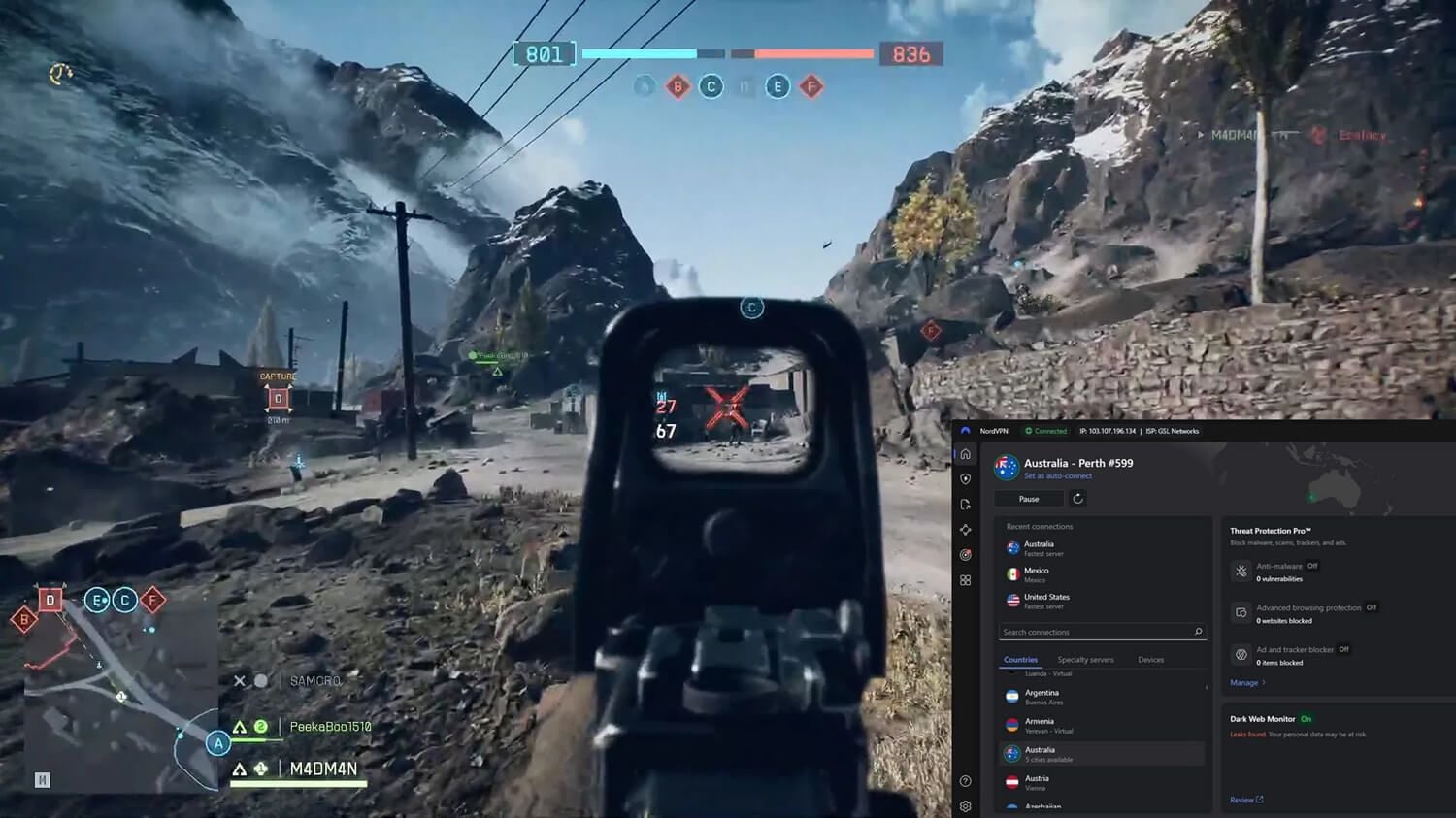
Games like CoD Warzone, CSGO, and many others will work like a charm. This also rings true when using servers overseas, where NordVPN shows an impressively low latency. In 2026, it’s also a highly popular VPN for Battlefield 6, both for getting bot lobbies and enjoying fast and responsive gameplay at any moment.
Avoiding DDoS, Doxxing & Swatting Attacks
Security and privacy are NordVPN’s strongest sides. It uses powerful 256-bit (post-quantum) encryption with a kill switch and IP/DNS leak protection. This ensures full DDoS, doxxing, and swatting protection, as your IP address is completely hidden from the other players. In addition, it shields against ads and malware.
NordVPN even offers Double VPN servers to double your encryption and keep you private. All this makes the NordVPN Steam Deck setup highly beneficial for gamers. Yet, we haven’t even mentioned its no-log policy, a staple of NordVPN’s business that makes it very popular among privacy-conscious users.
Play Safely Online with NordVPN
Private Lan Parties
Did you know that NordVPN lets you create private LAN parties remotely? Meshnet, as you may know, is a gaming-oriented feature unique to NordVPN. It lets you create secure LAN parties for gaming, allowing you to invite several players and play with encryption that shields you from all nasties.
However, Meshnet offers plenty of other benefits outside the NordVPN Steam Deck setup. For instance, it lets you route your traffic through another Meshnet-enabled device and get over the Netflix password-sharing ban. Similarly, you navigate geo-blocks and amplify your internet experience across all devices.
Support for All Platforms
This VPN works on all devices. Aside from installing NordVPN on Steam Deck, you can use it on your PC, laptop, tablet, or smartphone. Furthermore, the provider is router-friendly, and streaming enthusiasts will be glad that the VPN provider will work on Kodi. NordVPN’s broad compatibility leaves no one ambivalent.

Plus, you can always protect more than one device at a time. To be precise, NordVPN allows ten simultaneous connections, perfect for gamers with multiple devices who need privacy on all of them without added cost.
Using NordVPN on Steam Deck: Summary
So now that you know how to install NordVPN on Steam Deck, it shouldn’t pose a problem. At first, it sounds complex and time-consuming, but it revolves around installing TunnelDeck and Decky Loader. Once that is completed, you’ll need to get config files from NordVPN by signing in to your account.
With that in place, you need to add a VPN connection and connect to it when you switch to Game mode on Steam Deck. That’s all there is. The service is simple to use, yet it’s one of the most powerful gaming VPNs your money can buy. It’s also noteworthy that this VPN lets you change the region of your Steam account.
Get NordVPN and Play on Steam Deck
Frequently Asked Questions
Is it safe to use NordVPN on Steam Deck?
Yes, it’s safe. NordVPN is among the most secure VPNs you can get. However, it’s also fast and reliable for gamers looking for low latency and enjoyable sessions. Besides, it also has a no-log policy and diskless servers, all aimed at user privacy. It’s no wonder it has so many third-party security audits in 2026.
What is the best VPN for Steam Deck?
The best option is definitely NordVPN. However, ExpressVPN and CyberGhost are decent as well since they’re almost as fast, but equally secure and dependable. Some of their plans may even cost less overall.
Will a free VPN for Steam Deck work?
No, it won’t. Free VPNs are a bad idea for gamers since they have limited bandwidth, data, and security and privacy features. Free VPNs for gaming exist, but again, they’re limited and more for casual players.
