
A free VPN for Linux offers privacy and security perks that this open-source system needs. As you know, Linux is secure, but malicious actors and government surveillance are often non-system-related. When you browse the web, you’ll also encounter geo-blocks that only a free Linux VPN can bypass. Similarly, when streaming or gaming, your ISP may throttle your internet speed, turning fun into a nightmare.
Installing a free Linux VPN costs nothing, but it rids you of all the issues. Having tested over 50 providers for this guide, we narrowed down our comprehensive list to just 6. Since a really free VPN for Linux usually isn’t impressive, we added a few free trial VPN options for an unlimited experience for up to 45 days without paying. Our detailed Free Linux VPN September 2026 list is below.
Best Free VPN for Linux in 2026: Shortlist
- NordVPN – Best free VPN for Linux 2026 (free for 30 days)
- ExpressVPN – Fast and free Linux VPN (free for 30 days)
- CyberGhost – Streaming-friendly free Linux VPN (free for 45 days)
- Proton VPN – Best really free VPN for Linux with unlimited data
- Hide.me – Best free Linux VPN for security and privacy
- Windscribe – Customizable free VPN for Linux distros
Best Free VPN for Linux for Up To 45 Days
In our recent guide, we talked about the best premium VPNs for Linux. We explained that using a paid provider is better, as it’s unlimited in terms of data and performance, plus, it has an array of security features that 100% free services are missing. That said, let’s first discuss these superior options.
🥇 NordVPN: Best Overall (Free for 30 Days)
Pros
- Good Linux support
- Advanced security features
- No-logging policy
- GUI available on Linux
- Works for streaming
- P2P servers on Linux
- 10 simultaneous connections
Cons
- Not free permanently
- Complex interface
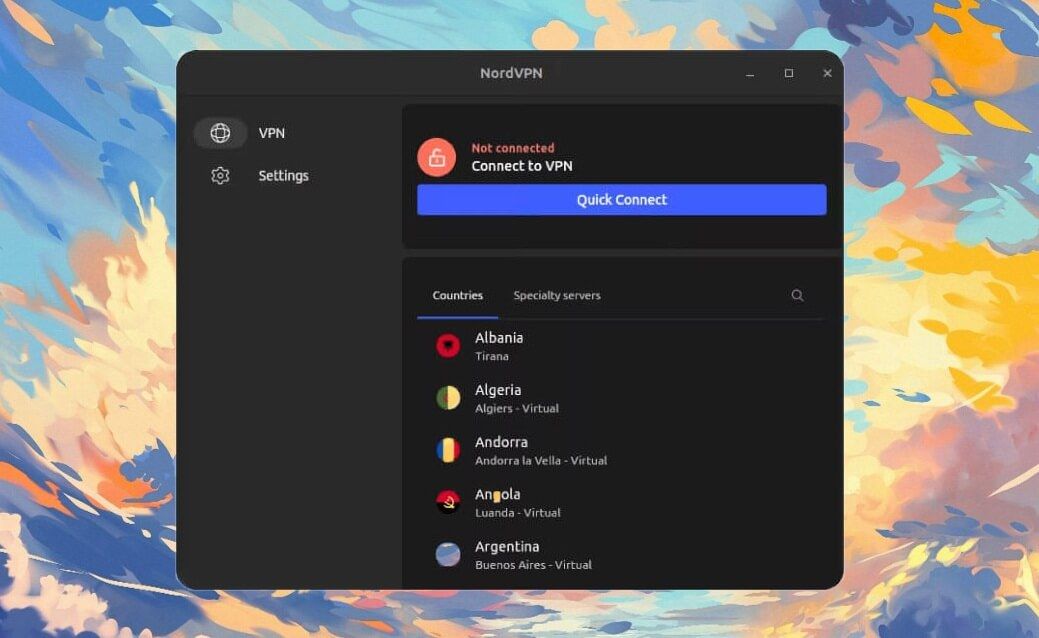
NordVPN tops the free Linux VPN list with its 30-day money-back guarantee and a 3-day free trial when you register on Android. It’s famous for its 9,300+ servers in 137 countries, a wide selection of security features, and an audited no-log policy. As the best free VPN for Linux, it supports all popular distros.
These include Ubuntu, Debian, Mint, Elementary OS, and others. Plus, for each distro, you get in-depth guides on the site, helping you install the VPN within minutes. NordVPN uses the fastest NordLynx protocol for superb performance, while its 256-bit encryption protects you from snoopers and hackers.
⭐ NordVPN Linux Update: In 2025, NordVPN replaced its old Linux VPN app with a full GUI for easier installation and connection. Its GUI offers one-click connections and a higher customization level regarding protocol selection and advanced security features.
Unlike a really free VPN for Linux, NordVPN also shields you against malware and trackers. It also doesn’t restrict your bandwidth or data, essential for gaming and streaming. On that note, NordVPN works with Netflix and other streamers. Simultaneously, it’s best for P2P due to fast and secure servers.
NordVPN supports all devices and protects up to 10 of them at a time; a regular free Linux VPN protects only one. NordVPN’s only flaw is that it’s not free permanently, but again, you have a long NordVPN free trial. If you decide to go Premium, its Basic plan at only $3 per month isn’t too expensive, either.
🥈 ExpressVPN: Best for Speed (Free for 30 Days)

Pros
- Easy Linux setup
- Fast connection speeds
- Suitable for streaming
- GUI on Linux
- Tracker protection
- Servers in 105 countries
Con
- Not free forever
- No MultiHop servers
ExpressVPN is a free VPN for Linux for 30 days with a money-back guarantee for 3 days with a free trial on iOS and Android. During our tests, it worked well with all popular distros and was particularly great to use on Ubuntu. Like NordVPN, it has unlimited data and speeds due to 10 Gbps server throughput.
Having tested its speeds, ExpressVPN was fast for bufferless streaming on Netflix and playing online games without lag. Simultaneously, we enjoyed fast torrenting and smooth browsing across all systems. ExpressVPN is pretty safe, using 256-bit AES encryption and a kill switch for immaculate leak protection.
⭐ ExpressVPN Linux Update: In 2025, ExpressVPN also replaced its CLI app with a full-fledged GUI on Linux. It now resembles its apps on other desktop systems, with excellent customization options, easier server selection, and a faster, more responsive overall experience.
The VPN even blocks ads and trackers, and uses a proprietary Lightway Turbo protocol to maintain stability and speed. ExpressVPN’s free VPN Linux setup guides are very useful since they allow for a fuss-free setup. Depending on the plan, you can also protect 14 devices at a time, enough for most people.
ExpressVPN lacks a few features compared to NordVPN (like Double VPN), but it’s safe (it has a no-log policy), fast, and ready for all challenges. Even if you decide to pay for it, the Basic plan at $2.79 per month is nearly free. It’s one of the best ExpressVPN discounts for those wanting a top-quality Linux VPN.
🥉 CyberGhost: Best for Streaming (Free for 45 Days)
Pros
- Optimized for P2P
- Automatic kill switch
- Excellent privacy features
- Cheap premium plan
- Wide server network
Cons
- No GUI on Linux
- No obfuscation
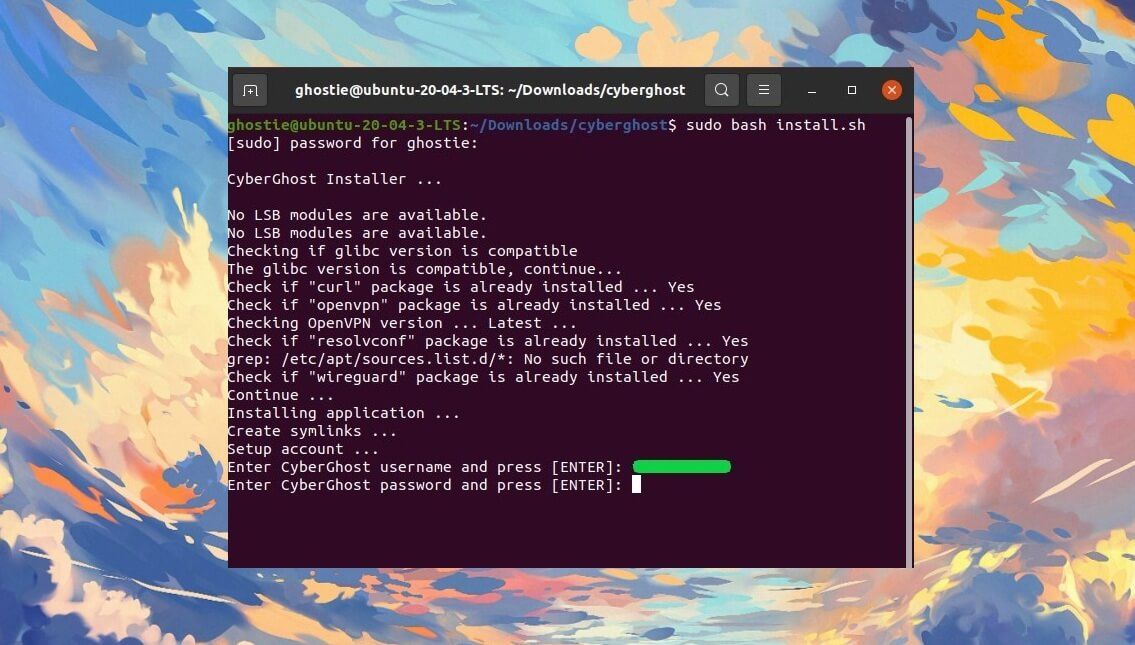
CyberGhost lets you use its free VPN for Linux for 45 days with a money-back guarantee. You also have free trial options: 3 days for Android and 7 days for iOS sign-ups. The 24-hour trial is available for Windows and macOS users. CyberGhost has a massive server span with 12,000+ servers in 100 countries.
Add to that dedicated streaming and torrenting servers, and CyberGhost sounds promising. It also includes NoSpy servers, which the VPN operates independently for maximum privacy. CyberGhost also doesn’t store logs, keeping all activities private. Its Linux app support is also among the strongest.
Supported distros include Ubuntu, Mint, Fedora, Kali, CentOS, and others. You’ll find many installation tutorials, as well, making the setup fuss-free. CyberGhost’s biggest weapon may be security, with top-tier ad-blocking, support for WireGuard, and mighty encryption for head-to-toe threat protection.
Finally, CyberGhost is cheap if you want to use it permanently. At about $2.19 per month, it’s pretty much for everyone’s pocket. But a CyberGhost free trial lets you test the free VPN for Linux and see if it works for you. If not, consider the previous VPNs or go for the really free Linux VPN if you don’t want to pay.
Best Really Free VPN for Linux (No Credit Card)
If NordVPN, ExpressVPN, and CyberGhost aren’t what you want, let’s discuss a free VPN for Linux that doesn’t cost a cent. To be clear, these providers require only an account, which is free to make, and don’t require a credit card or any upfront payment. That said, they are free permanently. Here’s what they offer:
| GUI | Data | Speeds | Streaming | Torrenting | |
| NordVPN | Yes ✅ | Unlimited | Fastest 🔥 | Allowed ✅ | Allowed ✅ |
| ExpressVPN | Yes ✅ | Unlimited | Fastest 🔥 | Allowed ✅ | Allowed ✅ |
| CyberGhost | No ❌ | Unlimited | Fast 🔥 | Allowed ✅ | Allowed ✅ |
| Proton VPN | Yes ✅ | Unlimited | Good | Blocked ⛔ | Blocked ⛔ |
| Hide.me | No ❌ | Unlimited | Good | Blocked ⛔ | Blocked ⛔ |
| Windscribe | Yes ✅ | 10 GB/mo | Good | Limited | Limited |
1. Proton VPN: Free Linux VPN with Unlimited Data
Pros
- Unlimited data
- Robust Linux support
- Good for privacy
- GUI on Linux
Cons
- No torrenting
- Not the fastest VPN
- One device limit
- Not working for streaming
Proton VPN isn’t a lightning-fast free VPN for Linux. It won’t win any speed medals, but it offers unlimited data, ideal for frequent internet users. Moreover, Proton VPN has some of the best security features and a strong privacy pedigree. It’s a Swiss-based VPN, which explains why it’s so trustworthy.
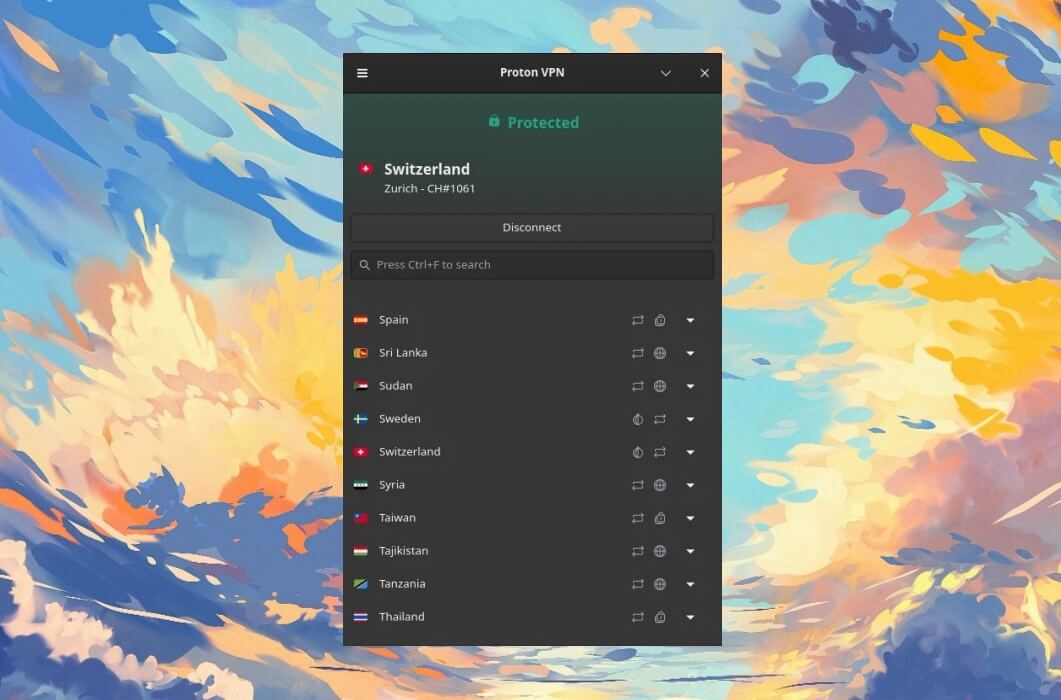
When we tested this free Linux VPN, we liked a few features: its automatic kill switch, support for WireGuard, and strong leak protection. But above all, Proton VPN supports major Linux distributions like Manjaro, Arch, Ubuntu, Fedora, and Debian. Unlike most providers on the list, Proton VPN has a full GUI.
That means it’s easier to install and use. Unfortunately, here starts the downfall. Proton VPN doesn’t let you download torrents or choose the server. It connects you to the fastest one. You also don’t have access to premium ad-blocking or Double Hop connections. Finally, you can protect one device at a time.
Proton VPN is phenomenal for browsing and light content consumption. However, if you need slightly more, our free Linux VPN options for up to 45 days are better. Also, consider getting Proton VPN Premium to unlock all the features and enjoy it more. As a free VPN for Linux, it’s good, but far from excellent.
2. Hide.me: Best for Privacy & Security
Pros
- Unlimited data
- VPN obfuscation
- Decent speeds
- Easy-to-use app
Cons
- No simultaneous connections
- It doesn’t block ads
- Torrenting is restricted
- Only 8 server locations
Hide.me is the best free VPN for Linux for those seeking maximum security and privacy. This is a Malaysia-based VPN, so expect an audited no-log policy. Furthermore, it has most of its essential security features in the free plan, such as a kill switch, WireGuard, SoftEther for obfuscation, and leak protection.
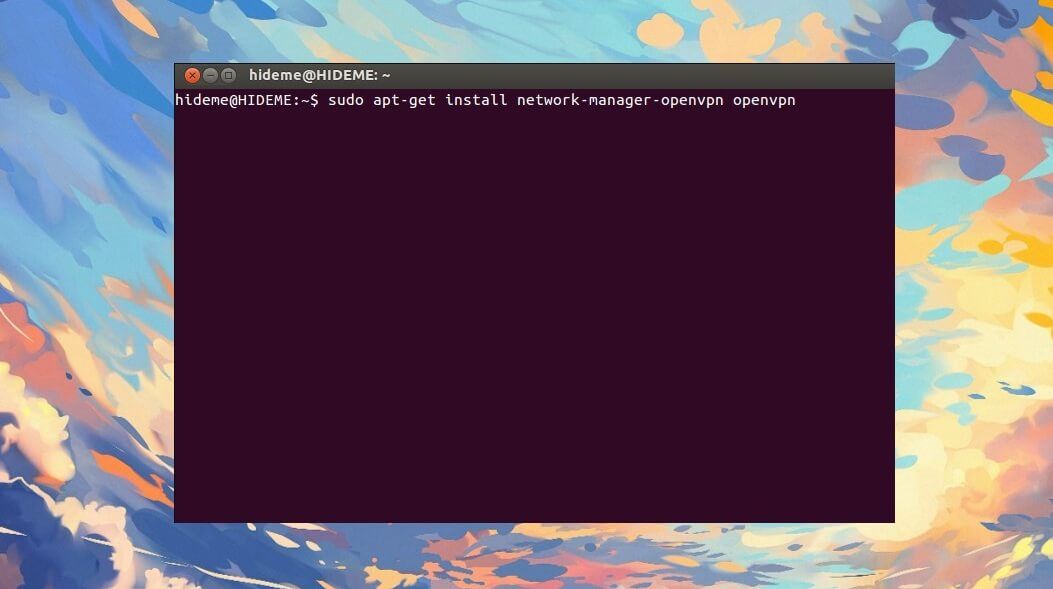
The VPN can be set up on all major Linux distros thanks to easy setup guides on the site. If you do this, you’ll enjoy fairly decent speeds, eight server locations (you can choose which one you want to use), and safe browsing. When we tested Hide.me, we liked its premium version, but this one isn’t as great.
While it offers unlimited data like Proton VPN, torrenting is restricted, and streaming services can’t be unblocked. Another downside is the single-device limit, which lets you protect only one device at a time. Expectedly, Hide.me lacks many premium features, so it won’t block ads or use MultiHop.
Ultimately, this free VPN for Linux is a good browsing option, but it doesn’t offer anything more. If you value robust encryption standards, commendable logging practices, and a slew of essential VPN features, you’ll like it. Free VPN are rarely good for torrenting, streaming, or anything else, and Hide.me proves that.
3. Windscribe: Feature-Rich & Free Linux VPN
Pros
- Advanced security features
- Double hop connections
- Solid Linux support
Cons
- 10 GB data cap
- Complex for beginners
- Limited server selection
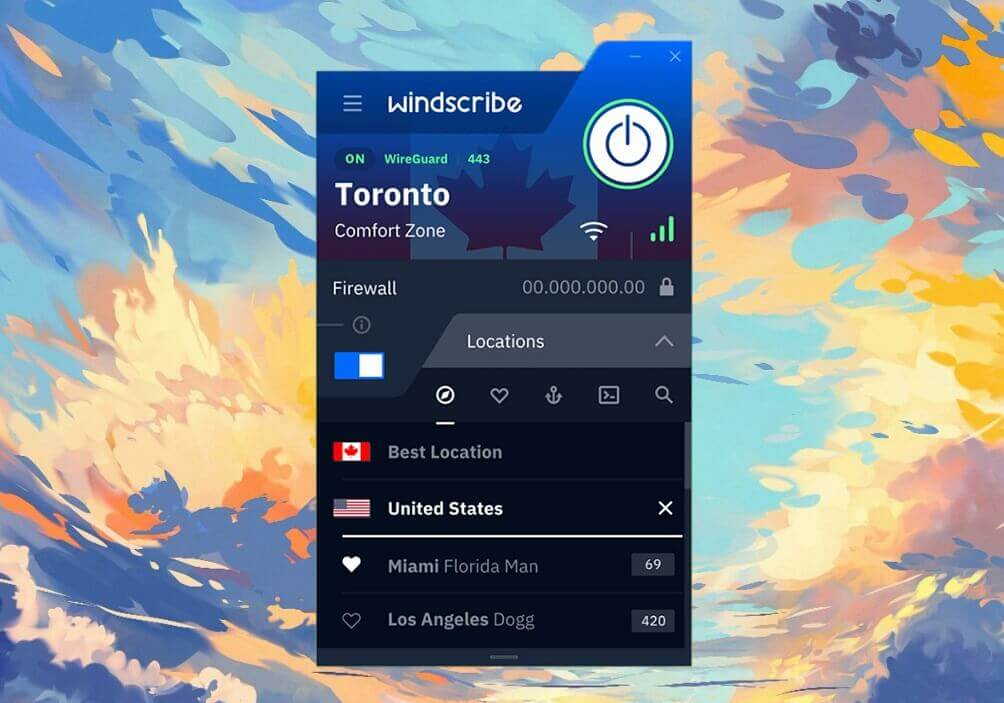
Windscribe is a solid free VPN for Linux with plenty of security features and customization options for advanced users. For starters, it supports all major distros, including CentOS, Arch, Fedora, Debian, Ubuntu, and openSUSE. Windscribe also has a wide selection of protocols suited to speed and security.
You can use WireGuard for speed or Stealth to bypass censorship. Windscribe performs like a premium VPN given its ability to unblock streaming services and download torrents on all its servers. Additionally, it offers DNS leak protection and operates on a no-log policy to protect your privacy and keep you safe.
We love that you can manually configure Windscribe VPN on Linux. On top of that, the VPN allows HTTP and SOCKS5 proxies, good if your device doesn’t natively support VPNs. Sadly, Windscribe limits your data to 10 GB per month, making it the only free VPN for Linux with this glaring limitation. Is it that bad?
We’d say yes. 10 GB of data is insufficient for anyone who uses the internet every day. If you download and stream, you’ll spend all your data in two to three days tops. But if you’re a non-demanding user and want total security and privacy for your infrequent online visits, it may be one of the safest options here.
Free VPN for Linux to Avoid
Picking a random free VPN for Linux Mint, CentOS, or any other distro will likely not end well. While the 6 we presented are perfectly safe and reliable, others may not follow in the same footsteps. During our tests, we came across these three that we believe aren’t fit for the title of the best free VPN for Linux in 2026.
❌ Hotspot Shield
Hotspot Shield is a premium VPN with a free tier. While it supports Fedora, Ubuntu, Debian, and CentOS, it requires a premium plan to be usable on Linux. If you use its free version, you can forget about it. But even if its free version worked on Linux, you should still avoid it. It’s very intrusive in terms of logging, and it’ll jeopardize your privacy by storing even the most sensitive information on its servers.
❌ SecurityKISS
SecurityKISS is another free Linux VPN that many people recommend for Linux distros. But it’s far from great. Its privacy policy is flimsy, and it’s speculated that it stores a lot of user information. One of the worst aspects of SecurityKISS is its outdated VPN protocols. People complain about its use of PPTP, one of the least secure protocols, which can expose your IP address and void all the security you had.
❌ Speedify
Speedify is a simple-to-use free VPN that requires no account. It works on Linux, but has 2 shortcomings. For one, it has a tiny 2 GB data limit. Two, Speedify will also store logs of your browsing history, IP address, and all other sensitive bits of information. When looking for the best free VPN for Linux in 2026, this is the last thing you want if you care even the slightest about your online privacy.
What Makes the Best Free VPN for Linux
With the 6 free Linux VPN presented, we’ll explain our selection process. Our list wasn’t generated by AI or built randomly, as we hand-picked every VPN based on experience. In short, this is what we looked for:
- Security. Many free VPNs for Linux sacrifice your security and privacy, but we avoided those. These 6 offer robust encryption, leak protection, kill switches, and modern protocols for airtight security.
- Privacy. Free providers tend to store logs and violate your privacy. As expected, none of our chosen providers does that. They’re built for privacy, offering RAM servers, no-logs policies, and several third-party audits under their belts.
- Performance. All 6 picks have at least decent speeds and performance thanks to 10 Gbps servers, WireGuard, and mostly unlimited data and bandwidth.
- Ease of use. Our really free Linux VPN providers require only your email. No complex setups and sign-up processes to take up your time. Their apps are user-friendly and allow one-click connections.
- Compatibility. All 6 providers have apps for all major platforms. The first three even support tvOS, routers, Smart TVs, and other devices. The other three work on iOS, Android, Windows, macOS, and Linux, so all your phones, computers, laptops, and tablets can be protected for free.
Conclusion
The best free VPN for Linux can go two ways. If you need one temporarily, premium free trial providers are your best bet. NordVPN, ExpressVPN, and CyberGhost top our list with their unlimited speeds, rock-solid security, streaming, torrenting, and everything else. You can use them for up to 45 days for free.
The only downside is that they’re not free permanently. If that bothers you, consider a really free VPN for Linux, and in this case, choose Proton VPN, Hide.me, or Windscribe. They will be free forever and won’t require a credit card. That means you can sign up, download them, and use them immediately.
However, they have severe limitations that you won’t find in premium providers. They lack some security features, some even restrict your data, and don’t allow torrenting or streaming. In all three, you also have a one-device limit, so multi-device VPN protection is out of the picture. Ultimately, the choice is on you.
Frequently Asked Questions
🆓 What is the best free VPN for Kali Linux?
The best free VPN for Kali Linux is Proton VPN. It offers unlimited data, doesn't require your credit card, and can be used for free forever. On top of that, it even offers a GUI, so it's very easy to set up and use.
🐧 What is the best free VPN for Linux Mint?
The best free VPN for Linux Mint is Proton VPN, with a free tier without a data cap, fast speeds, and solid security features. Also consider Hide.me with a no-log policy and servers in 8 popular locations.
✅ Can I use a free VPN for Ubuntu?
Yes, you can, and Proton VPN is the best free VPN for Ubuntu. However, you're better off with a paid Ubuntu VPN, such as NordVPN, which you can use for free for 30 days with a 30-day money-back guarantee.
🛡️ Does Linux have a built-in VPN?
No, it doesn't, but it has support for manual VPN connections. You still must get either a free VPN for Linux or pay for one to take full advantage of it. No operating system has a built-in VPN service.
