As the most popular CMS, WordPress offers countless ways to make your dream website. However, to set it up, you’ll need the best WordPress hosting. Many hosting services allegedly provide all you need for a WordPress site, but in our experience, very few are actually good.
With this in mind, we ventured forth and tested over thirty WordPress hosting services in 2026. We examined their performance, price, features, ease of use, and more. In the end, we made a list of the five best WordPress hosting providers that stood out the most. Best of all, they don’t cost a fortune!
So, if you want to build a site with WordPress, this is your starting point. Let us display our top picks right away, and in a few seconds, we’ll delve deeper into our experience with each.
5 Best WordPress Hosting Providers Ranked
- Hostinger – the best hosting for WordPress websites overall
- SiteGround – the fastest WordPress hosting solution
- Bluehost – best for ease of use and simplicity
- GreenGeeks – an eco-friendly hosting service
- InMotion Hosting – best for performance and security
Best WordPress Hosting Services Reviewed
Okay, so our top five are above. If you want the best of the best, pick Hostinger. If you’d rather explore other options, which we wholeheartedly recommend, read on and determine the best one for your needs.
1. Hostinger
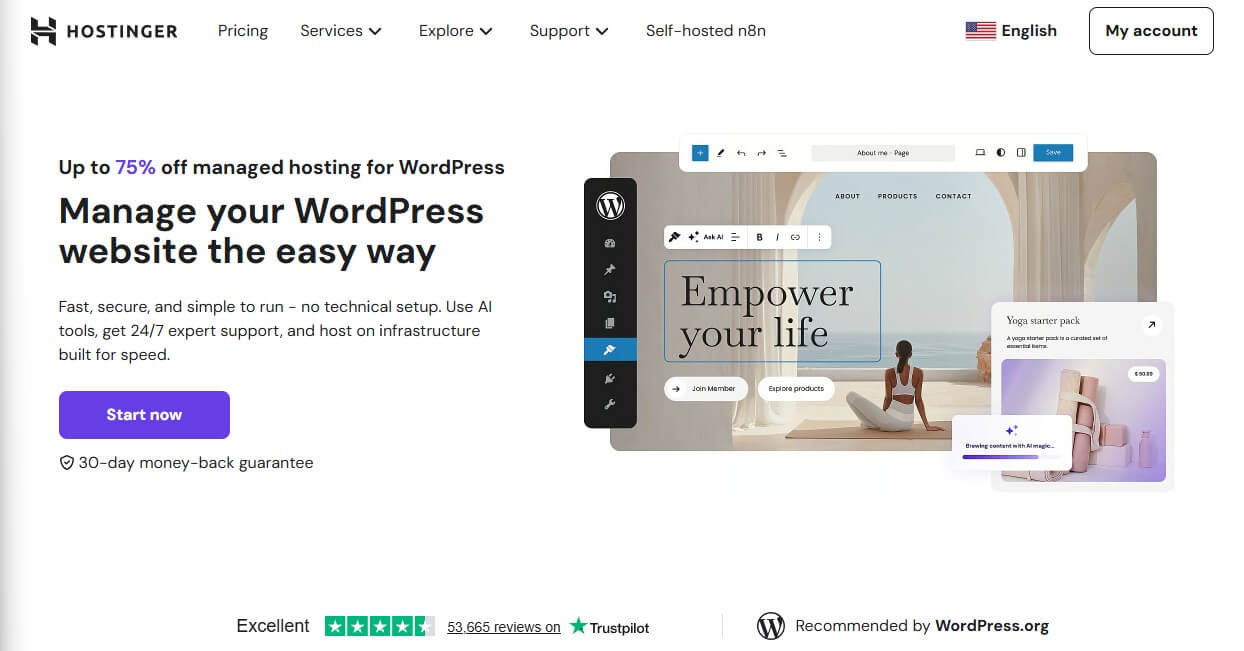
Hostinger is a no-brainer in this aspect. Instead of using the word WordPress casually, its business model revolves around it. It’s a fully managed service, which means it handles optimization, security, and maintenance for you, allowing you to focus on your website or online shop.
Pros
- Fully managed WordPress hosting
- Website staging
- One-click WordPress setup
- Free CDN (Content Delivery Network)
- Impenetrable security
- NVMe storage (up to 100 GB)
- Free domain for the first year
Cons
- No dedicated servers
- hPanel takes time to get used to
WordPress Features
We’ll emphasize WordPress features here, and for other features, you can read our Hostinger review. Let’s start with its ability to host up to 100 websites on up to 100 GB of NVMe storage. Hostinger also includes an AI website builder, which helps create blogs or write product descriptions.
A huge selling point is a free domain, which lets you start a website right away. During our assessment of its Business plan, Hostinger allowed us to back up our sites daily and on demand. Moreover, we used its AI Agent for WordPress for further maintenance and bespoke optimization.
Hostinger includes a free CDN, which speeds up loading times. On that note, it also uses LiteSpeed servers, resulting in staggering performance. We tested its uptime and detected that it adheres to the 99.9% promise. Meanwhile, you have extras like email marketing, WordPress staging, and SSL.
Speaking of that, Hostinger’s security is on point. Your WordPress hosting comes with a web application firewall, DDoS protection, 24/7 proactive monitoring, and malware protection. For hosting management, you’ll use hPanel, one of the most beginner-friendly options on the market.
Finally, Hostinger offers 24/7 live chat support to help whenever needed. Plus, if you opt for the Cloud Startup plan, you’ll enjoy a unique (dedicated) IP. We don’t need to mention that you can set up WordPress with a click, and if needed, install WooCommerce to host an online store reliably.
Pricing
For a managed service, Hostinger is jaw-droppingly inexpensive. The Premium plan is $2.99 monthly for 48 months and three free months on top. Our favorite is the Business plan at $3.99 monthly, while more demanding users can use Cloud Startup at $7.99 monthly (cloud hosting plan).
Hostinger also offers affordable VPS plans with one-click app installation. These plans also support n8n hosting, but also WordPress, Magento, and other CMS. Test any plan risk-free with a 30-day money-back guarantee.
2. SiteGround

SiteGround is dangerously close to Hostinger in every aspect. The only letdown is the price and the lack of a free domain name for a year, which all other providers on this list offer. Still, this doesn’t exclude it from the ranking of the most widely adopted WordPress hosting picks.
Pros
- Exceptionally fast NGINX servers
- Unlimited free email hosting
- On-demand site backups
- Automated migrations
- AI anti-bot protection
- 99.9% uptime guarantee
Cons
- No free domain for a year
- Higher prices
WordPress Features
SiteGround allows you to host up to unlimited websites, providing unmetered traffic and fast SSD storage. WordPress features are countless. From an auto-installer and WooCommerce support to automated migrations, plugin updates, speed and security optimization, and WP-CLI.
SiteGround’s highlight is the speed. In our tests, it outperformed Hostinger, providing superior loading times and slightly higher uptime. This is due to NGINX web servers and the built-in CDN. SiteGround also uses the SuperCacher technology, adding to the snappiness of each hosted site.
As expected, SiteGround packs tons of other features, like free email hosting, access to unlimited databases, and daily backups. WordPress hosting from SiteGround also supports on-demand backups and staging, while higher-tier plans include free private DNS and more server resources.
SiteGround’s security is top-notch, with features like a web application firewall, DDoS protection, and an AI anti-bot that keeps all threats away. Despite being so advanced, SiteGround’s control panel (Site Tools) is great for beginners who will feel right at home.
Pricing
SiteGround starts at $3.99 for the StartUp plan, which hosts a single website on 10 GB of storage space. Our team recommends the GrowBig plan at $6.69 monthly, unlimited sites, and 20 GB of storage. It also supports up to 100,000 monthly visitors, making it decent for mid-sized websites.
It’s worth noting SiteGround’s cloud hosting, which you can also use for WordPress. However, its sky-high prices don’t make it the best choice in this regard. We’d much rather use its shared hosting, which has a 30-day money-back guarantee, serving as a month-long free trial.
3. Bluehost
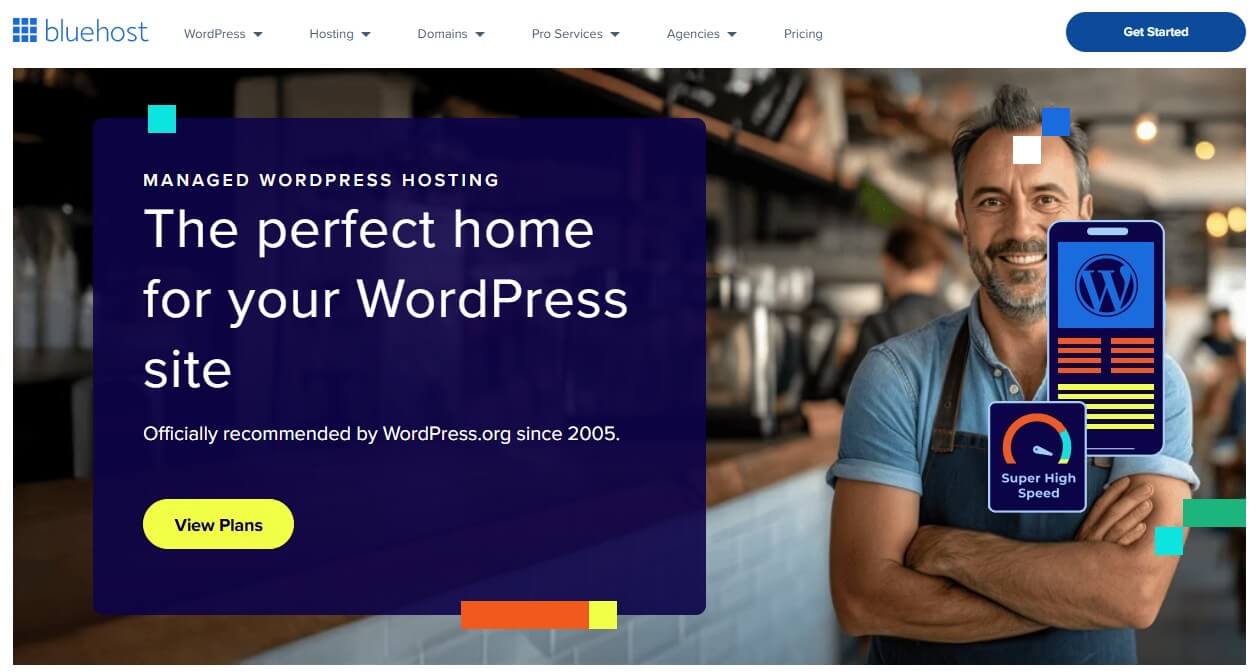
As one of the best-rated WordPress hosting services in 2026, Bluehost is another hassle-free option. By hassle-free, we refer to fully managed WordPress hosting with a one-click setup, automatic updates, bespoke optimization, and even plugin updates to remove vulnerabilities.
Pros
- Recommended by WordPress
- Softaculous installer
- cPanel hosting (great for beginners)
- NVMe storage in all plans
- Website staging
Cons
- Average performance
- Higher renewal cost
WordPress Features
Bluehost sounds so perfect, so why isn’t it higher on the list? Simply put, it’s only about speed, as Bluehost is a lot slower than SiteGround and Hostinger. Its renewal prices are higher, but apart from that, you get outstanding WordPress hosting with a free domain for a year.
Freebies don’t stop there, as Bluehost also packs a free migration tool, a CDN, and a selection of global data centers. In our experience, Bluehost is extremely simple to use, especially with cPanel, where you can use Softaculous to install WordPress, WooCommerce, or any other app.
Bluehost uses strictly NVMe storage and LiteSpeed servers, ensuring a high uptime percentage and stability for up to 400K visitors. Security-wise, Bluehost is also well-rounded, with DDoS protection, a managed web application firewall, weekly backups, and malware removal.
We appreciate WordPress-specific freebies like Yoast SEO, Pro Email, and Creative Mail for email marketing. Its plans also include staging, while the priciest, the eCommerce Essentials plan, offers a myriad of sales tools. Bluehost also has VPS, cloud, and dedicated servers, all WordPress-ready!
Pricing
Bluehost’s best plan is Business at $6.99 monthly, and while not the least expensive, the free domain for the first year makes it a lot more bearable. You can, however, start with the Starter plan at $3.99 monthly, but we advise the former because of its phone support and domain privacy.
The eCommerce Essentials is a whopping $14.99 monthly, with 100 GB NVMe storage and up to 100 hosted websites. All plans have a 30-day money-back guarantee, allowing for risk-free testing before definitive purchase.
4. GreenGeeks

GreenGeeks is all about combating pollution and providing eco-friendly WordPress hosting services. This isn’t a gimmick. The company does have a 300% renewable energy match and offers some of the best WordPress hosting services we tested. Here’s our full GreenGeeks review for a start.
Pros
- LiteSpeed web servers
- WordPress Repair Tool
- Top-of-the-line server security
- Free domain + domain privacy
Cons
- Not great for higher traffic numbers
- Site migrations are paid
WordPress Features
WordPress-wise, this provider impresses. As another managed option, it handles updates, security, and optimization. You’ll again get a free domain with WHOIS privacy, paired with reliable daily backups and a CDN, which speeds up loading times and ensures optimal performance.
Like Hostinger, GreenGeeks relies on LiteSpeed servers with built-in caching. Additionally, GreenGeeks hosts up to unlimited sites and provides 50 GB of storage (Pro plan). But the key aspect is unmetered traffic, which many so-called best WordPress providers outside this list don’t offer.
GreenGeeks doesn’t reinvent the wheel. It uses cPanel for hosting management, allowing multi-user access and an AI website builder. We particularly like its staging and WP-CLI, with on-demand backups and a WordPress Repair Tool, which repairs corrupted files to get you back on your feet.
In our testing, GreenGeeks displayed impressive security, with features like malware protection and a web application firewall. It’s a shame it couldn’t handle higher traffic counts reliably, and that, for some reason, it charged us $15 to migrate our website. Others mostly do it for free.
Pricing
GreenGeeks starts at $2.95 monthly for the Lite plan. As always, you’d want to aim for the mid-tier Pro option at $4.95 monthly. Finally, there’s the Premium WordPress hosting plan at $8.95, which adds more storage, a dedicated IP address, and a few more ‘exclusive’ features.
GreenGeeks also offers VPS hosting, but its web hosting plans are better, more suitable for hosting WordPress sites. Besides, all have a 30-day money-back guarantee, so if you’re unsatisfied, a refund is on the table.
5. InMotion Hosting
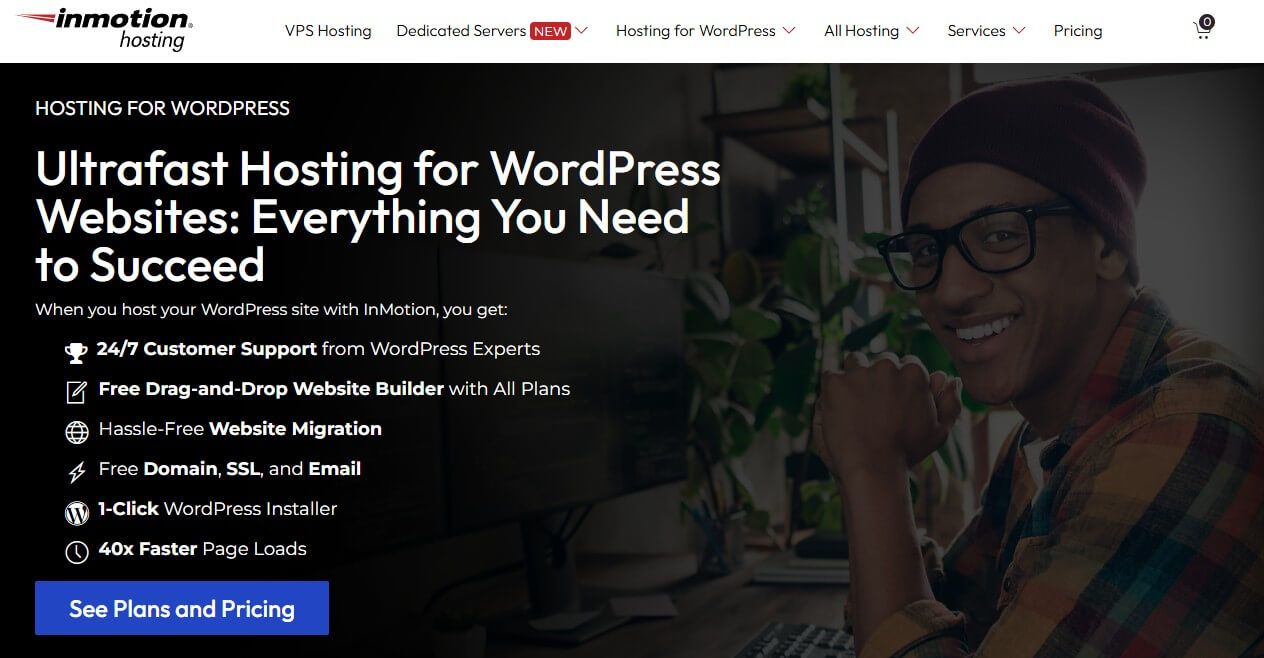
InMotion Hosting is among the top WordPress hosting services for security, speed, and flexibility. However, it’s at #5 because of expensive managed WordPress hosting, which, while based on the VPS and offers isolated resources, costs a whopping $200 monthly, making it unaffordable.
Pros
- Generous NVMe storage
- NGINX servers for speed
- Selection of hosting panels
- One-click WordPress installation
Cons
- Expensive managed WordPress hosting
- Only weekly backups
- No cloud hosting
WordPress Features
For this reason, we recommend its standard (shared) WordPress plans with a one-click setup, but without some of the features mentioned above. InMotion Hosting still offers a free domain and up to 300 GB of NVMe storage with unmetered bandwidth and 40x WP performance.
The provider leverages NGINX servers like SiteGround and uses built-in static object and content caching. With a 99.9% uptime guarantee, it’s among the most reliable WordPress hosting services. Freebies like email hosting, SSL, and up to six PHP workers are more than welcome.
Plus, InMotion Hosting supports WordPress Multisite, which lets you manage multiple sites from one control panel. Meanwhile, you can set up a staging website for experimenting with new features. InMotion Hosting uses cPanel, but you can also select an in-house solution if you want something new.
Unlike GreenGeeks, InMotion Hosting will migrate your site for free and provide full access to SSH and FTP. Meanwhile, you’ll be able to install apps through Softaculous and get help from InMotion’s diligent team through live chat, phone, and email. It’s a shame we only get weekly backups.
Pricing
InMotion Hosting offers Premium and Starter plans, but we’d opt for the former.
The Starter, WP Core plan is $3.29 monthly, with 100 GB NVMe storage and one site allowance. However, jump to the WP Power plan at $5.09 monthly and you’ll get 200 GB NVMe storage, 10 websites, and 30x WP performance for a slight price increase.
InMotion Hosting’s VPS plans are also WordPress-friendly, and at $14.99 monthly, you can enjoy 160 GB NVMe storage, 8 GB of RAM, and four vCPU cores. However, we’d choose its shared plans because of a lofty 90-day money-back guarantee that surpasses all other rivals on this list.
Tips for Choosing the Best WordPress Hosting
Our top five picks are fully compared and reviewed, but you may not know yet how to choose one to maximize your potential. After testing dozens, we noticed that these are the most vital factors to consider:
- Type of WordPress hosting. Managed or unmanaged? Pick the former if you’re a beginner or the latter if you know what you’re doing and want more control.
- Speed and performance. Opt for providers with LiteSpeed or NGINX servers with a CDN and efficient caching. They’ll provide sufficient performance for your website.
- Uptime guarantee. Pick the best WordPress hosting with at least a 99.9% uptime guarantee. We tested all five, ensuring they meet and exceed this standard.
- Storage and bandwidth. The more the merrier, so don’t skimp on these two. Select the plan that offers more than you need and allows you to scale your business if needed.
- Ease of use. Consider the type of hosting management panel. hPanel and Site Tools from Hostinger and SiteGround are your best bet. However, cPanel is also beginner-friendly if you give it a bit of time.
- Server security. One of the most underrated aspects. The safest WordPress hosting options have a web application firewall, DDoS protection, malware scanning, and even proactive monitoring to keep online nasties at bay. Settle for no less!
- Value for money. Finally, pick the provider that offers the most for the least money. In our book, that’s Hostinger, but you’re free to see what fits your budget and offers the best features for your money.
WordPress vs Website Builders: What’s the Difference?
You can either choose WordPress or a website builder, although the two are fairly similar.
WordPress is a CMS, or Content Management System. This type of platform emphasizes content management and allows for greater freedom regarding customization. On the flip side, it requires more technical prowess and isn’t as beginner-friendly as the best website builder.
However, in 2026, WordPress has become much simpler to use due to years of refinement. This is especially true when you use the best WordPress hosting, which simplifies the setup and handles all updates and optimization tasks for you. Customer support is also there to help you at any time.
Website builders are different. They emphasize no-code website building and offer an all-in-one package with hosting, site-creation tools, marketing, and SEO features. However, this limits your customization, and you can’t choose the type of hosting like you can with Hostinger or SiteGround.
WordPress hosting is more popular, but you can achieve excellent results with both. It all boils down to your preferences. Customization versus convenience. As for the price, the best WordPress hosting is way less expensive than top-of-the-line site builders, if that’s one of your primary concerns.
Best WordPress Hosting: Our Final Verdict
With our ranking of the top-rated WordPress hosting services of 2026 complete, we want to give you our final recommendations. For the all-around best experience, you’ll want to pick Hostinger. It blends ease of use with advanced security features, top speeds, managed WordPress updates, and low prices.
SiteGround is all about speed, with excellent managed WordPress features and impenetrable security. Bluehost offers reliable hosting with intuitive cPanel and Softaculous Installer for easy app deployment. On the flip side, we have GreenGeeks with eco-friendly servers and countless WordPress features.
Lastly, there’s InMotion Hosting, recommended for security, speed, and plan flexibility. All five are excellent, with only a few minor setbacks that are barely noticeable. Now go ahead and take your pick. Remember: you have 30 to 90 days to get a refund if you’re unsatisfied, so there’s nothing to lose!
FAQ
What is managed WordPress hosting?
It’s the type of hosting where the provider handles all the ‘back-end’ aspects like updates, performance optimization, and plugin updates. Conversely, unmanaged hosting puts you in charge and leaves these aspects in your hands. If you’re interested, check out this list of the best managed WordPress hosting providers.
Is WordPress hosting expensive?
Typically not. It starts at about $2.99 monthly if you choose Hostinger, and goes up to $14.99 monthly if you choose Bluehost. This price range is for shared plans, while VPS, dedicated, and cloud plans can cost at least a few times more, based on the selected plan, server resources, security, and more.
What’s the fastest WordPress hosting?
In our tests, that was actually SiteGround, thanks to its NGINX servers, efficient caching, and a CDN. However, Hostinger and InMotion Hosting were close and also displayed impressive performance. GreenGeeks and Bluehost were a tad less impressive, but still fast enough for most people.
Which type of hosting is best for WordPress sites?
The most cost-effective option is shared hosting, and it is likely the best option in most cases. Of course, if you have a large website with millions of visitors, you’ll likely have to upgrade to a VPS or dedicated server, but at a considerably higher price.
