
Do you know you can watch Danish TV online while you’re outside Denmark? If you’ve tried previously without a workaround, you must have hit a roadblock. But don’t worry, we’ll get you around it. Channels like TV 2 News, TV 3, 6’eren, DR Ramasjang, and DR 1 offer a wide variety of content. The issue?
They are made for viewers who are actually in Denmark. You’ll have no issues enjoying your regular content while you’re home in Copenhagen, Aarhus, or other towns or cities there. However, as soon as you take a trip or relocate abroad, geo-restrictions crop up to block your access.
The best way to circumvent these blocks involves using a Virtual Private Network (VPN), and this article will demonstrate how. We’ll also discuss the best VPN providers to choose for accessing Danish TV channels abroad.
Watch Danish TV Online Outside Denmark in Four Steps
Below is a comprehensive guide to streaming Danish TV channels when you’re away from Denmark. It’s a straightforward process that only requires a subscription to a VPN with servers in Denmark.
These are the steps to follow:
1. Pick a Reliable VPN Service
Your Danish VPN should come with servers there, but there’s more to look out for.
In addition, the provider you go with should have an expansive network, speedy servers, and a toolkit with industry-standard privacy and security functionality. It wouldn’t hurt if it’s easy to use and has responsive customer support around the clock. A few VPNs fit the bill. However, NordVPN is our top choice.
2. Download and Install the VPN
Next, create an account on the VPN’s official website. Choose a subscription plan that fits your budget and preferences, and pay for it using one of the payment methods available. Alternatively, if the provider has a trial offer, you may try that out first instead.
Download the VPN application for your device from the website or official smartphone app store. It’s pretty simple, but most major VPNs have help in the form of tutorials, should you need some.

3. Connect to a Danish Server
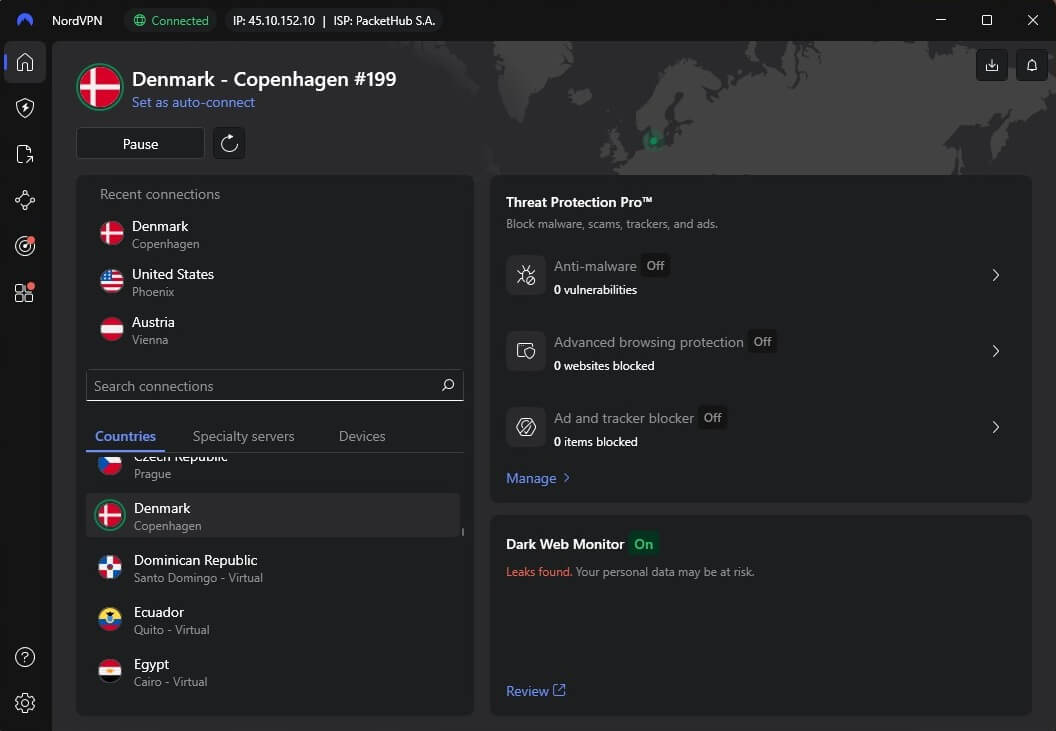
Launch your newly installed app and log in using your account credentials. Navigate to the server selection menu and scroll (or use the search function) to locate a server located in Denmark. Click on it and NordVPN will connect within seconds. The screenshot below demonstrates how that looks.
4. Watch Danish TV live outside of Denmark
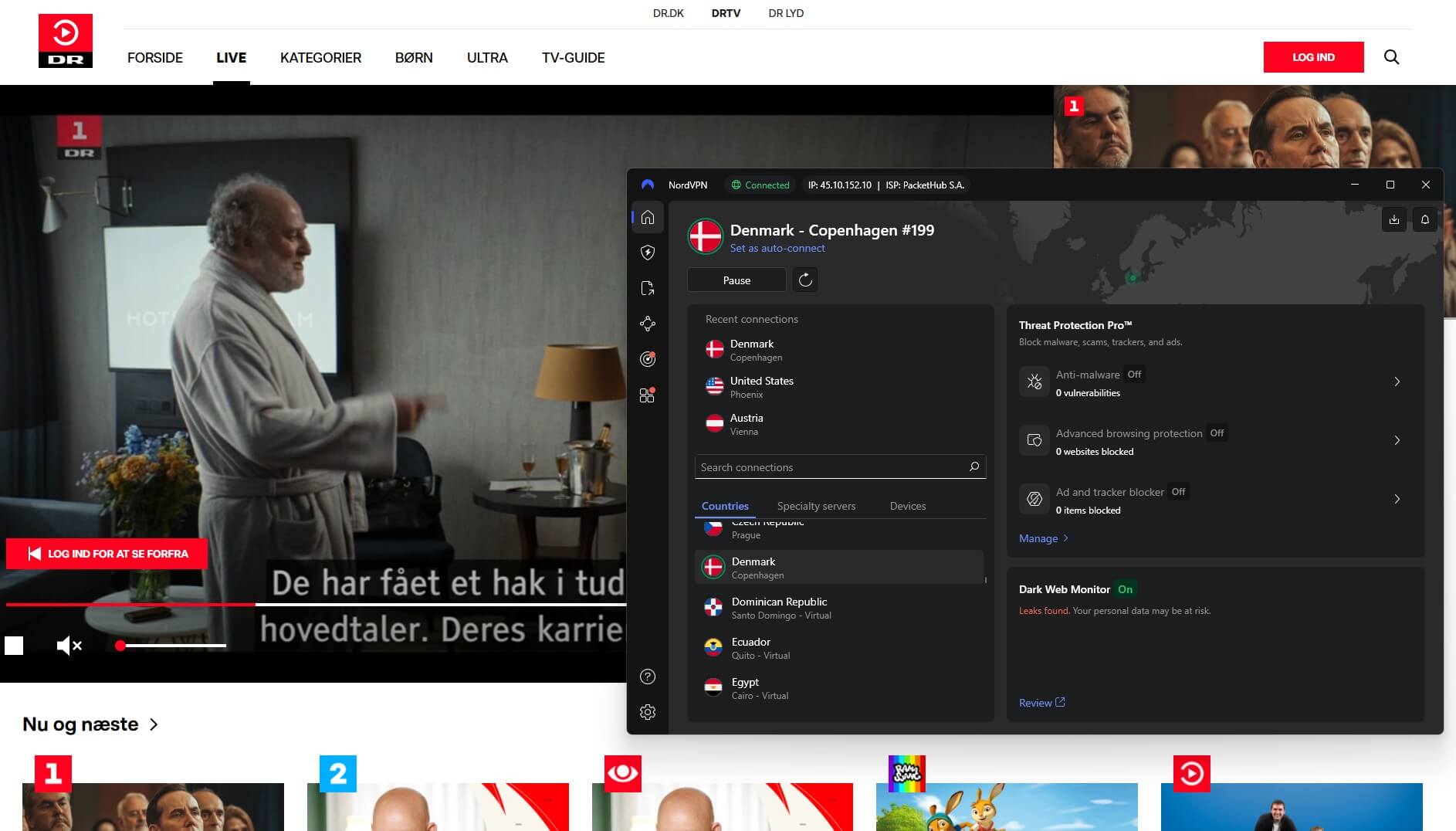
Now, you’re ready to kick off. Visit your favorite Danish TV channel website or platform, and you’ll enjoy unrestricted access to local news, movies, shows, and more. That is, if you followed the steps above with a quality VPN provider capable of unblocking Danish TV channels from abroad, of course.
How a VPN Helps You Watch Danish TV from Abroad
Say you travel away from Denmark. You could be forgiven for thinking your active TV subscription will effortlessly grant you access to the familiar content you’ve grown accustomed to. However, frustration sets in as the geographical limitations on Danish TV content become all too apparent.
You see, accessing your preferred TV shows is a given when you’re in Denmark because TV channels and streaming services can tell your location by looking at your IP address. That access grinds to a halt when you venture beyond the country’s borders.
Your IP address reflects your new location, triggering geo-restrictions that lock you out of Danish TV content. These restrictions are mandated by copyright licensing agreements, which limit certain content to specific countries or regions.
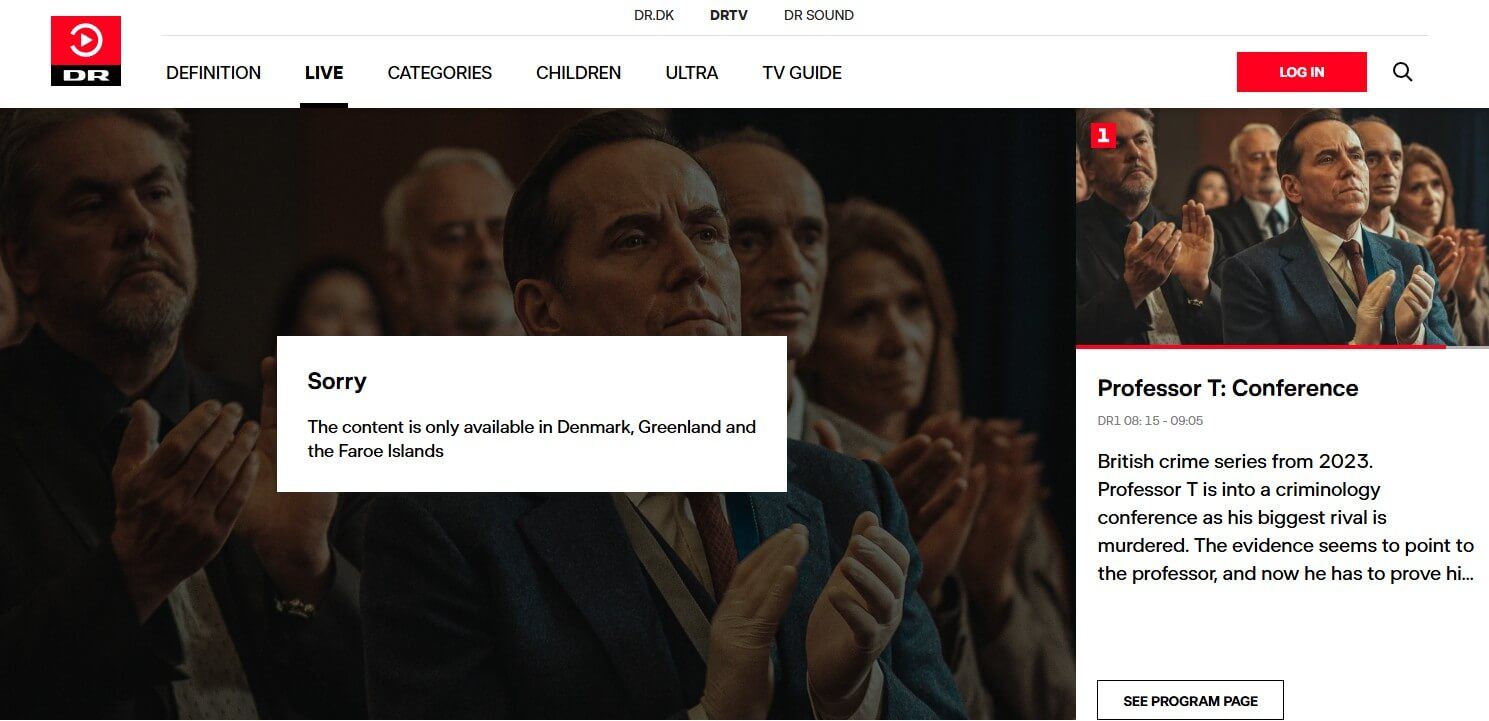
They don’t just affect Danish television platforms. Most of the time, you simply cannot watch foreign TV channels from abroad. Well, unless you change your IP address. The best way to do this is using a VPN. The technology facilitates this by redirecting your internet traffic through a server in Denmark, making you appear there.
It’s a clever maneuver that safeguards your privacy and dismantles the barriers imposed by geo-restrictions. As a result, you get to enjoy unrestricted access to Danish TV content anywhere in the world.
The Three Best VPNs for Watching Danish TV Abroad
It’s a fairly common VPN location, so Denmark has many VPNs to choose from. That said, you don’t want to select randomly, as that could mean ending up with a subpar provider. So, we did the hard work, narrowing your options down to the cream of the crop.
Here are the three best VPN services that provide access to Danish TV content anywhere.
1. NordVPN
Pros
- Over 70 servers in Denmark
- The fastest VPN for streaming
- Applications for all devices
- Audited zero-log policy
Con
- Higher renewal prices
NordVPN is the best option to use Danish TV channels outside Denmark. The top-rated service may be privacy-focused, but it’s not slacking in other areas and is a great option for unblocking content and enjoying high-quality streaming without issues. It offers a massive collection with over 8,400 servers across 128+ countries.
We especially like the impressive Danish coverage—you can choose from 70+ servers located there. The VPN’s exceptional unblocking capabilities translate to hassle-free streaming of Danish TV content on your trips overseas. NordVPN is just as good with local and international streaming services.
This allows you to binge-watch your favorite shows whenever you want. We’ve found that only ExpressVPN comes close to NordVPN for speed. Even if you’re streaming in 4K resolution, there will be little to no buffering, especially if you use its custom NordLynx protocol.
The feature-packed provider keeps your online presence safe with bank-level encryption and an advanced kill switch. There’s no chance of leaks either, as it offers a watertight leak DNS leak protection. As for privacy, NordVPN operates in Panama, an offshore location, so there’s nothing to worry about.
Building on that, it uses volatile memory and operates a strict logless policy. You’ll leave no digital breadcrumbs that lead back to you. NordVPN supports a wide array of platforms and devices and even offers a SmartDNS feature for smart TVs. It has a ten-device connection limit.
A 30-day money-back guarantee means you’re not taking any financial risks.
2. ExpressVPN
Pros
- Reliable speed and performance
- Impeccable security
- Easy-to-use VPN apps
- SmartDNS (MediaStreamer)
Cons
- Some plans are pricier
- A few advanced features
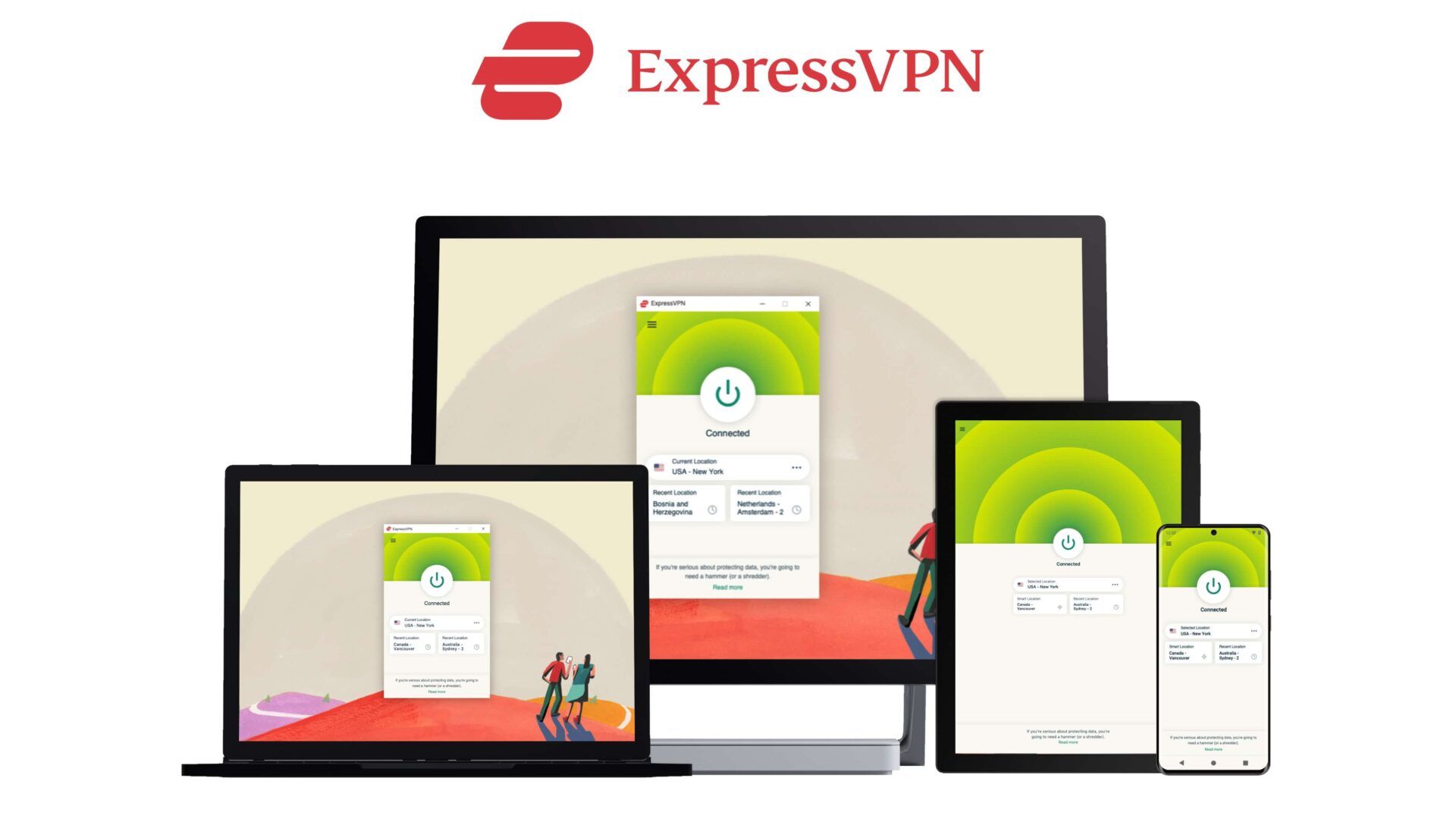
ExpressVPN is nearly the best VPN for Denmark, which is why it ranks at #2, slightly behind our champion, NordVPN. The British Virgin Islands-based provider offers private, secure access to Danish TV content, thanks to its servers in the country. In total, the VPN has a large network comprising 3,000+ servers across 105 countries.
ExpressVPN easily breezes past geo-restrictions, so you’ll have no issues following the news, sports events, and your preferred shows wherever you are. What’s more, it consistently tops our speed tests right after NordVPN. Consequently, you can expect smooth streaming experiences, even if you’re watching in high definition.
You needn’t worry about your privacy while you stream, as ExpressVPN is equipped with privacy and security tools. It implements military-grade encryption to protect your data from hackers and snoops. In addition, the VPN has a kill switch, IP and DNS leak protection, and obfuscation.
Plus, RAM-only servers and an audited no-logs policy guarantee that the details of your online sessions are strictly confidential. You can watch Danish TV with ExpressVPN on most platforms and devices, as it’s widely compatible. Its MediaStreamer feature even lets you stream on non-VPN-capable devices.
A single subscription covers up to 14 devices at the same time. If you’re looking to give the VPN a go to watch Danish TV outside Denmark, you’ll be doing so risk-free. Apart from a 7-day trial for mobile devices, it offers a 30-day money-back guarantee. Get ExpressVPN for 73% less and get four free months.
3. CyberGhost
Pros
- Very affordable
- No bandwidth limit
- Servers optimized for streaming
Cons
- Seven simultaneous connections
- Longer connection times
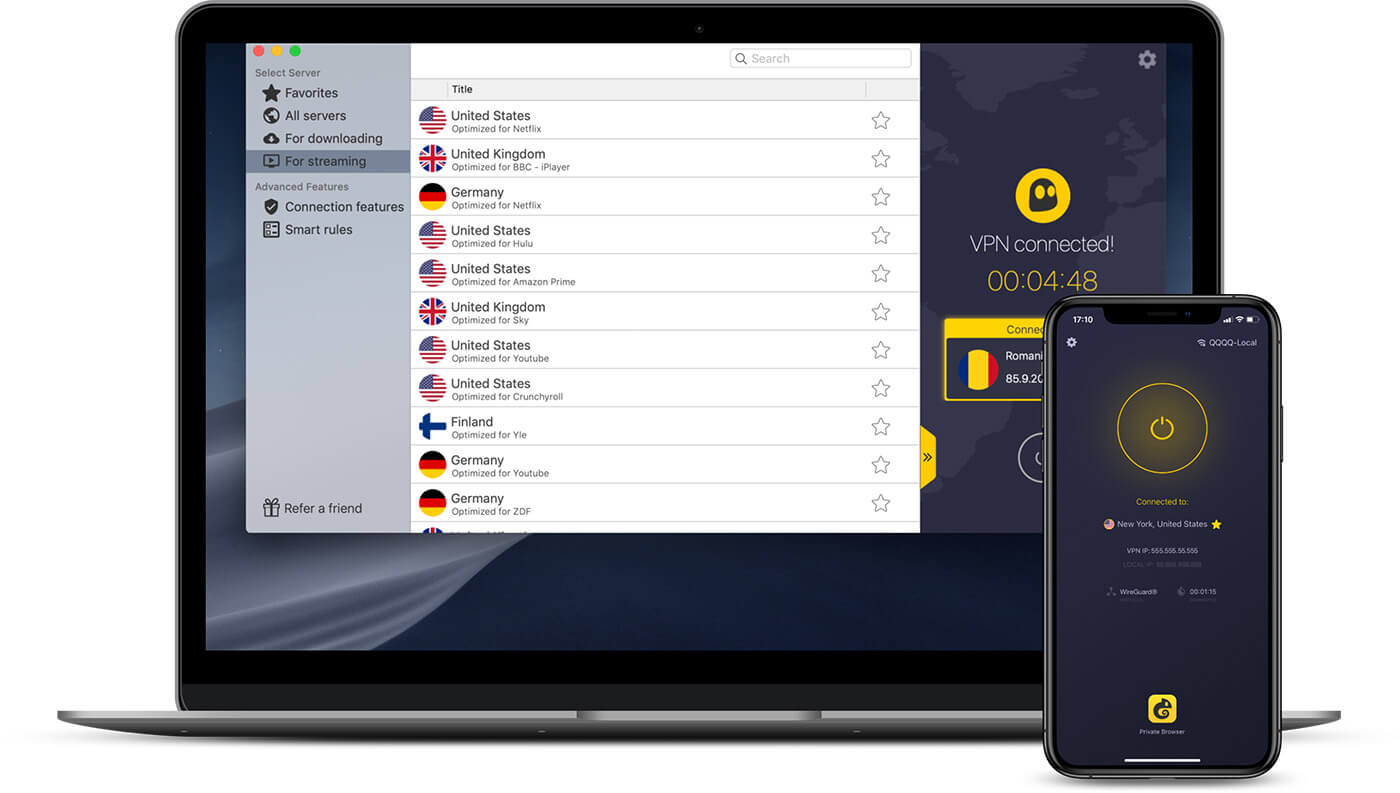
CyberGhost is a budget-friendly service that’s easy to use, even for VPN newbies. But there’s more under the hood. If you thought NordVPN’s network was impressive, you’d be blown away by CyberGhost’s 12,000-strong collection. That includes 56 servers in Denmark, so you’ll never have a problem finding VPN connection options.
CyberGhost comes with streaming-optimized servers, with dedicated servers for various popular services, like Netflix, BBC iPlayer, and Amazon Prime Video. However, even the regular options should unblock access to various Danish TV channels.
Because it has 10 Gbps infrastructure and speedy protocols like WireGuard, you can expect bufferless streaming most of the time. Having dozens of Danish servers comes in handy whenever there’s a slowdown or congestion—you can easily switch to a different one. CyberGhost won’t compromise your privacy or security.
AES 256-bit encryption keeps cybercriminals and other shady operators from handling your data without permission. The provider plugs any DNS leaks and prevents accidental exposure by cutting off all connectivity when the VPN connection drops. It is compatible with every major device and operating system.
Plus, router support means you can extend the seven-device simultaneous connection limit to other devices. Additionally, CyberGhost offers an extended 45-day money-back guarantee, so you have ample time to test the service and request a refund if it doesn’t meet your expectations.
Can You Stream Danish TV from Abroad With a Free VPN?
Yes, you can. But while there’s a myriad of free VPN services out there, we generally don’t recommend using them, even considering the cost-saving allure. Most free VPNs have significantly more users than their few servers can optimally handle.
As a result, they suffer performance issues like slow connection speeds, intermittent disruptions, and overall subpar streaming experiences. Imagine trying to catch up on the news back home when there’s constant buffering. But that’s not all. Most free providers have data and bandwidth caps.
They restrict the amount of data you can transfer within a specific timeframe. For instance, Windscribe grants you up to 10 GB per month, and you receive 500 MB per day from Hotspot Shield. So, even if you can stream a Danish TV channel, it wouldn’t be for long. It gets even worse.
Many free VPNs finance their operations by logging user data and selling it to third parties. Plus, they often have weaker encryption protocols compared to premium options. Compromised privacy and potential security loopholes counter the essence of using a VPN in the first place.
With all said and done, you’re much better off using a paid VPN. If cost is a concern, exploring affordable options like NordVPN offers a more reliable and satisfying solution. However, even ExpressVPN and CyberGhost are fairly affordable in 2026, costing under $3.50 monthly.
Conclusion
As we wrap things up, consider a VPN your ticket to never missing out on your favorite Danish TV content while abroad. A solid provider makes geo-restrictions from TV 2 News, TV 3, DR Ramasjang, DR 1, and others a non-issue. Our top choice? NordVPN. It’s fast, has many servers, and prioritizes online privacy and security.
Opt for the biennial Basic plan, and you’ll snag a generous 73% discount, plus an extra three months tossed in. Alternatively, explore other picks like ExpressVPN or CyberGhost. They offer sufficient Danish servers for optimal performance, unblocking prowess, security, and privacy.
FAQs
Why do I need a VPN to watch Danish TV online from abroad?
Danish TV channels and streaming services implement geo-restrictions based on your IP address. A VPN allows you to change that address, circumventing these restrictions and granting you access to Danish TV content, regardless of your location.
How can I get a Danish IP address?
To obtain a Danish IP address, use a reputable VPN service with servers in Denmark, like NordVPN. Connect to a Danish server, and your IP address will appear like you’re in Denmark, effectively unlocking Danish TV content.
Can I use a VPN to stream Danish TV on multiple devices?
Yes, many VPN providers, especially paid options, offer multi-device compatibility. As a result, you can use a single VPN subscription to secure and access Danish TV on various devices simultaneously.
