PlayStation Network, or PSN, is a digital store where you can purchase games and apps for your PlayStation. While the store has thousands of games, users get different experiences due to its reliance on the user’s location. Some get better deals, earlier access to new games, and content that users in some countries can’t access.
This is unfair, especially knowing that in one country, you can pay for the same game up to 50% less just based on your location. For these reasons, you might want to know how to change the PSN region on PS4 and PS5 in 2026 and access cheaper deals, early-access games, and other restricted content.
We’ll demonstrate how to do that by using a VPN, discuss some great VPNs for this purpose, and give you a step-by-step guide. Let’s talk about changing your PSN country with a VPN. The guide is right here:
Change Your PSN Region Quickly: Here’s How
To alter your PSN region, you need a fast and secure VPN. Also, you must create a new account that belongs to the country you want. To do that, you need to change your IP address with a VPN to that country. Here’s an explanation of how to change your PSN region on PS4 and PS5.
- Subscribe to a VPN service. We recommend NordVPN at 70% off for all 2-year plans.
- Set up and install NordVPN on your device.
- Open NordVPN and sign in with the credentials from Step 1.
- Connect to a server in the country where you want your PSN account to be. Keep the VPN turned ON during the process (important).
- Go to PSN and create a new account by following the steps on the screen. Use a fake address generator online to provide a corresponding address.
- Boot up your PS and sign in with that account by adding a new user.
How to Change My PSN Country With a VPN? [PS4 & PS5]
Given the location-based nature of PSN, changing your region is sometimes the only way of getting additional benefits. For example, we often use a VPN to play games on our PS5, and by using the trick below, we also save money when purchasing new titles. For those not familiar with a VPN, it lets you change your IP address.
In doing so, you change your online location to another country, which is how to change PSN region. By taking on an IP in another country, you virtually pretend you’re there. For instance, if you get an IP from the USA, you get access to the US PSN store, with all of its discounts, deals, and promotions.
However, VPNs don’t natively work with PS4 or PS5, which is why we’ll show you how to change your PSN country using a Windows PC. In our article about the best PS5 VPN services, we explain how to use this service on PS5 and PS4 if you’re interested in that. For now, let’s focus on the task at hand.
1. Subscribe to a VPN Service
The first step is to subscribe to a VPN. Below, you’ll see the list of recommended providers, but our favorite choice for this purpose is NordVPN. It has over 8,900 servers in 130 or so countries, perfect for changing your virtual location and sitestepping geo-blocks. Apart from that, it’s among the least expensive VPNs.
We advise the biennial Basic plan, more than sufficient for this scenario, with a price of $2.99 to $3.39 per month with our NordVPN coupon below. In addition, you’ll get a 30-day money-back guarantee if you decide to quit. Go to NordVPN’s site, pick the plan, select the payment vendor, and complete the purchase.
2. Set Up a VPN on Your Computer
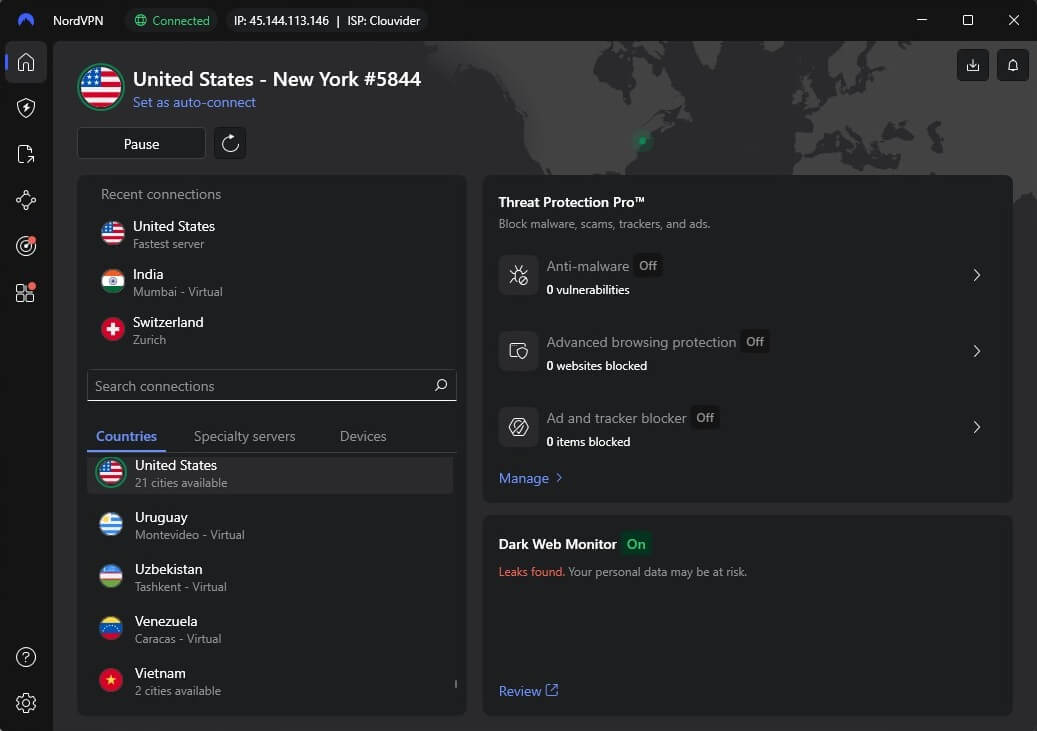
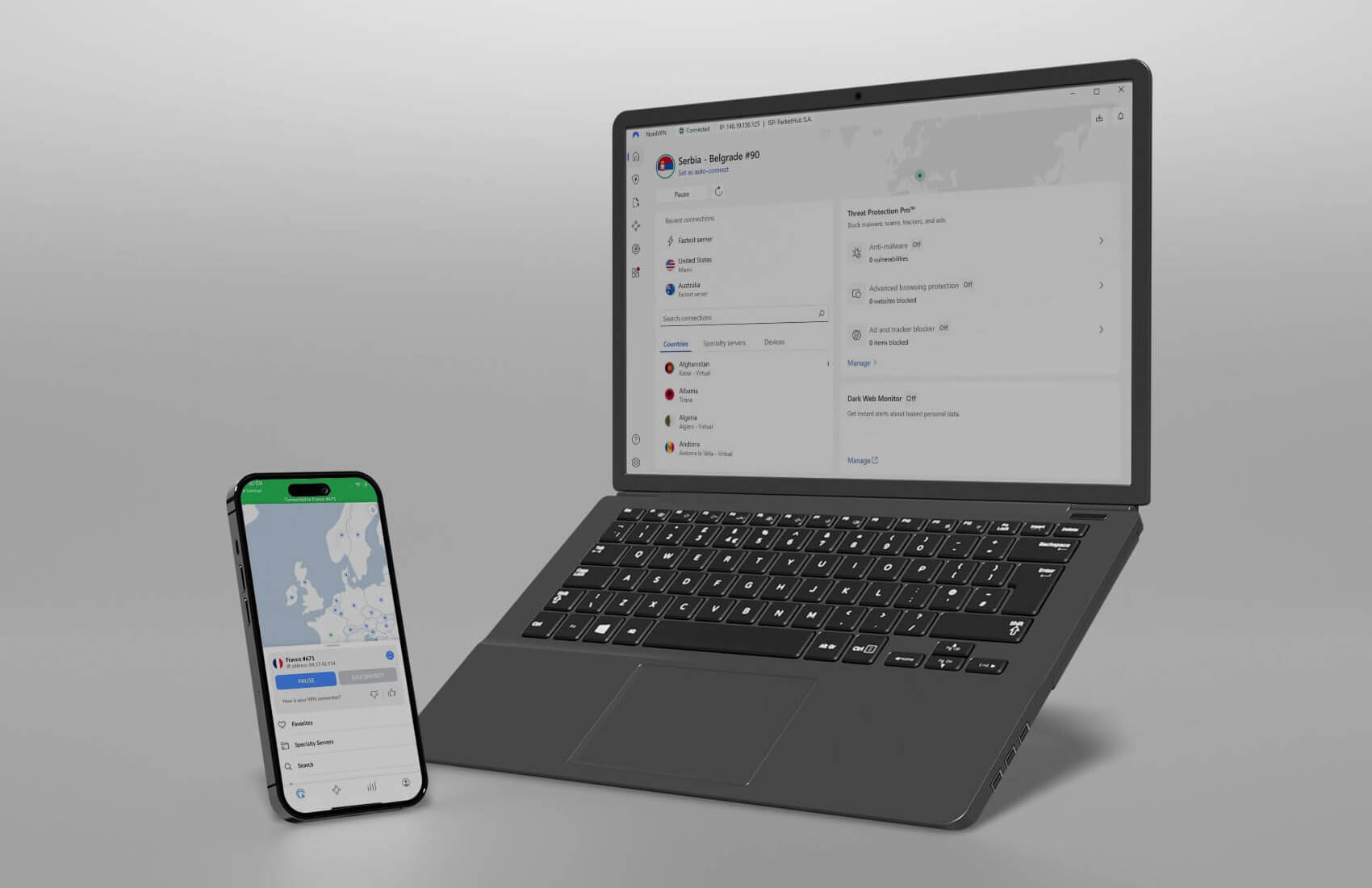
You’ll need to download the setup file from its website, double-click on it, and follow the steps to install it. This takes about a minute, after which the icon on your desktop will appear. Open the application and sign in. Use the credentials you provided to NordVPN when purchasing it. Here’s how the app should look:

3. Connect to a Server in Another Country
So, how to change my PSN region using NordVPN? First, you must decide on which region you want. The United States is a great choice since it offers the best discounts and low prices. However, you can try Mexico, India, or Argentina, where you’ll also find affordable games. We connected to a server in the US for this tutorial.
4. Make a New PSN Account
Unfortunately, the only way to change the PSN region on PS5 and PS4 is to make a new PSN account. If you have a spare email address, now is a good time to use it. Visit the PSN site and find the option to sign up. You’ll have the option to choose your PSN country, which will be automatically set to your VPN country:
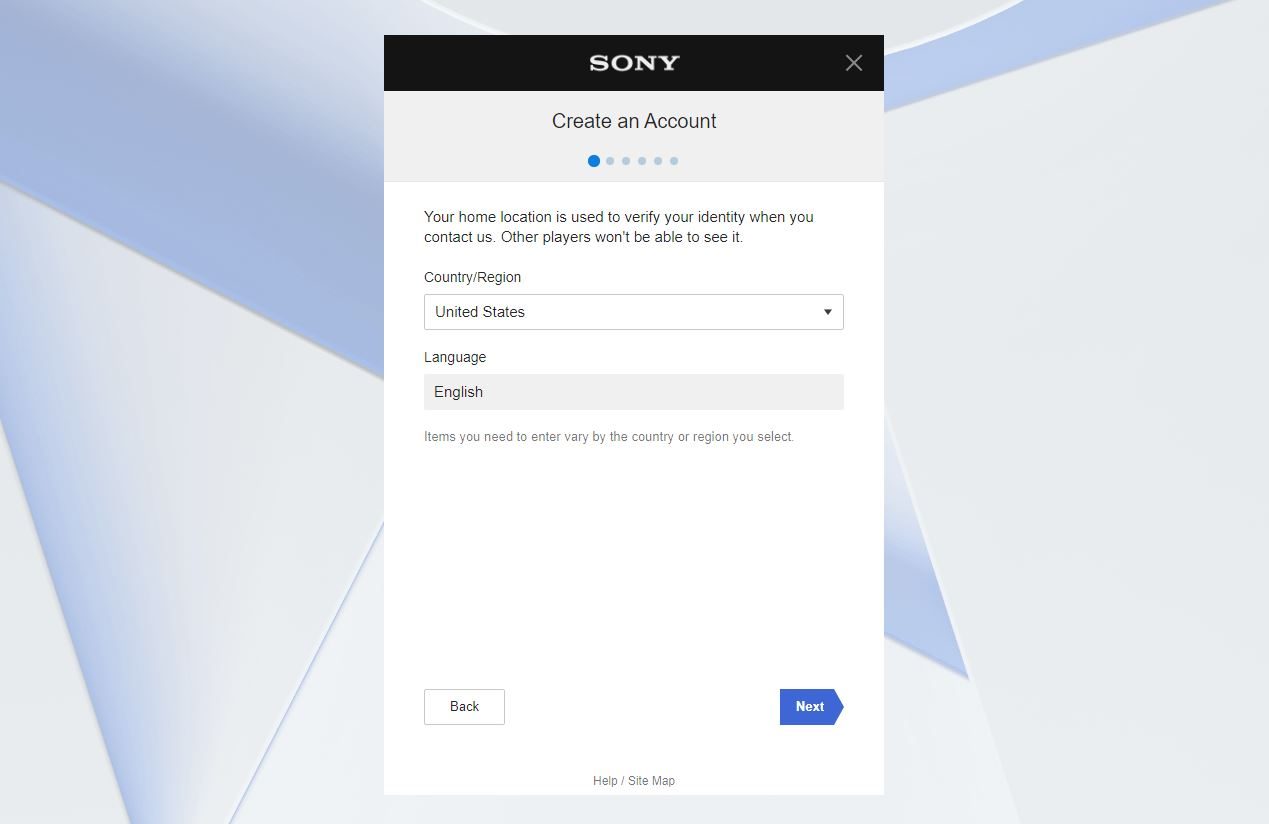
If not, choose that country from the drop-down Country/Region list. When prompted to enter an address and postal code of the region you selected, use a fake address that you can get from online address generators.
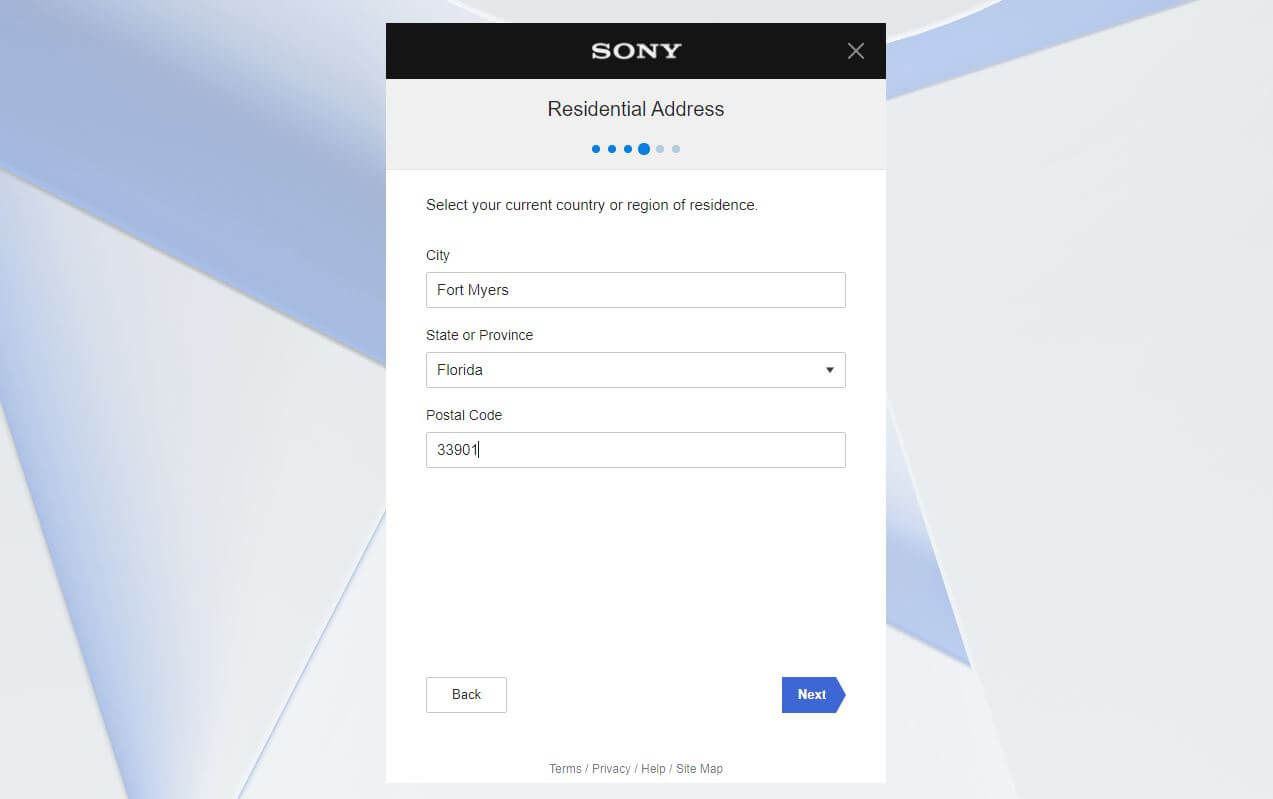
Finally, proceed to the next step, choose your username, and confirm the account creation. You’ll need to verify your account by going to your email address as well, after which, the account will be created successfully.
5. Turn on Your PS5/PS4 and Sign In
The last step on how to change your PSN region on PS5 and PS4 is to sign in on the console. To do that, turn on your PlayStation console, select Add User, and sign in to the new account by using the same credentials. If you made an account in the US, you’ll see prices in US Dollars, and deals and discounts for that country.
Beware that the account registration can be done on the PlayStation console directly, but the process is easier on the PC since the VPN setup is much simpler. On a console, you’ll have to rely on your VPN connection with a router or use other methods more complex than connecting to a server on your Mac or Windows computer.
Best VPN for Changing Your PSN Account Region in 2026
If you want to change your PSN account country, go for high-quality providers with many servers in different countries. They also must be fast, secure, and reliable, which will let you bypass geo-restrictions and unlock the full potential of your PlayStation. We have a few choices for you, so let’s examine them together.
1. NordVPN
Pros
- Servers in 130 countries
- Router support for PlayStation
- Optimized for streaming
- Low latency for gaming
- Advanced security features
Cons
- No free plan
- Confusing UI
NordVPN is the best VPN to change countries on the PSN due to its 8,900+ servers in 130+ countries. The provider has blazing-fast speed and stable performance, crucial for bypassing geo-restrictions and enjoying lag-free gaming on PlayStation. You can install the VPN on your router to facilitate gaming console connections.
However, NordVPN also lets you share your VPN connection from a PC via an Ethernet cable and change your IP on PS5/PS4. Once you connect, NordVPN applies 256-bit encryption and keeps your data safe from snoopers. Gamers will love its DDoS protection and a zero-log policy that guarantees privacy.
With beginner-friendly apps with one-click connections, you can easily change your PSN account region for the biggest savings. NordVPN is great for streaming, and if you want, you can use its capabilities to watch Netflix abroad on your PS5/PS4 console. Even Ultra HD will work, thanks to NordLynx, a speed-first protocol.
As a premium provider, NordVPN has unlimited data and bandwidth for the safest and most stable connections. All of this is backed by 24/7 support and ten simultaneous connections, making this provider a solid choice for PSN users. Check its cheapest deal below and get a 30-day money-back guarantee for all plans.
2. ExpressVPN
Pros
- SmartDNS works on PlayStation
- Wide server network
- Impressively fast
- Easy-to-use apps
- Tracker protection
Cons
- No Multi-Hop servers
- Higher renewal costs
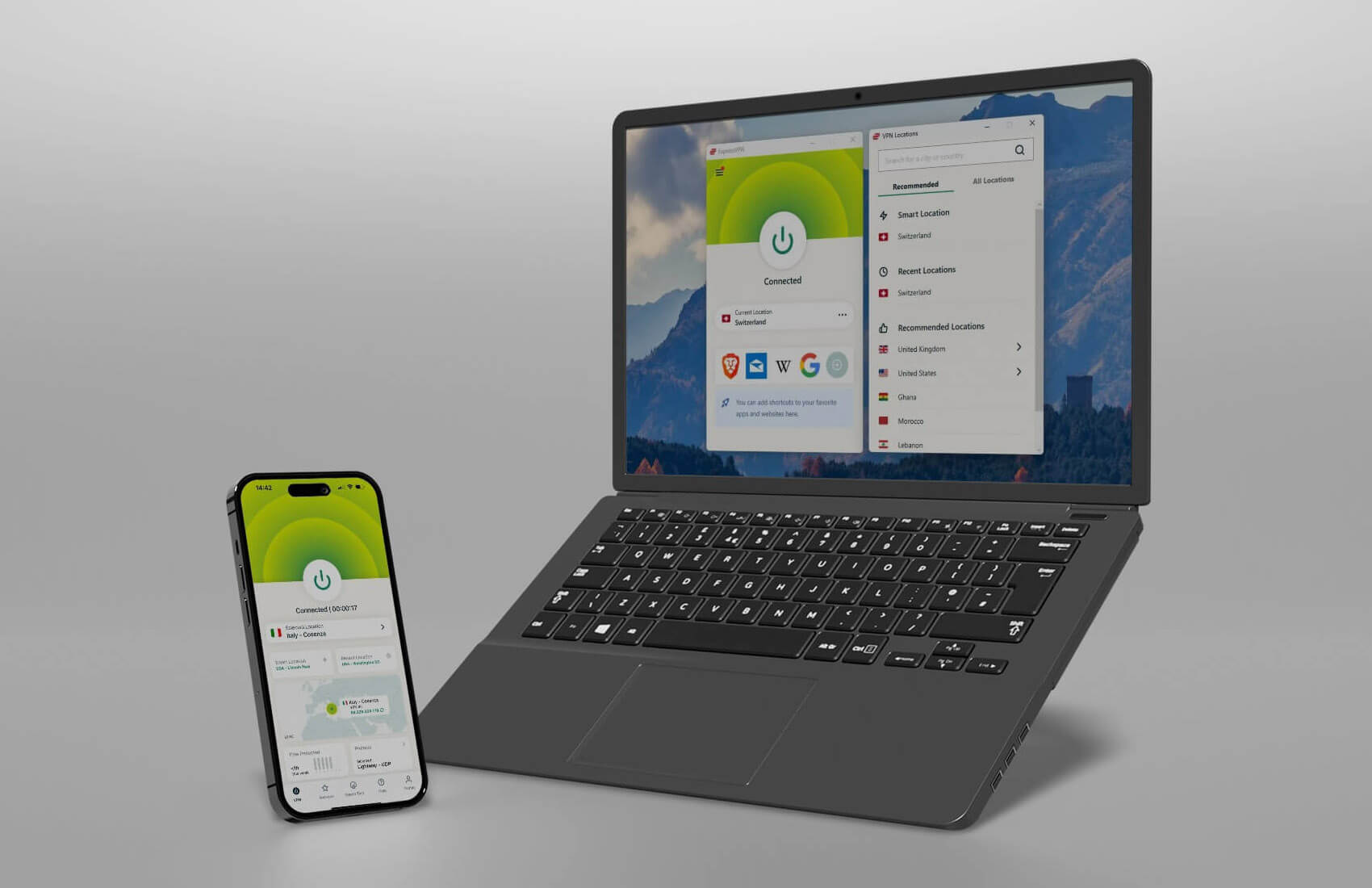
You’ll love using ExpressVPN for changing your PSN account country in 2026. With 3,000 servers in 105 countries, you’ll find the country you want and have no issues unblocking geo-restricted content, games, and applications. ExpressVPN has intuitive apps for all platforms, and like NordVPN, fully supports routers.
Alternatively, you can share your VPN connection with a LAN cable. Either way, the benefits are numerous, as this is among the most secure VPNs. Apart from AES-256 encryption and an automatic kill switch, the provider offers Lightway Turbo, a gaming-centric protocol with immaculate speeds and low latency.
The provider offers SmartDNS for use on gaming consoles like PS5, PS4, and even PS3, and it lets you bypass geo-restrictions on streaming sites and apps. ExpressVPN uses 10 Gbps RAM-based servers that keep zero information about your online activities. Yes, an audited no-log policy is included for those interested.
What about the price? Nothing special about it, apart from a huge discount that drops it to about $3.49 per month for the biennial Basic plan. ExpressVPN chimes in four free months and includes a 30-day money-back guarantee. Cheap, secure, and fast, it’s the best VPN to quickly change your PSN region and enjoy gaming.
3. CyberGhost
Pros
- Affordable VPN
- Streaming servers
- Unlimited bandwidth
- 45-day refund policy
Cons
- Complex UI design
- Seven simultaneous connections
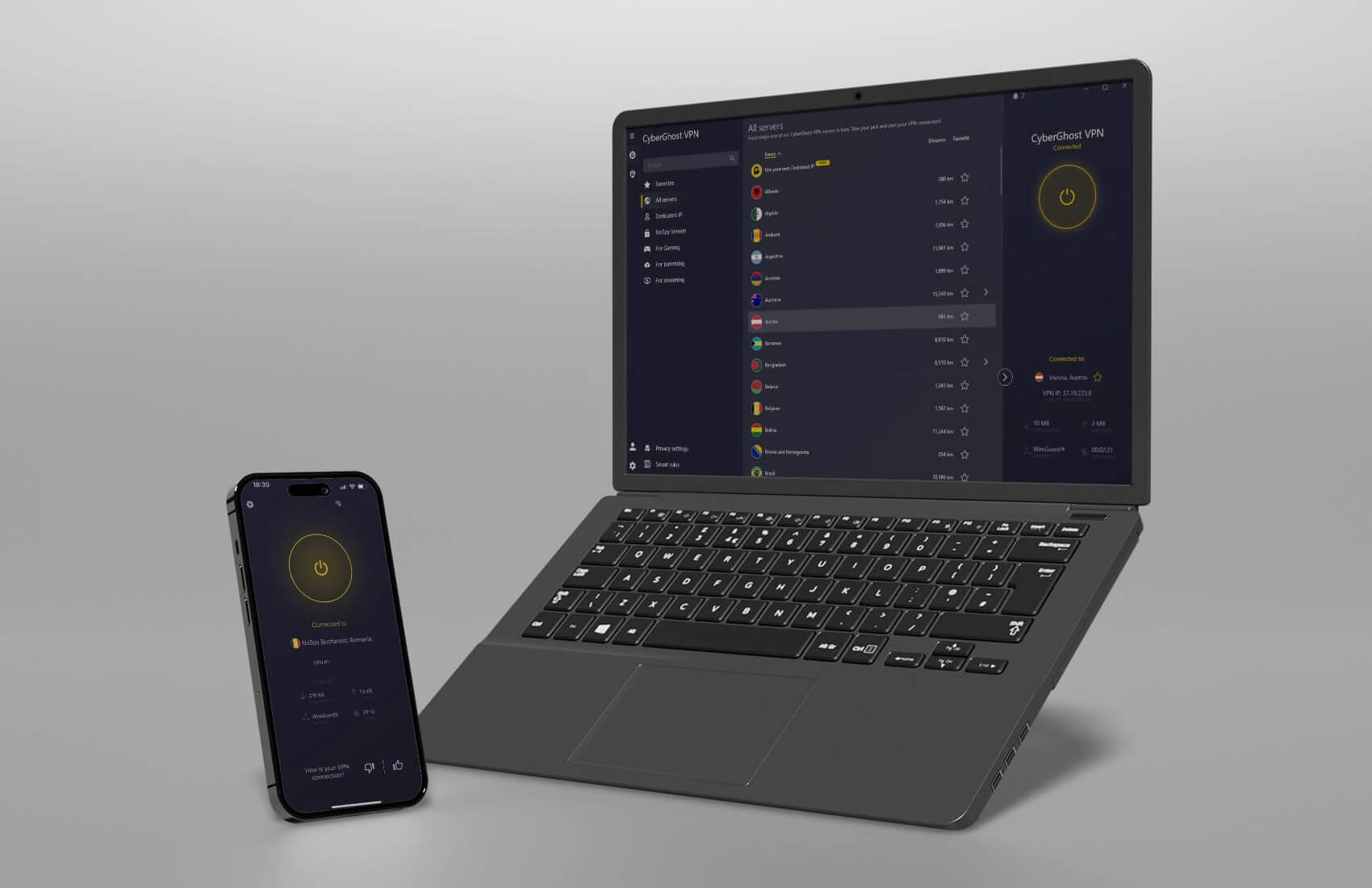
CyberGhost is a Romanian VPN with 12,000+ servers in 100 countries. If you’re looking for a robust provider to change your PSN region on PS4 and PS5, it’s fine if you’re on a budget. We’d also say it’s a great Xbox VPN as well since it has fast speeds for gaming and servers for circumventing geo-blocks.
CyberGhost offers full support for Sony consoles through routers and connection sharing. Its standard clients include streaming servers for watching Netflix US abroad, using BBC iPlayer, or accessing foreign channels. CyberGhost uses WireGuard for superb speeds, while also encrypting all traffic with 256-bit encryption.
Moreover, CyberGhost’s famous transparency reports do well with its verified no-logging policy, ranking it among the most trustworthy VPNs on the market. CyberGhost has unlimited bandwidth and data, making it useful for mammoth gaming sessions. Best of all, it’s surprisingly cheap and accessible.
While it’s limited to seven simultaneous connections, you get apps for all platforms, and the biennial plan for only $2.03 to $2.19 per month, with two to four free months. But check this out: it also has a 45-day money-back guarantee; plenty of time to change your PSN country and see if you really like this VPN.
4. Surfshark
Pros
- Unlimited simultaneous connections
- Antivirus in higher plans
- High speeds for gaming
- Very cheap ($1.99/mo)
Cons
- Lacking features in the Starter plan
- Short, 7-day free trial
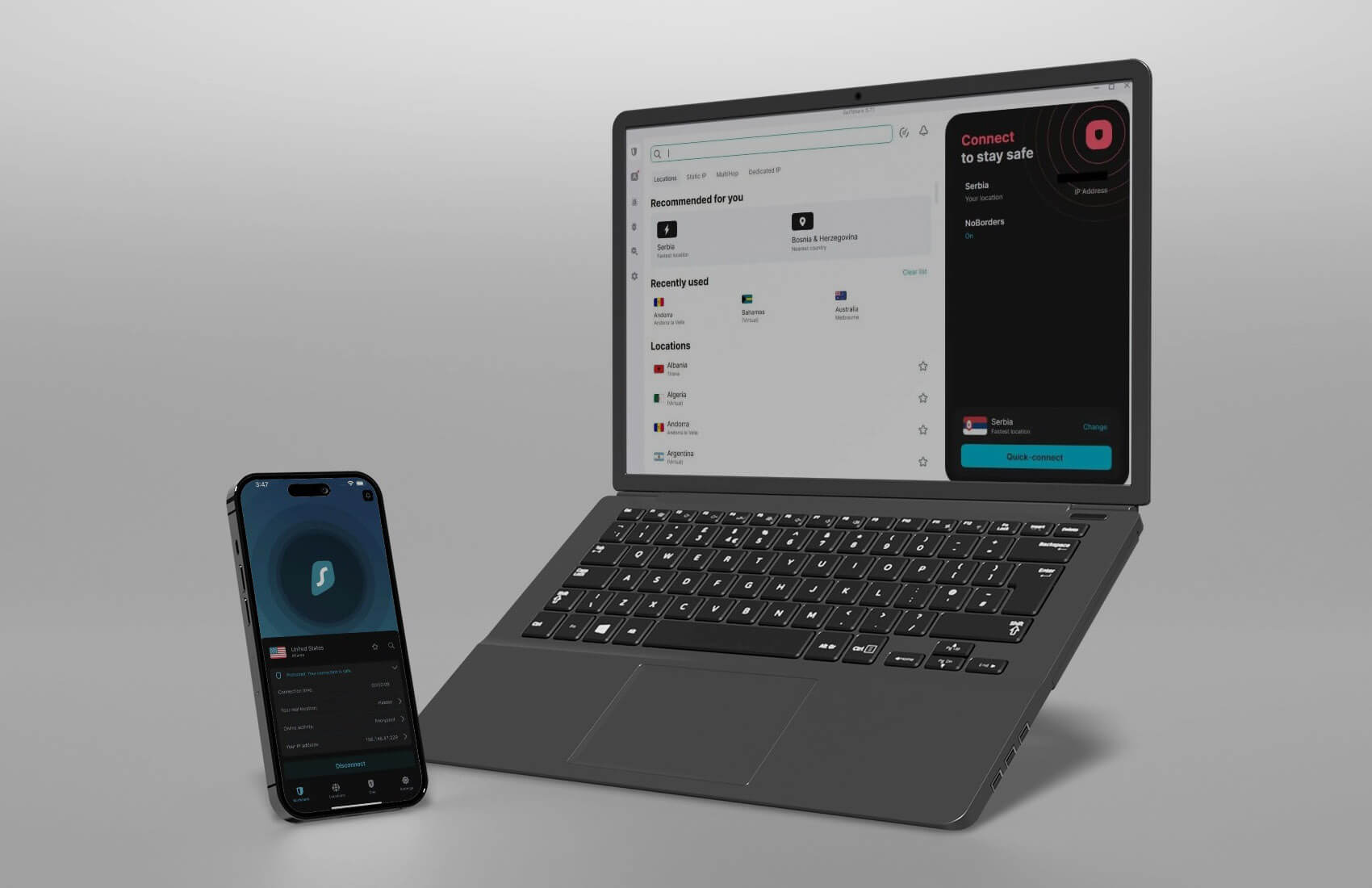
Surfshark is an affordable solution for PSN account region change. It has 4,500 servers in 100 countries, more than enough, as it has excellent server coverage. Surfshark offers easy-to-use applications for all platforms, with the ability to connect it directly to a PS5 or PS4 console through a router or via connection sharing.
Surfshark is famous for its advanced features. NoBorders bypasses censorship, while Multi Hop servers encrypt traffic twice. The VPN’s One plan even includes antivirus software. All plans support CleanWeb, an ad blocker, and there’s IP Rotation to periodically rotate your IP and make you untraceable online.
WireGuard makes this VPN quite fast, especially for gaming without lag. If you’re worried the VPN may infringe on your privacy, stop. Surfshark operates on a no-log policy, audited many times by third-party firms. We’ll also mention its impeccable unblocking prowess, as the VPN works with all streaming services.
At $1.99 per month for the Starter plan, it’s among the least expensive VPNs for changing your PSN region in 2026. Read our Surfshark VPN review for more information, or simply click the button below to save over 83% on its biennial plans. No worries; you get your 30-day money-back guarantee even here.
5. Proton VPN
Pros
- Robust privacy and security
- VPN Accelerator boosts speeds
- Tor over VPN connections
- Very low latency
Cons
- It lacks Smart DNS
- No 24/7 support for free users
- Slightly higher price
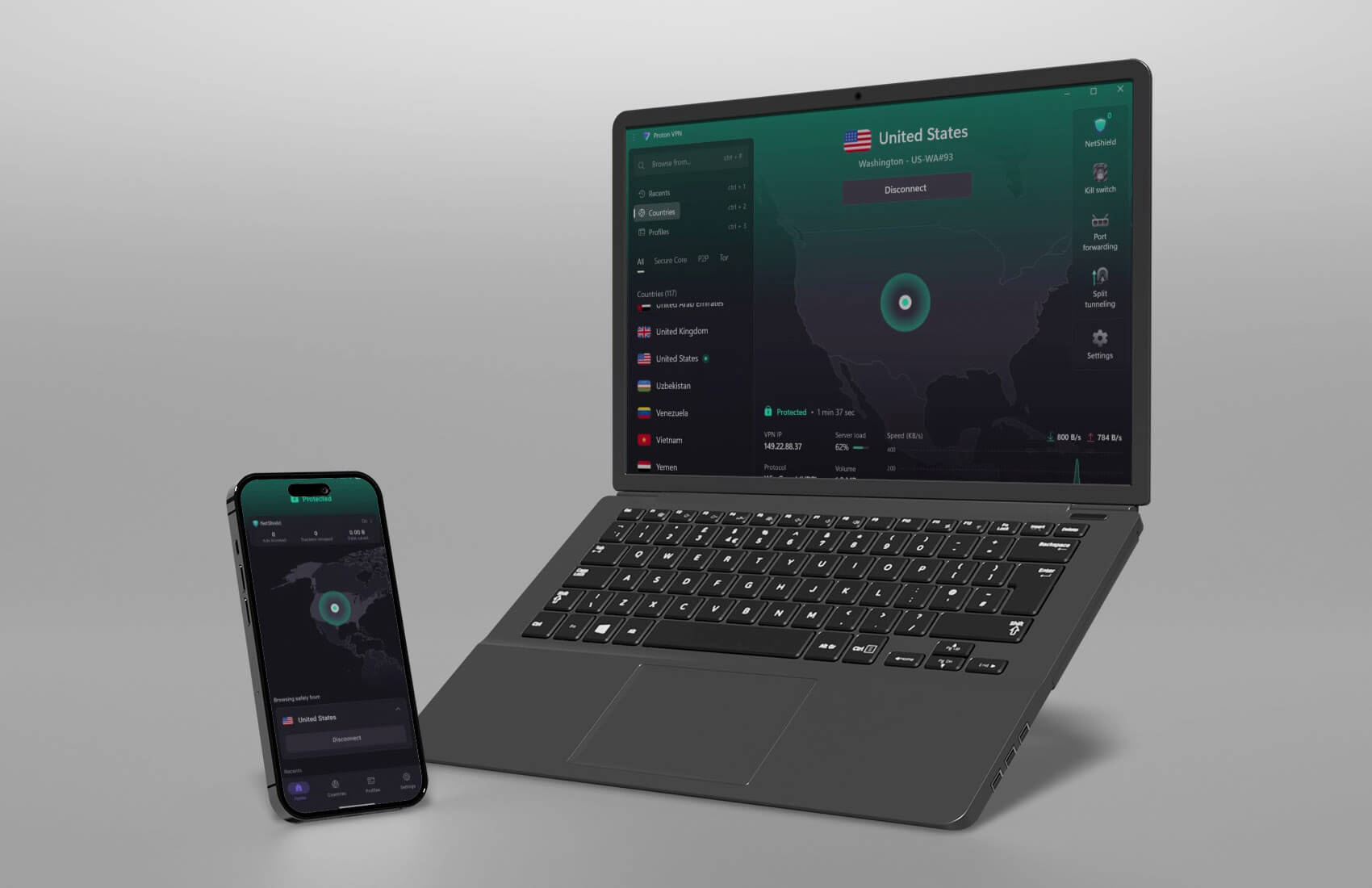
We love Proton VPN because it’s reliable and supports routers for effortless connections to PS5 and PS5 when you want to play safely. Even without router support, you can install it on all major platforms and change your PSN region. It has over 127 countries on the list. Best of all, it’s ideal for avoiding pesky geo-blocks.
Proton VPN costs under $3.60 per month, and for the price, includes Secure Core servers to double your encryption, an ad blocker, and the VPN Accelerator for better speeds. This Swiss VPN also handles your privacy through a no-log policy and the use of full disk encryption to prevent any form of data collection.
Proton VPN supports Tor over VPN connections and limitless torrenting on specific servers. Plus, there’s a free plan, which also lets you modify your country on PSN for better deals. It works on ten devices at a time, but lacks SmartDNS, useful for non-VPN-friendly devices. Is Proton VPN good for gaming?
Yes. We tested Proton VPN on many occasions, realizing it has excellent speeds and some of the lowest latency figures. Connect it to a router, hook up your PS console, and play all your games without throttling.
How to Choose a VPN to Change Your PSN Region?
This list includes five providers, each with phenomenal features. If you find it hard to select one, here’s how to choose the VPN and change your PSN region to any country. Our criteria for selection are below.
- Wide server span. You need a service that covers many countries and locations. This is because you want to be able to switch regions or create multiple accounts in new countries. We recommend NordVPN with 130 countries or ExpressVPN with 105 countries. Both are more than sufficient.
- Exemplary performance. When using a VPN for this purpose, you’ll also seek performance. After all, a VPN can be used to play games online, and in this case, fast speeds are imperative. Check NordVPN’s NordLynx protocol or use ExpressVPN’s Lightway Turbo to achieve this.
- Ease of use. Want to change your PSN region with a snap of a finger? All five are dead simple to use. With one click, you’ll connect to the server, and the rest is up to you. Create a new account or change the region on the existing one, and you’re set.
- Security and privacy. These are mandatory features for online anonymity. All VPNs on this list have 256-bit encryption, a kill switch, and IP leak protection, in addition to a certified no-logging policy. Some even include malware and virus protection.
- Cheap prices. Spending a heap of money on a VPN for PS5 sounds ridiculous. Our VPNs offer special discounts and deals that you can claim through our site and get for under $2.00 per month.
How to Buy Games When I Change My PSN Country?
When changing your PSN account region, you need to consider that purchasing games from a foreign country on the PSN Store requires a payment method from that country. If you don’t have a payment method from the new country, the trick won’t work. But can you use a gift card to buy cheaper games on PSN?
Yes, and here’s how to do that:
- Go to a website that sells PSN gift cards.
- Search for a PSN gift card for the country that corresponds to your PSN region. For example, if your country is set to the United States, you’ll need a gift card that can be activated in your country.
- Buy a gift card for the amount of money you need to buy a game. Beware that the price will be slightly higher. For instance, if you buy a $10 gift card, it’ll cost you up to $11, but that depends on the seller.
- Once you buy a gift card, the seller will send it to you via email.
- Go to the PlayStation Store and click on your profile icon.
- Choose Redeem Code.
- Copy and paste the 12-character gift card code from your email and click on Continue.
- The gift card will be activated, and the money will be in your account, allowing you to buy games.
Do We Recommend Any Free VPNs for PS5 and PS4?
We don’t recommend any free providers if you want to know how to change your PSN store region on PS5 and PS4. They have limited compatibility, so they don’t work with gaming consoles, rendering them useless for bypassing geo-restrictions. They’re also known for a poor selection of server locations.
In most cases, they’re not enough if you’re looking to switch your PSN region to some of the countries. Not to mention limited data and poor speeds that gamers always hate. Many free providers also store logs and sell your data, so we can’t recommend them. The best way is to use a premium VPN provider for free.
For instance, you can use NordVPN for free for 30 days thanks to a money-back guarantee. CyberGhost also works for free for 45 days with a refund. This way, you can change your PSN country, buy the game you want, and get a refund when you’re done. Either way, just avoid providers like Hola VPN or Betternet.
Although they’re 100% free, they’ll collect and sell your data, violating your privacy as a result. It’s better to take a risk-free way, especially now that you know that the solution I presented will work.
Summary
You’ve learned that changing your PSN store country in 2026 is simple. Using NordVPN, ExpressVPN, or any other provider, you can change your online location and fool PlayStation Network into thinking that you’re elsewhere. The VPNs we presented aren’t only for gamers. They have many other uses and benefits.
They include unlocking streaming platforms, anonymous torrenting, saving money on flights, using the dark web, and many others. In 2026, PlayStation users can benefit from a service like this, even those who haven’t made the leap to PS5 and are still sticking to their ancient PS4 consoles (no offense to them).
Frequently Asked Questions
How do I know I successfully changed my PSN store country?
One way to do that is to sign in to your account, go to Account Settings, and select Your Information. From here, next to Residential Address, click on Edit, and you’ll see your address, as well as the country/region. If it’s the country you wanted, congrats, you’ve successfully changed your region.
Is it legal to change my country on PSN?
Yes, it is legal, and you can choose any region. Not all countries in the world are on the list when making an account, and users in this country are forced to choose a location that isn’t theirs. In this case, the process of buying games is the same, as you’ll need to rely on gift cards for the country you’ve chosen.
Do I need to install a VPN on PS to change my PlayStation Network location?
No, you don’t need to. You can perform the entire process on your computer and then sign in to the account on your PS5/PS4 without enabling a VPN. However, it is recommended to use a VPN during the account creation just to make sure that PSN registers your IP in the country you select.
