The best VPN for YouTube helps navigate regional restrictions and even unblocks the famous video-sharing platforms in restricted regions. Did you know that YouTube is blocked in North Korea and China? While North Korea bans VPNs, people in China use the best YouTube VPN to unblock this important service.
Another reason to use a YouTube VPN is to unblock videos. The message saying that the video is unavailable in your country is discouraging. However, by using a VPN that works on YouTube, you can change your online location and access the video. This service works by changing your IP to another region.
This makes you appear elsewhere, which consequently allows access to blocked content. If we add encryption, advanced security features, and unbeatable privacy, a VPN is more than just a trivial tool for unblocking YouTube videos. Why not learn more about them now? Our top five picks are below, so let’s get down to it.
Best VPNs for YouTube in 2026: At a Glance
- NordVPN – The best and most secure VPN for YouTube
- ExpressVPN – Best for watching Ultra HD YouTube videos
- CyberGhost – An affordable YouTube VPN
- Surfshark – YouTube VPN with unlimited simultaneous connections
- Private Internet Access – YouTube VPN with advanced security features
Best VPN for YouTube: These Five Work Perfectly
With years of experience, we tested hundreds of providers on streaming platforms and in different scenarios. We know the main things when discussing the best VPN for YouTube are unlimited data, fast speeds, a wide server spread, and great unblocking prowess. These five check all the required boxes, so let’s analyze them.
1. NordVPN: Best YouTube VPN Overall
Pros
- Servers in 135 countries
- Great for unblocking sites
- Malware and ad blocking
- Unlimited data
- Fast NordLynx protocol
- Servers optimized for P2P
Cons
- Occasional connection issues
- Higher renewal prices
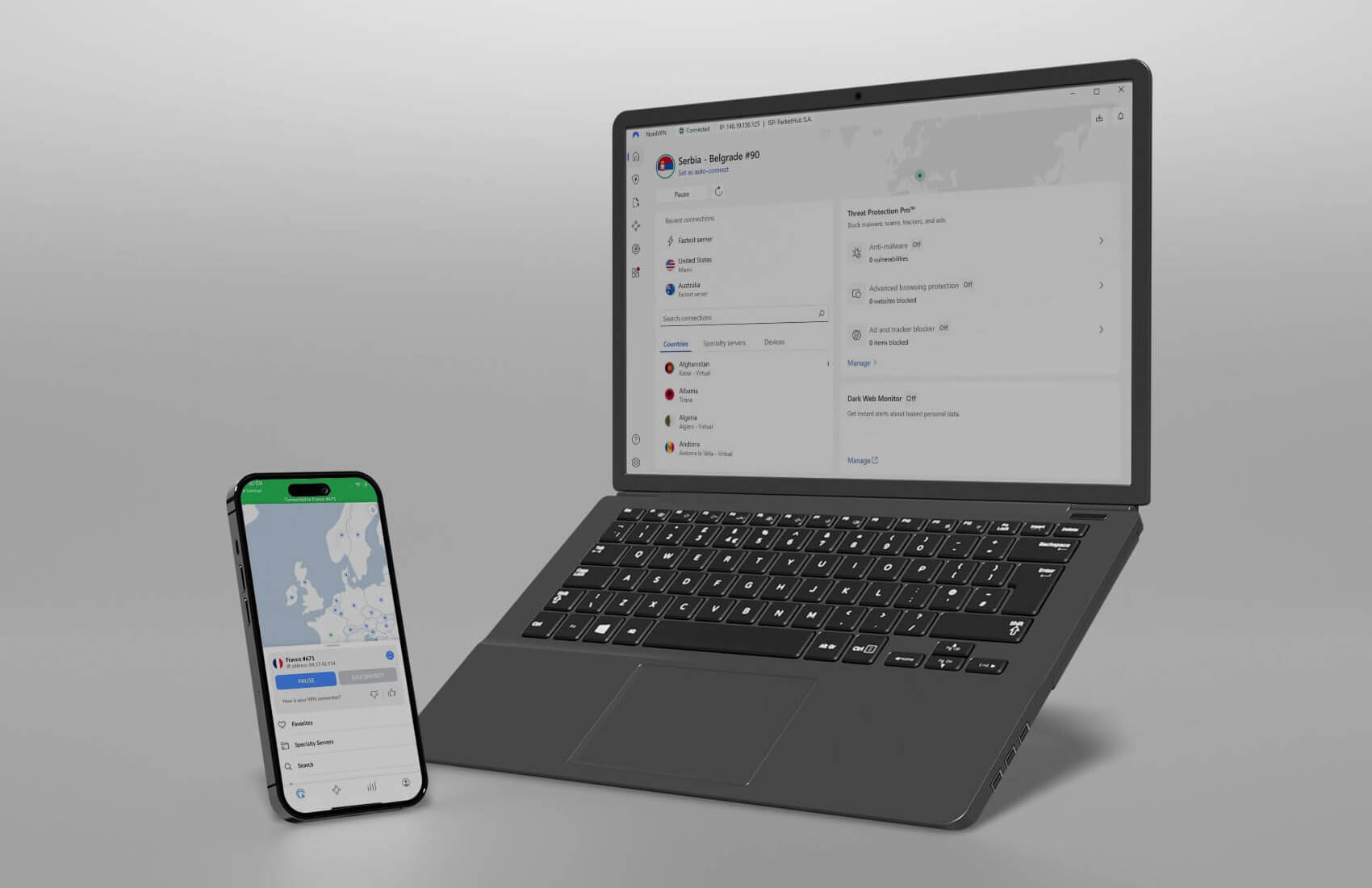
NordVPN is one of the most resounding names in the VPN industry and simultaneously the best YouTube VPN. This service boasts 9,200+ servers in 135 countries, making it ideal if you’re looking for a VPN to unblock YouTube at school or the workplace. It can also unblock geo-restricted videos on it.
This is great if the publisher hasn’t made the video available in your country. Thanks to obfuscated servers, NordVPN works even in China, where you can watch YouTube TV or YouTube videos effortlessly. The provider has many security features, one of which is NordLynx.
This proprietary protocol is based on WireGuard, and with 10 Gbps servers, it provides top-level performance. NordVPN’s apps for Fire TV Stick, Android Smart TV, and desktop/mobile platforms scream modernity. Its Threat Protection Pro package includes malware and tracker protection, and an ad blocker.
As a great YouTube VPN, NordVPN offers unlimited data and works with other streaming services. This is a solid VPN for unblocking Netflix libraries and enjoying foreign TV channels, no matter your location. You’ll also like its 10 simultaneous connections that encourage multi-device VPN protection.
The VPN offers various types of servers (P2P, Double VPN, and Onion Over VPN) to solidify its #1 spot on the list. Price-wise, NordVPN is affordable. You can get its special discount through the button below, save over 70%, and enjoy a risk-free 30-day money-back guarantee for both long- and short-term plans.
2. ExpressVPN: Fastest VPN for YouTube
Pros
- Fast speeds for Ultra HD videos
- Supports Smart TV and Fire TV Stick
- Audited no-logging policy
- Works with streaming services
- Reliable 24/7 customer support
Cons
- Higher renewal cost
- A few advanced features
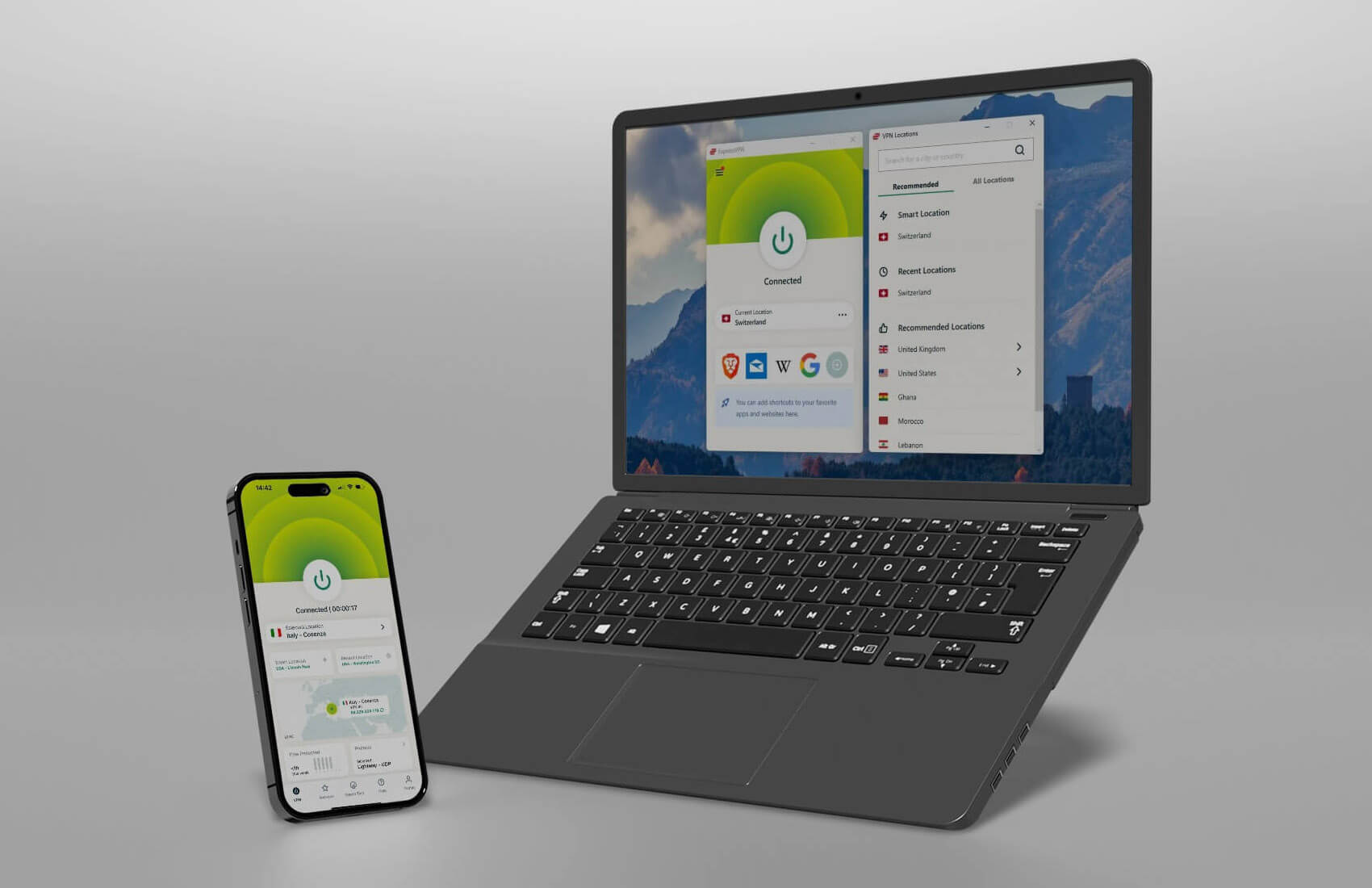
ExpressVPN is a close-second VPN for YouTube and YouTube TV. This provider has 3,000 servers in 105 countries and 160 locations, making it impossible for geo-blocks to spoil the fun. ExpressVPN is fast, and with its 10 Gbps servers, the entire network offers top-notch stability.
We have no issues watching 4K footage on our TV while downloading games from Steam or Origin at the same time. ExpressVPN has easy-to-use apps for all devices. There are native apps for Fire TV Stick and Android TV, which allow you to watch YouTube directly on your TV without any workarounds.
The provider also has a variety of security features. This VPN offers the most reliable kill switch and split tunneling, but there’s the Lightway Turbo VPN protocol for performance. A no-logging policy is here, and this means ExpressVPN will not infringe on your privacy by storing logs of sensitive data.
Impressively, ExpressVPN has RAM-based servers that wipe every bit of information with each server restart. Console gamers can also use it to unblock YouTube thanks to the Smart DNS feature, which works for streaming. ExpressVPN has state-of-the-art 24/7 support through live chat.
To complement its support, the provider allows 10 to 14 simultaneous connections, depending on the plan. Finally, its biennial plans have up to an 81% discount and four free months, which drastically reduces its price to a meager $2.79 to $3.49 per month. Click the red button below to snag it risk-free for 30 days.
3. CyberGhost: Best Cheap YouTube VPN
Pros
- Servers for streaming
- Includes an ad blocker
- 256-bit encryption
- Fast speeds due to WireGuard
- Affordable biennial plan
Cons
- Not working in censored regions
- Only 7 simultaneous connections
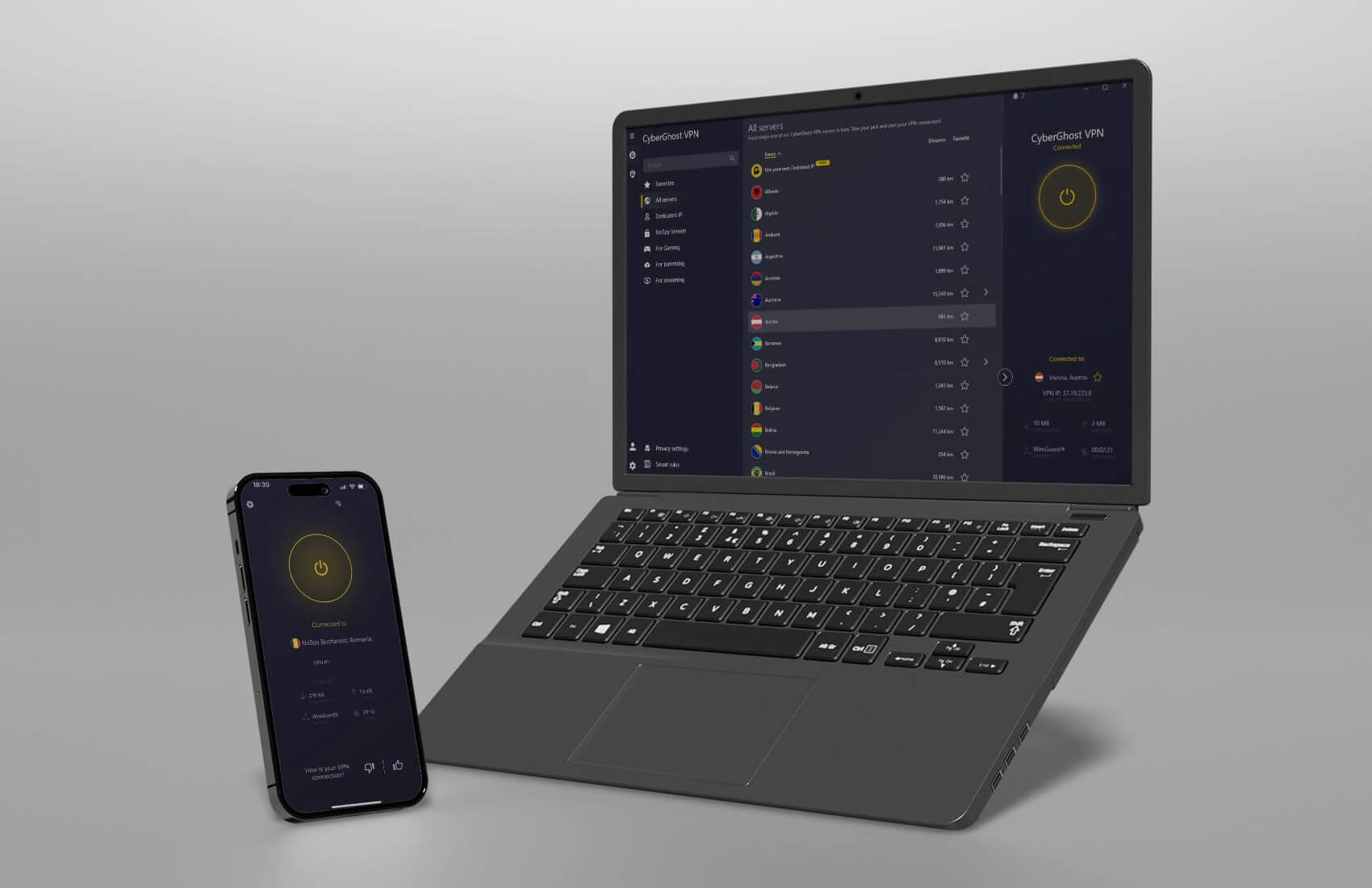
If you’re up for some savings, CyberGhost is one of the best providers. Aside from being a top VPN for YouTube in 2026, CyberGhost has impressively low prices, flagship performance, and speeds, and dedicated streaming servers. The provider has 12,000+ servers in 100 countries, but the streaming servers are something else.
They’re efficient at unblocking restricted content, and YouTube TV servers in the US help to unblock any restricted video. This provider has torrenting servers as well, so if you’re into P2P, you can use this VPN with BitTorrent or any other client. CyberGhost has WireGuard, a VPN protocol for boosting your connection speeds.
Its 4K streaming capabilities are on the top level, which also has to do with its 10 Gbps servers. Moreover, the provider offers an ad blocker, which we find welcoming for blocking the majority of YouTube ads. The kill switch prevents unwanted leaks, while split tunneling lets you choose which domains should use a VPN.
CyberGhost’s servers are its biggest strength, but a no-logging policy with transparency reports is even better. Its Windows app isn’t the simplest, and the provider won’t work in China. However, it offers seven simultaneous connections, 24/7 support, and the ability to work on all major platforms and systems.
You can get this VPN for a silly price of $2.03 to $2.19 per month, and even get a 45-day money-back guarantee for all long-term plans. This is among the top-rated deals on this list when we talk about the price-to-performance ratio, and as a result, one of the best YouTube VPN providers for 2026.
4. Surfshark: Best Multi-Device VPN for YouTube
Pros
- Exceptional streaming/unblocking ability
- Unlimited simultaneous connections
- Generous security features
- Audited for privacy and no logging
Cons
- Average performance
- The Stater plan lacks virus protection
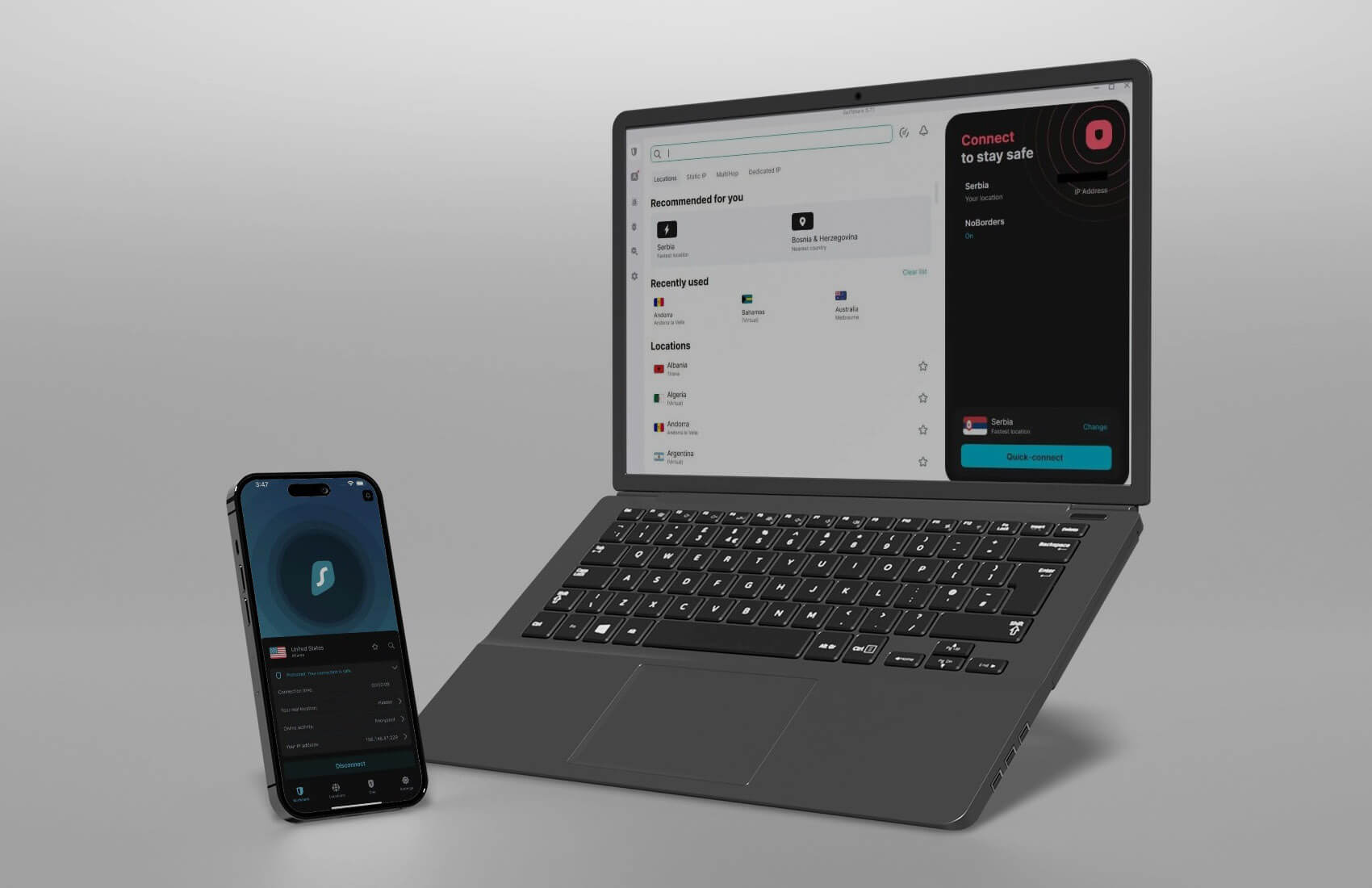
If you look for a VPN for YouTube that won’t cost you a fortune in 2026, Surfshark is a great choice. At a low price, you get a VPN with 4,500 servers in 100 countries and some of the best unblocking capabilities we’ve seen. Surfshark’s speeds might not be the best, but it allows for 4K streaming without a fuss.
Surfshark even lets you speed-test the entire network within the app, determining the fastest server. This provider is attractive due to its unlimited simultaneous connections. Surfshark’s WireGuard support grants excellent stability. There’s a CleanWeb ad blocker, and the NoBorders mode for bypassing censorship in China.
The service has this IP Rotator, which rotates your IP periodically while preserving the same location, adding to the overall privacy and security. 256-bit encryption is standard in Surfshark, and so are split tunneling, a kill switch, and OpenVPN support. Its Surfshark One plan has a bonus set of features.
If you buy it, you can get antivirus, Search (incognito mode), Alerts, and a Dark Web Monitor. Surfshark has great-looking apps for all platforms. At this price ($1.99 per month), it’s hard to find a better provider except CyberGhost. Surfshark gives you a 30-day refund period, enough of an incentive to check it out.
5. Private Internet Access: Best for Advanced Security Features
Pros
- Massive server fleet
- Unlimited concurrent connections
- Advanced security features
Cons
- Not the best speeds
- Confusing desktop apps
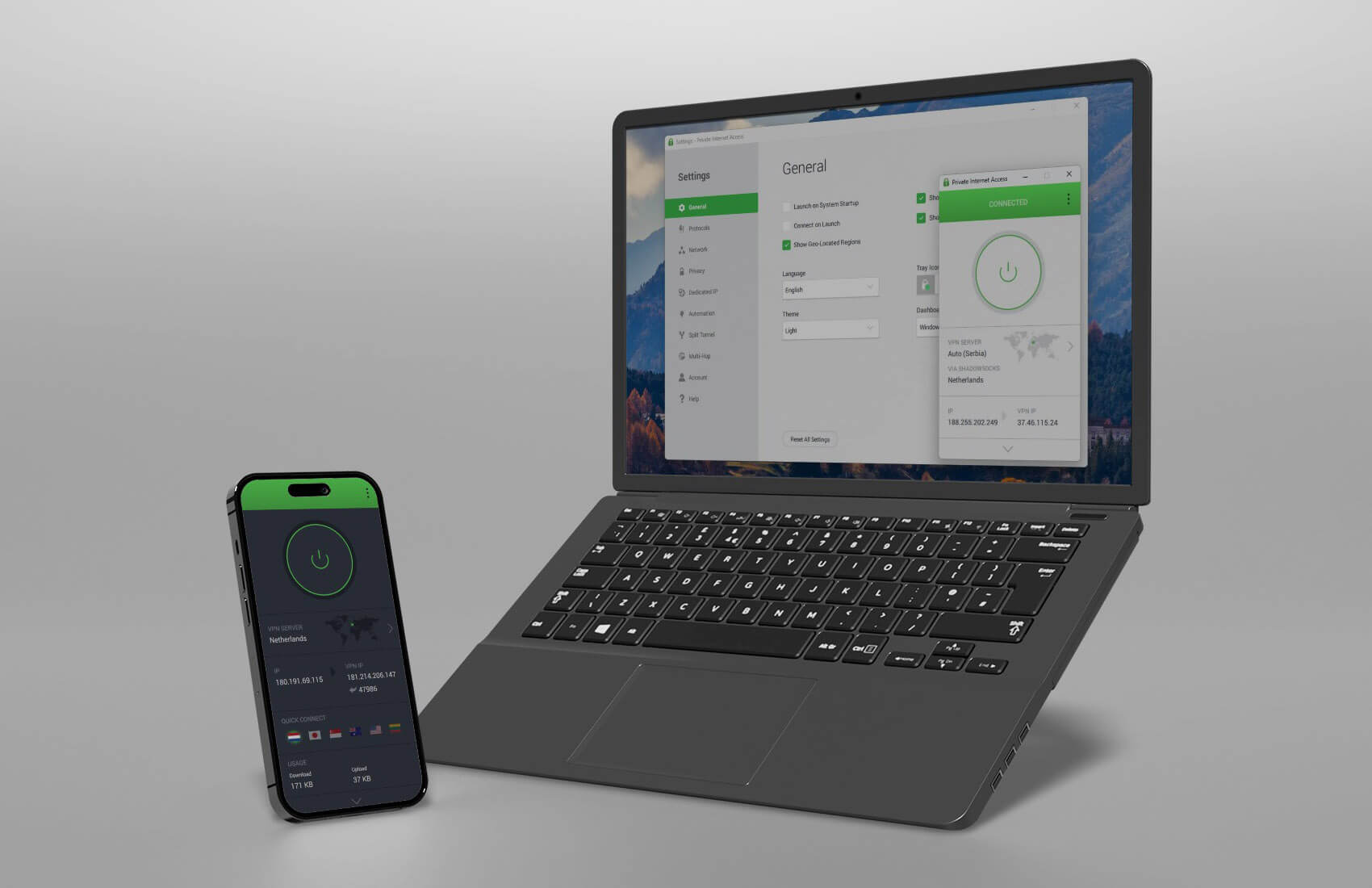
The last pick on our list of the best VPNs that work on YouTube is Private Internet Access. It has solid security thanks to a no-logs policy and advanced features. If you want to unblock YouTube, PIA VPN performs like a champ, offering over 30,000 servers in a bit under 100 countries, all optimized for top-tier performance.
Granted, it’s not faster than the previous four, but watching YouTube videos is more than enjoyable, even in Ultra HD. Only on distant servers will you notice longer buffering, but this is very rare. PIA VPN offers MACE, an ad blocker, and you can use WireGuard for stability and security, essential for anonymous browsing.
Private Internet Access also uses Shadowsocks to obfuscate your traffic, perfect when you’re in a censored country and want to access YouTube. Essentials like 256-bit GCM encryption and leak protection are available. As the best VPN for YouTube, or at least one of them, PIA VPN is also good for unblocking streaming services.
It’s a solid VPN to unblock foreign TV channels and access Netflix libraries. Above everything, it supports unlimited simultaneous connections, impressive for the price. With 24/7 support and extensive compatibility (excluding Fire TV Stick), PIA VPN is worth checking out. Our recommendation is the biennial plan.
It’s usually off by over 80%, with two to four free months. To find out more about this VPN, read our Private Internet Access VPN review. If you’d rather get it immediately, do so risk-free using the button below.
How to Unblock YouTube Videos With a VPN?
Using a VPN for unblocking restricted streaming services is a common practice. Not only is it easy, but also effective if you’re using a VPN capable of streaming. When it comes to using a VPN on YouTube, it’s identical.
You’ll either want to unblock a particular YouTube video unavailable in your country or use this streaming platform in a school, workplace, or a country where it’s restricted. The steps are essentially the same:
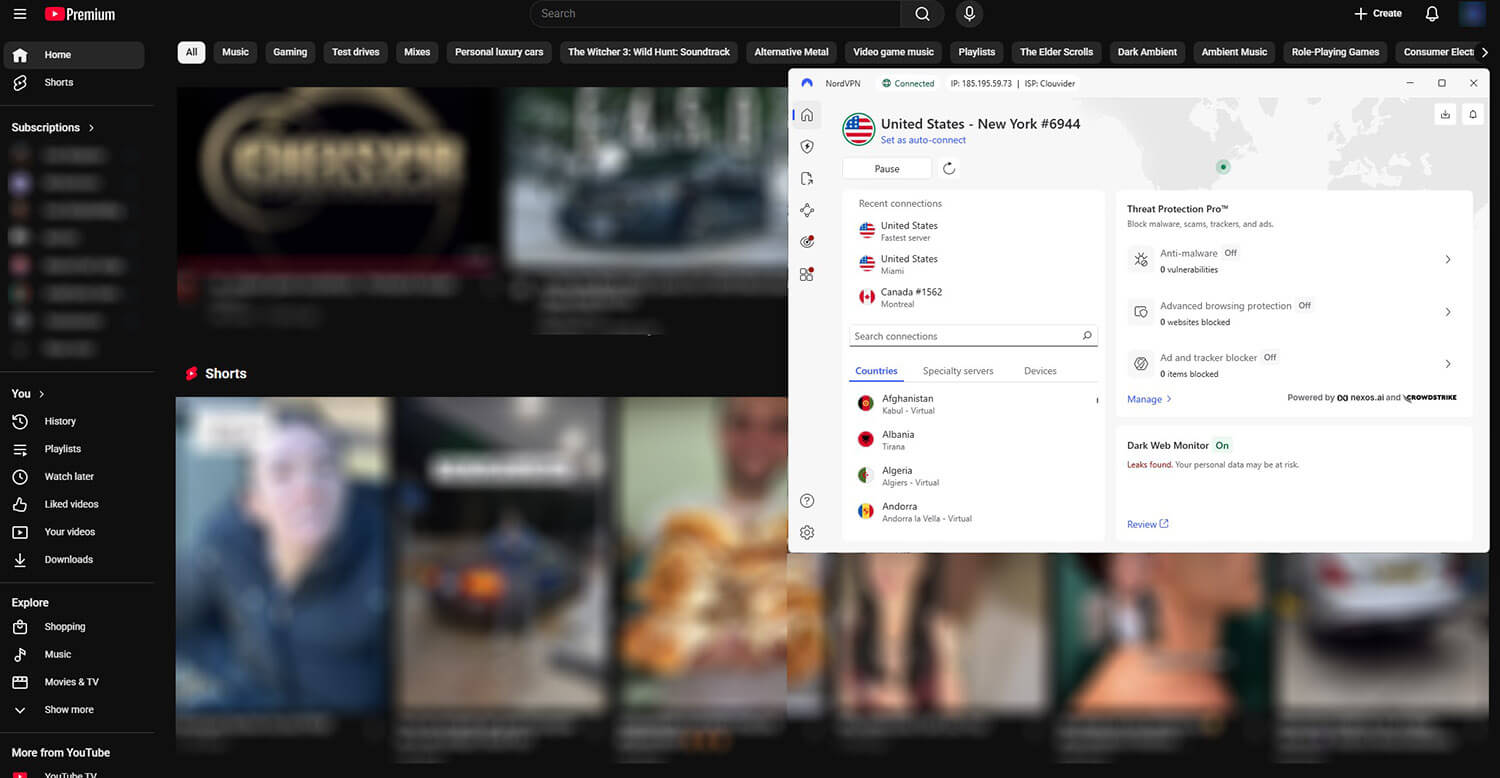
- Subscribe to the best VPN for YouTube. Our recommendation is NordVPN, as it’s the best provider overall. Its 2-year Basic plan is discounted by over 70 % and has three free months.
- Download and install NordVPN on your device. It works on every platform and offers apps for iOS, macOS, Linux, Android, and Windows, among others.
- Open NordVPN and sign in using the credentials from Step 1.
- Connect to a VPN server in another country where the YouTube video or the platform is available. If you live in China, you can connect to a US server. If you want to unblock a particular video, connect to a server in the country where that video is available.
- Visit YouTube and start watching without limits.
Free VPN for YouTube: Should I Use a Free YouTube VPN?
Free VPNs will work with YouTube, but with all the limits, you’ll be hard-pressed to find a worse deal than free VPNs. All free providers have limits on one or more sides, but speeds are almost always sacrificed, which can be annoying because of buffering and longer loading times. You’ll have to lower the video quality to compensate.
Regarding data allowance, free providers can set boundaries. If you check our review of TunnelBear, you’ll see that it offers just 2 GB of monthly data. Windscribe offers 10 GB, but even this amount isn’t sufficient for watching YouTube for long. If you watch in 4K, you’ll consume the allowed data much faster.
Some free providers offer unlimited data, but you’re locked to a few regions, so bypassing geo-restrictions, in some cases, won’t work. On the other hand, we have free VPNs with unlimited data that will compromise your security. Hola VPN offers no data limits, it’s fast for a free provider, and offers many locations.
In the background, this provider collects all personal information and sells it to third parties. This privacy-infringing practice is all but benign, and by using this provider, you’ll expose yourself to malicious data collectors. The best VPN for YouTube can’t be a free VPN, and that’s a sad reality.
We recommend using a premium provider for free. Get one, use it for as long as the refund policy allows, and get a refund. This way, you risk nothing, and you lose no money.
Can I Use a VPN for YouTube TV?
Yes. We recently talked about the best VPNs for YouTube TV in an article where we explained that this streaming platform is available only in the United States. Despite the similar name, these are completely different platforms with different content. While YouTube is a video-sharing service, YouTube TV is a streaming service.
Conversely, this platform requires a subscription and has one important condition. You must be in the USA. That’s why people use a VPN for this service. They change their IP to the USA, which allows them to subscribe to YouTube TV and watch it abroad. All five VPNs from the list are capable of this; free VPNs aren’t.
Is It Legal to Use a VPN for YouTube?
If you’re questioning the legality of a VPN service, it’s a good moment to talk about it. Is it legal to use a VPN for YouTube, then? In 99% of cases, it is completely legal to unblock and watch YouTube videos. However, some countries like North Korea and Turkmenistan frown upon VPN usage, and in these countries, it’s illegal.
Also, countries like this are known for blocking YouTube, so using a VPN to unblock it might land you in trouble. You won’t have any issues in China, for example, but if you live in a more, let’s say, delicate country, don’t take our word for it. Make sure you’re well-informed of laws and legislation in your country and act accordingly.
If it’s illegal to use a VPN in your country and it’s openly stated, don’t do it. But as someone who travels to a foreign country like a tourist, you most likely won’t have any limits, and you can use a VPN freely to access YouTube. Just double-check that you’re using a safe and secure VPN like the ones from our list.
Best YouTube VPN: Summary
With everything we said so far, you should know well what the best VPN for YouTube is in 2026. This platform will work for the majority of people, but if you’re in a country where it’s blocked, you can use a VPN to access it by changing your IP to a country where it works.
A YouTube VPN will also help you unblock geo-restricted videos, podcasts, and live streams thanks to its ability to spoof your location and make you appear as if you’re somewhere else. For this purpose, NordVPN is the most reliable provider thanks to the fastest speeds and servers in 210+ worldwide locations.
On our list, you’ll find options like ExpressVPN, CyberGhost, Surfshark, and Private Internet Access, all stellar options if you’re on a budget. Besides, all offer a refund policy (45 days with CyberGhost), and they can unblock even YouTube TV abroad, making them the absolute best providers if our #1 doesn’t satisfy you.
Frequently Asked Questions
🔎 Can my VPN be detected by YouTube?
No, it can't. YouTube doesn't have a stringent anti-VPN policy like Netflix, Hulu, DAZN, and other notable streaming services. We haven't heard of any VPN blocking cases with YouTube. Still, that doesn't mean you should use a low-quality option. Such providers have slower speeds, limited data, and weaker security.
To ensure you don't jeopardize your privacy and worsen your YouTube experience, it's great to have a reliable service at your fingertips. NordVPN is the way to go. Connect to one of its servers, go to YouTube, and unblock the website and its content in no time, even in censored regions, thanks to obfuscation.
🌐 Will a free proxy let me unblock YouTube?
Yes, it will, but with a few caveats and not always. Free proxies aren't made for watching and unblocking content on YouTube and streaming services. They're frequently slow, which means you'll encounter buffering and longer loading times. Another thing is that free proxies aren't safe.
They're free for a reason, which almost always lies in selling your private data to third parties. Free proxies don't let you pick a server location, resulting in the potential inability to unblock YouTube. We compared VPNs and proxies, so if you want to find out more about their differences, feel free to read that article.
You shouldn't rely on proxies (even Blockaway YouTube) due to their security weaknesses, slow speed, and privacy issues. Paid proxies are another story, but they're expensive and not beginner-friendly.
⛔ Why is my VPN not working with YouTube?
If your VPN isn't working with YouTube, the service has likely detected and flagged an IP address from the VPN. However, this is a small inconvenience that you can fix by choosing another server or a different protocol, clearing your browser data, or updating the VPN app to the newest version.
You shouldn't encounter problems if you use some of the best YouTube VPNs. But if you do, the most effective way is to clear browser data. Sometimes, changing a server gives excellent results. If you can't connect to a VPN or YouTube still can't be unblocked, get help from the support team of the VPN.
⚙️ How to watch YouTube with VPN?
To watch YouTube with a VPN, subscribe to one, install it, and connect to a server. It's that simple. However, if you want to unblock geo-restricted YouTube videos, connect to a VPN location where that video is available. Also, use a high-quality VPN with proper security and unlimited data, like NordVPN or ExpressVPN.
