When talking about your next vacation during the summertime, you most likely have the Philippines somewhere at the back of your mind. If you live there, you might wonder how to watch US TV in the Philippines and gain access to more awesome content. We know local TV channels like GMA, MYX, and TFC are fantastic.
But we all know that ESPN, NBC, Pluto TV, Peacock TV, and others offer more diverse content. People in the Philippines can’t watch American TV channels, and that’s a problem when looking for additional entertainment. But what if we told you that you can fix the issue with a VPN? Here’s everything you need to know.
Watch US TV Channels in the Philippines in Four Steps
To do this, you need a US IP address. This will make the channels available, as it’ll appear you’re in the US on every website you visit. We recommend NordVPN, with 2,930+ servers on US soil. Here’s how to use it to watch US TV in the Philippines.
- Subscribe to NordVPN and save 73% on its biennial plans.
- Install NordVPN and sign in to the app.
- Connect to the US server.
- Visit any US TV and access its content without restrictions.
Why Are US TV Channels Unavailable in the Philippines?
Looking at pretty islands and enjoying sunny weather is interesting only for a certain period. Sometimes, you just want to watch some TV and indulge yourself in interesting shows and movies. But why are the American TV channels unavailable in the Philippines? Unfortunately, there’s something called a geo-restriction.
That is when a particular platform or channel is restricted to a country or group of countries. Basically, it’s restricted based on your location, hence its name. Local TV channels in pretty much every country have certain licensing agreements that allow them to show their content only locally.
Even if you take channels like ANC, GMA Life TV, and other channels from your country, you’ll see that traveling abroad makes them inaccessible. People can’t watch US TV in the Philippines because they’re not in the US. Those in the US can access ABC, NBC, ESPN+, and other channels without changing their IP address.
Let’s take ABC. This popular American TV channel is geo-restricted and will not work in the Philippines. Accessing it will spawn this error message:
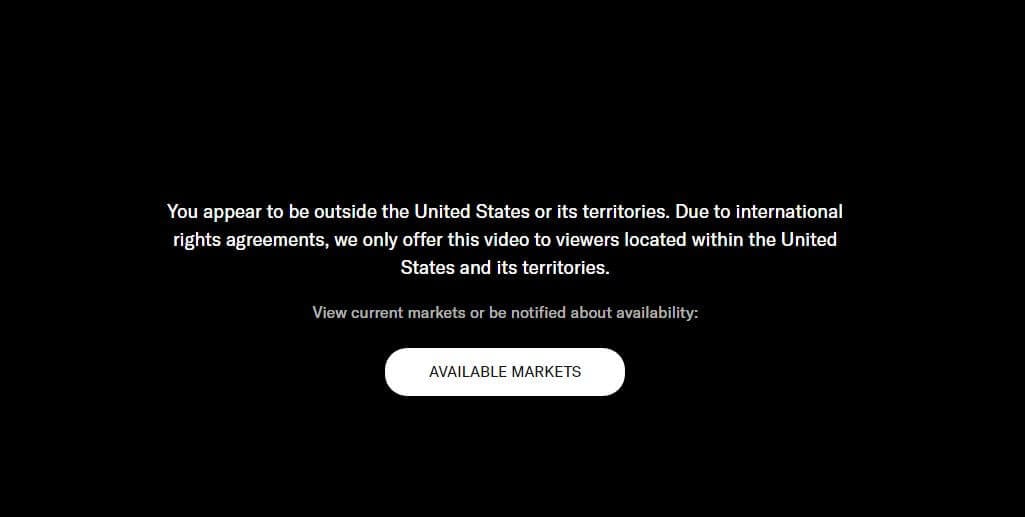
But how does ABC or any other US TV channel know the visitor is abroad? It uses their IP address! Your IP is visible when you’re online, and each site you visit can see it and its country of origin. If you have an IP from the Philippines, the US TV channel you want will recognize that and prevent your access.
But if you change your IP address and get an IP from the United States, that would make the channel recognize you as a US resident and grant access. Aside from traveling to this country, there’s a cheaper way of doing that – by using a VPN! Let us explain in detail how to do this in a few steps.
How Can I Watch US TV in the Philippines?
A VPN is a service that lets you change your IP address to another country and bypass geo-restrictions. However, this service’s primary purpose is to encrypt your connection and make you anonymous online by hiding your online traffic and making it untraceable. This way, you can go on the dark web securely and safely.
However, you also enjoy anonymous torrenting, or simply browse the web in complete privacy. Not all VPNs offer these benefits, especially when talking about watching US TV in the Philippines. These channels efficiently detect VPN services, so if you use a low-quality provider, chances are that your access will be blocked.
If you live in the Philippines, you don’t want to spend much money on a VPN subscription, so you need a cheap and good provider that will work. Our recommendation for you is NordVPN, which we will use to show you how to watch US TV live in the Philippines in 2026.
1. Subscribe to NordVPN
NordVPN offers 8,400+ servers in 127+ countries, with hundreds of US servers to access all American TV channels abroad. This makes it a perfect choice for those looking to get the best performance. In addition, we said that NordVPN is affordable. Its longest plan will cost you $3.09 a month.
You’ll get a fantastic 30-day money-back guarantee with no conditions. This will allow you to get a refund in the first 30days for whatever reason if you’re not satisfied. Best of all, NordVPN is highly intuitive, offering unlimited bandwidth and excellent speeds thanks to its NordLynx tunneling protocol.
All this makes it the best choice for watching US TV in the Philippines. Click the button above to get started. It’ll take you straight to this awesome deal and let you save money thanks to a current discount. Once you subscribe, you can download and install NordVPN on your device, then launch it:

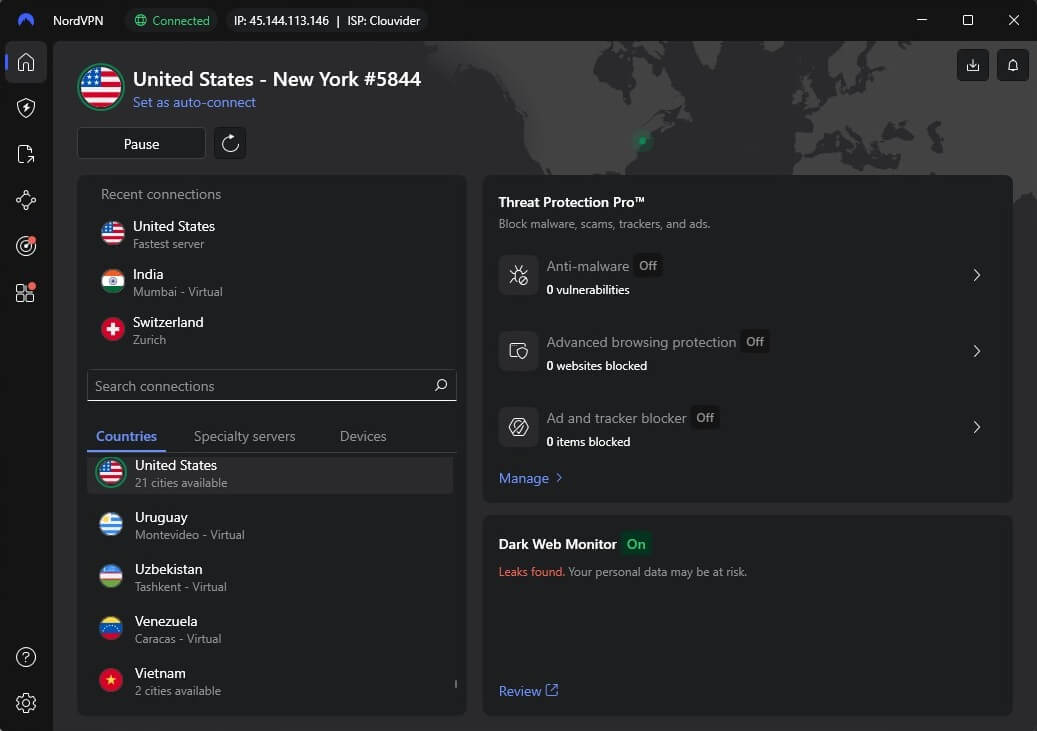
Its dashboard looks like this on a Windows PC, but you can also use it on Android, iOS, Linux, and macOS. However, the interface is almost identical on all platforms, so the steps are the same on all of your devices.
2. Connect to a US Server
It’s time for some trickery. Use the server list to find a US-based server. You can scroll down to the bottom or use the search bar. In any case, once found, click on the server and NordVPN will connect.
3. Watch Any US TV Channel in the Philippines
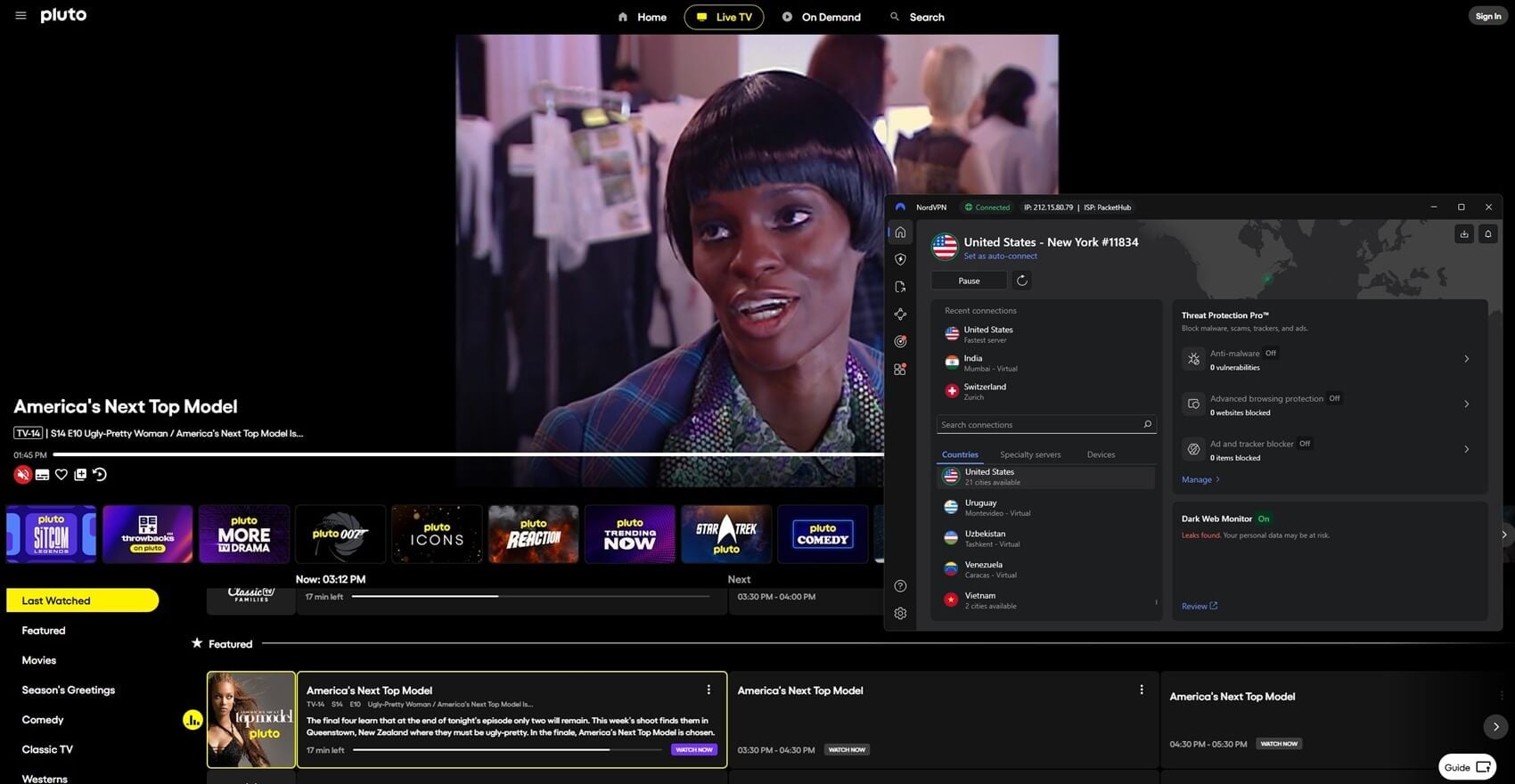
Now that you have an American IP, you can watch any US TV channel abroad. We went to Pluto TV and unblocked it effortlessly, but you can do any. NordVPN will breeze through the previous blocks easily.
You might want to watch Peacock TV outside of the US using NordVPN. That will work just fine. Using this VPN, you can unblock any other US TV channel, so we leave the rest to you, now that you know it’s simple.
Will Free VPNs Work?
Before concluding this guide, we want to quickly address one question we often get asked, and that is the validity and quality of free VPNs for streaming purposes. In other words, people want to know if they can use free VPNs to unblock US TV channels or watch different Netflix catalogs.
If you want a short version, we’ll just say no. But if you want to know why the answer is negative, there are several reasons. One of them is a limited monthly bandwidth of a few gigabytes a month, which is always backed by slow speeds and unstable performance. Free providers do offer US-based servers.
But they aren’t optimized for streaming, which is why you’ll often get error messages even when using them. If we take Netflix as an example, we often get this screen when using free VPNs, and many can attest to it.
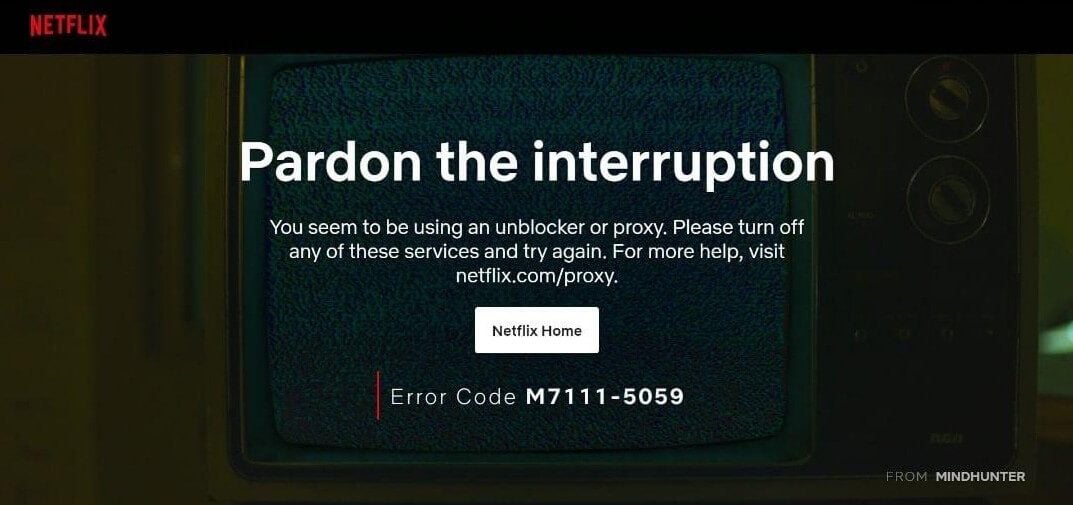
Free providers can’t unblock US TV in the Philippines efficiently, but they also have another factor, which is security, or lack thereof. Many of them will provide no additional security, and having in mind that they usually store logs of your personal data and sell it to third parties, they can be dangerous.
By violating your privacy through these practices, they expose you to malicious advertisers and big companies looking to profit from your personal information. That can easily be avoided by using a quality premium provider like NordVPN. It’s so cheap that it’s almost like using a free VPN.
Other VPNs to Use to Watch US TV in the Philippines
Those who dislike NordVPN or want some alternatives have a few other choices. Our team tested dozens of providers for watching US TV in the Philippines, and we found that these two work well:
ExpressVPN
ExpressVPN is among the top choices, especially if you’re into Paramount Plus and other American high-budget streaming services. With over 22+ locations in the US, it’s perfect to watch US TV in the Philippines with the fastest speeds in 2026. It offers superb security and easy-to-use apps for desktop and mobile platforms.
What’s more, it has ten simultaneous connections and comes with SmartDNS for added versatility. Apple TV users can also install ExpressVPN on tvOS without hassle. Its downside is the expensive Advanced plan, which Filipinos may not be willing to buy. But check this out: you can get the Basic plan!
At around $3.49 monthly, thanks to a 73% discount and four free months, ExpressVPN becomes an affordable pick for watching US TV live in the Philippines.
CyberGhost
CyberGhost is optimized for streaming and has 1,500+ US servers. It’s fairly fast, with the WireGuard protocol for added security and stability. The VPN packs unlimited bandwidth and comes with P2P servers that also work for anonymous torrenting. Our team likes CyberGhost because it’s cheap and great for Filipinos.
Its 2-year plan is a tad over $2.10 a month, and the VPN includes fancy additions like NoSpy servers for added privacy and an ad blocker that swiftly removes ads and trackers. Compared to NordVPN, CyberGhost has only seven simultaneous connections, but on the other hand, it’s considerably less expensive.
You can get its 83% discount and enjoy a 45-day money-back guarantee below. If you’re interested, you may as well read our CyberGhost review to learn more about its features and subscription plan offers.
Bottom Line
If you live in the Philippines, you don’t need to worry about numerous online geo-restrictions. While US TV channels were inaccessible to you, after reading this article, you realize that this won’t be the case when using NordVPN. Once you connect to a server in the US, watching these channels will be a breeze.
Having in mind that there’s a 30-day money-back guarantee with no conditions, it’s easy to see why many people use this trick to achieve the same effect. Very few people actually request a refund, and instead, continue to enjoy numerous benefits of a VPN service, such as anonymous torrenting, online security, and more.
