RTE Player offers access to all RTE channels at your fingertips. As the most popular Irish TV channel, it’s licensed to broadcast only within its borders. However, when you go abroad, you quickly realize that it’s impossible to unblock RTE Player. That is, unless you take advantage of a VPN with reliable Irish servers.
How to watch RTE in the UK or anywhere else abroad, then? To put it simply, you need an Irish IP address since the channel only works there. However, not every VPN has Irish servers and not every is reliable for streaming and unblocking content. We explain which VPNs are and how to use them for this purpose.

How to Unblock RTE Player Abroad: Quick Guide
- Subscribe to a VPN with Irish servers. We recommend NordVPN at 70% off for all biennial plans, with unlimited data, fast speeds, and sufficient unblocking power.
- Download and install the VPN on your device.
- Launch the VPN and sign in with your credentials.
- Choose Ireland from the server list to get an Irish IP address.
- Watch RTE in the UK or anywhere else without restriction by signing in. RTE Player is free, so even if you don’t have an account, you can make one in a minute.
Why is RTE Player Blocked Outside of Ireland?
RTE is available in Ireland and Northern Ireland. When you’re abroad, and you visit the channel’s website, it’ll work normally. It is when you try to watch anything, be it live TV or a specific show, that you get the error message below. You can see that we can’t watch RTE outside of Ireland due to rights restrictions.
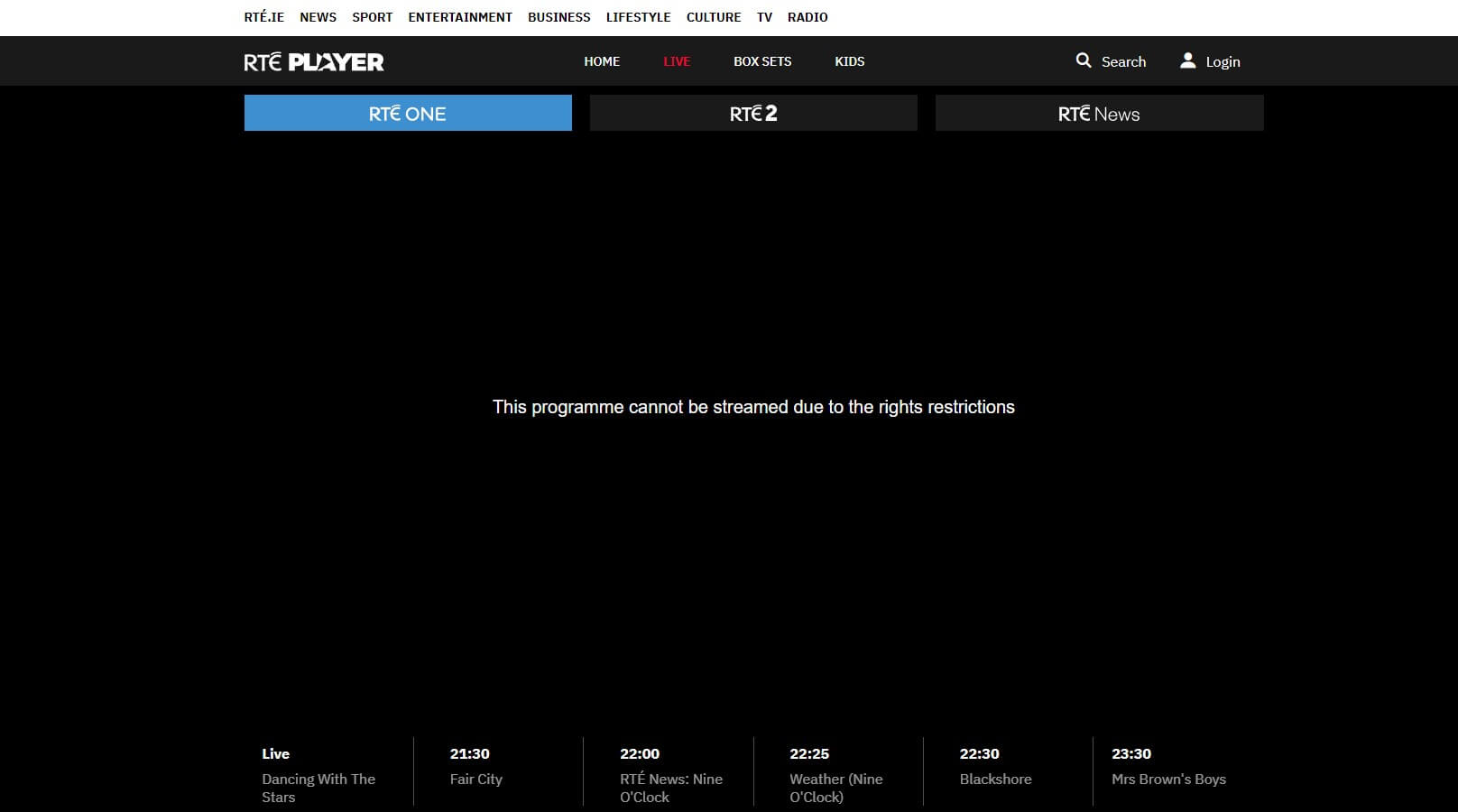
Each TV channel and streaming platform has to have licenses to display its content. This is especially true if the platform doesn’t own all of its content. Not a single streaming service or TV channel owns its content. This forces it to sign a license agreement that it will display its content to the audience in specific locations.
That’s the root cause of geographical restrictions. To put it simply, RTE has the license to display its content to people in Ireland. When you visit the site, it picks up your IP address. If the IP address is from Ireland, you’re good to go and watch anything. If it’s outside, you’re met with a geo-restriction message.
With this in mind, it’s clear what your options are. For one, you can travel to Ireland or get an Irish IP through the VPN and watch the channel anywhere. We prefer the latter solution; it’s way cheaper.
How to Unblock RTE Player Outside Ireland?
A VPN lets you change your IP address to another country. With NordVPN, you get fast servers in 130 countries, including Ireland. For this reason and its streaming optimization, NordVPN is our choice for watching RTE Player in the UK or outside Ireland. Below are the three simple steps to unblock RTE Player anywhere.
1. Get NordVPN
NordVPN isn’t free, so you’ll need to subscribe. However, the VPN’s 70% discount for the 2-year Basic plan is available by clicking the red button below. This will allow you to save money and get the absolute best VPN (for more information, read our NordVPN test for 2026).
You can even watch RTE Player outside of Ireland for free, as the VPN has a 30-day money-back guarantee. Request a refund in the first 30 days, and you’ll get your money back the same day. Either way, follow the steps on the site to subscribe, download the app, and then launch it to sign in with your credentials.
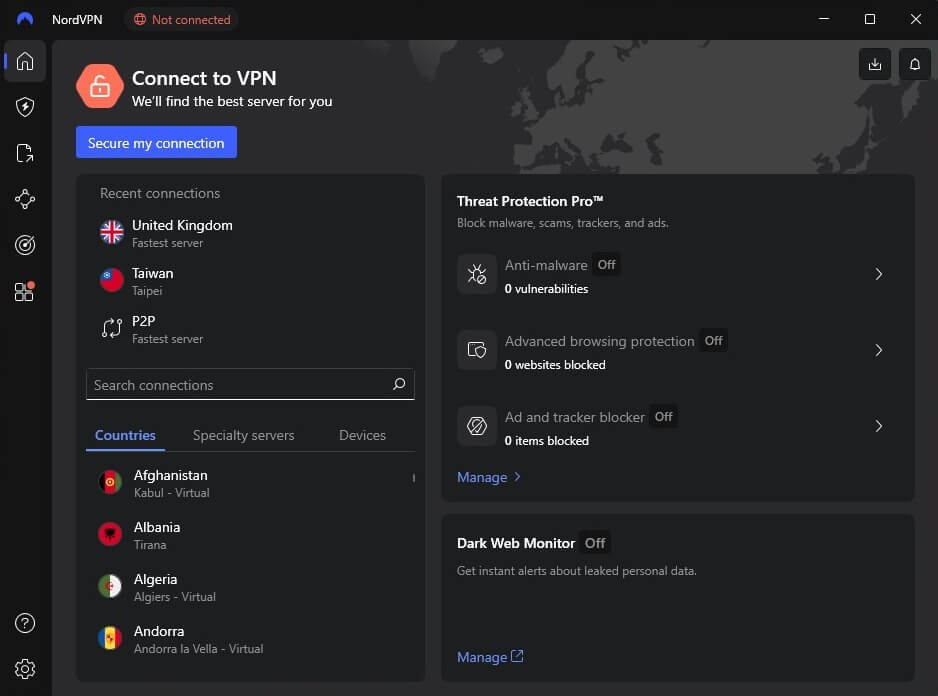
2. Connect to an Irish Server
RTE is available in Ireland, so we need an Irish IP address. Open the server list, scroll down, and find Ireland. Click on it to connect to a server. NordVPN will display Connected in green, which indicates you’re ready.
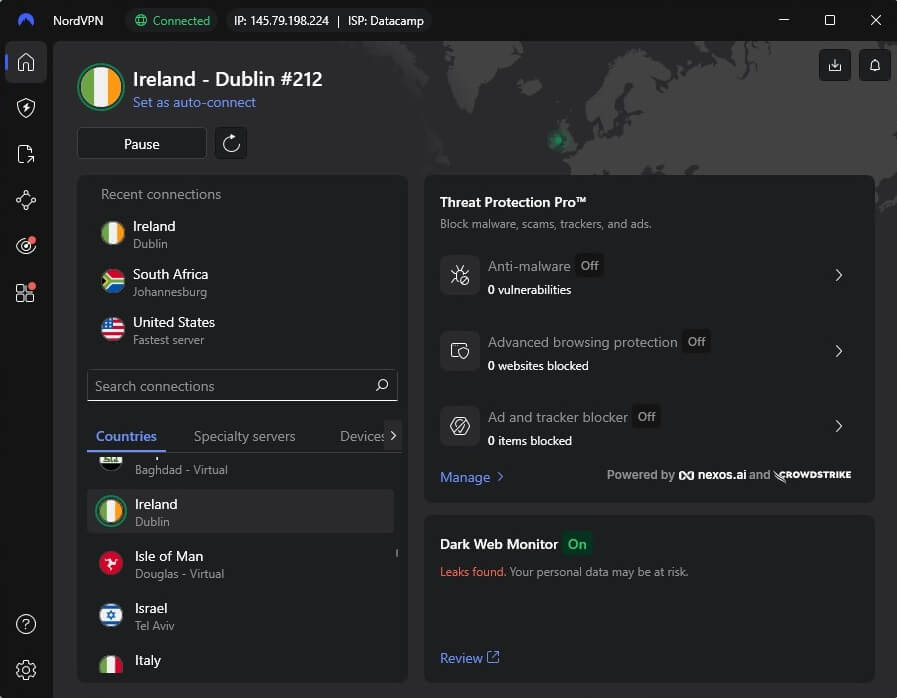
3. Watch RTE Player Abroad
With your Irish IP address, you can unblock RTE Player in the UK, Europe, the US, or wherever you are. RTE Player may require an account, so if you have one, sign in. If not, you can make one in a minute; you won’t be charged. RTE Player is home to diverse content, including the Six Nations live streams and series.
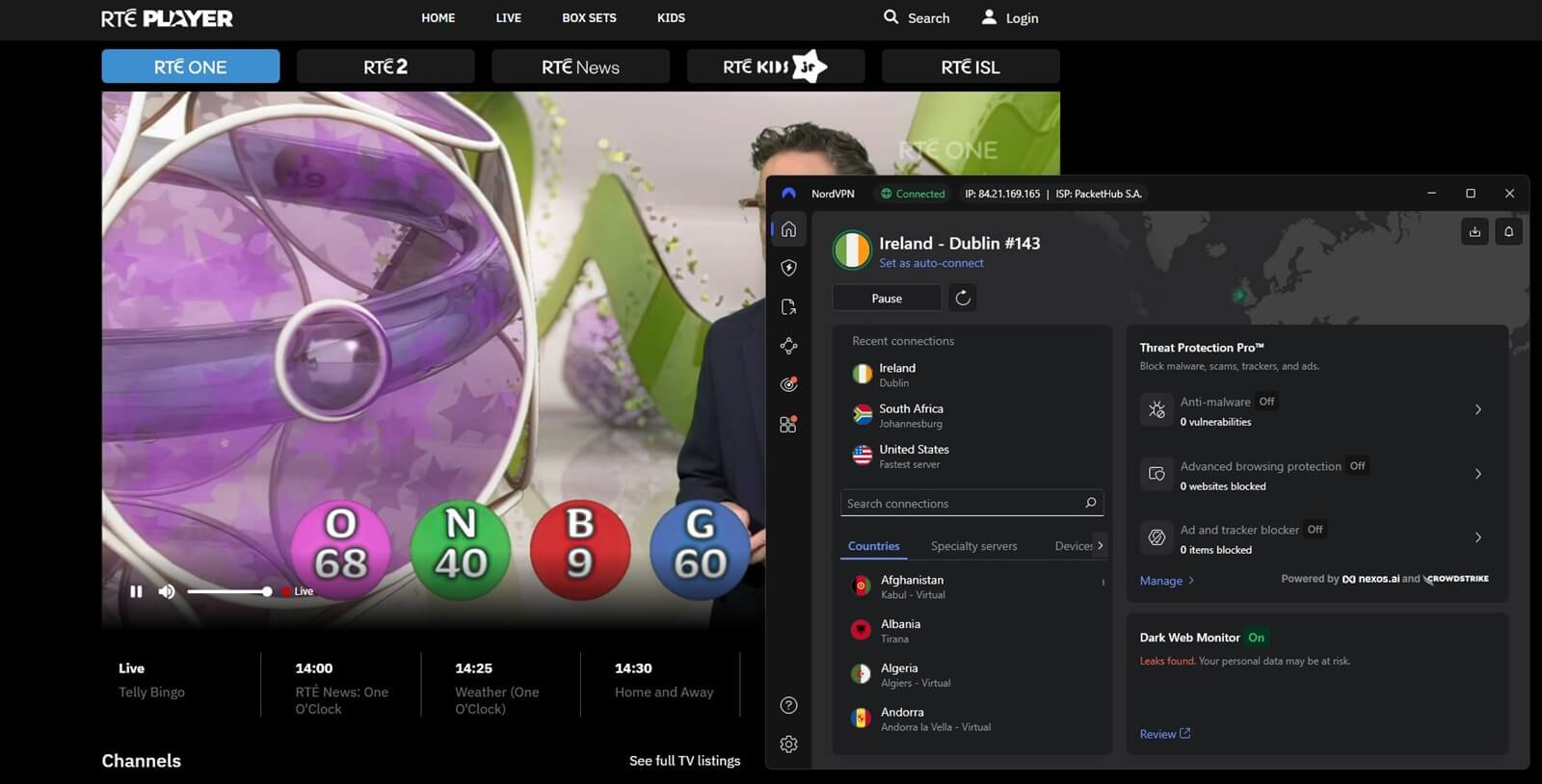
When it comes to free channels, this is undoubtedly one of the best, but even many other channels can be unblocked with a reliable VPN for Ireland. In a minute, we’ll discuss a few more great options.
Can I Unblock RTE Abroad With a Free VPN?
When looking to unblock RTE Player abroad with a free VPN, you may be disappointed. We tested hundreds of free VPNs, some good and some bad, but none offered Irish servers, making them unsuited for the task. With a free VPN, you also can’t watch RTE in the UK or unblock streaming services.
On top of that, they’re tiresome, as they limit your data and speeds, lack many security and privacy features, and don’t allow simultaneous connections. A free VPN with Irish servers is TunnelBear, and when we tested it, it could unblock RTE Player outside Ireland. However, it was short-lived due to the 2 GB data cap.
Apart from TunnelBear, no other free VPNs of notable quality have Irish servers. We stated that NordVPN has a 30-day refund policy, so it can be used for free, in a way. Once you’re refunded, you’ve received your money back and lost nothing. While this is for 30 days only, it’s still much better than using a free VPN.
As you’ll find out if you test any of them, streaming is their least priority, and some, like Proton VPN, even block P2P traffic. Ultimately, you get what you pay for. In short, free VPNs won’t work.
Best VPNs to Unblock RTE Player Abroad
These three VPNs let you watch RTE in the UK and enjoy RTE One and other channels from anywhere. How do we know this? Because we tested them personally. Here are the top picks to access RTE abroad:
1. NordVPN: Best RTE Player VPN Overall
Pros
- Reliable Irish servers
- Fast for streaming
- 10 simultaneous connections
- Advanced security
- Smart TV support
Con
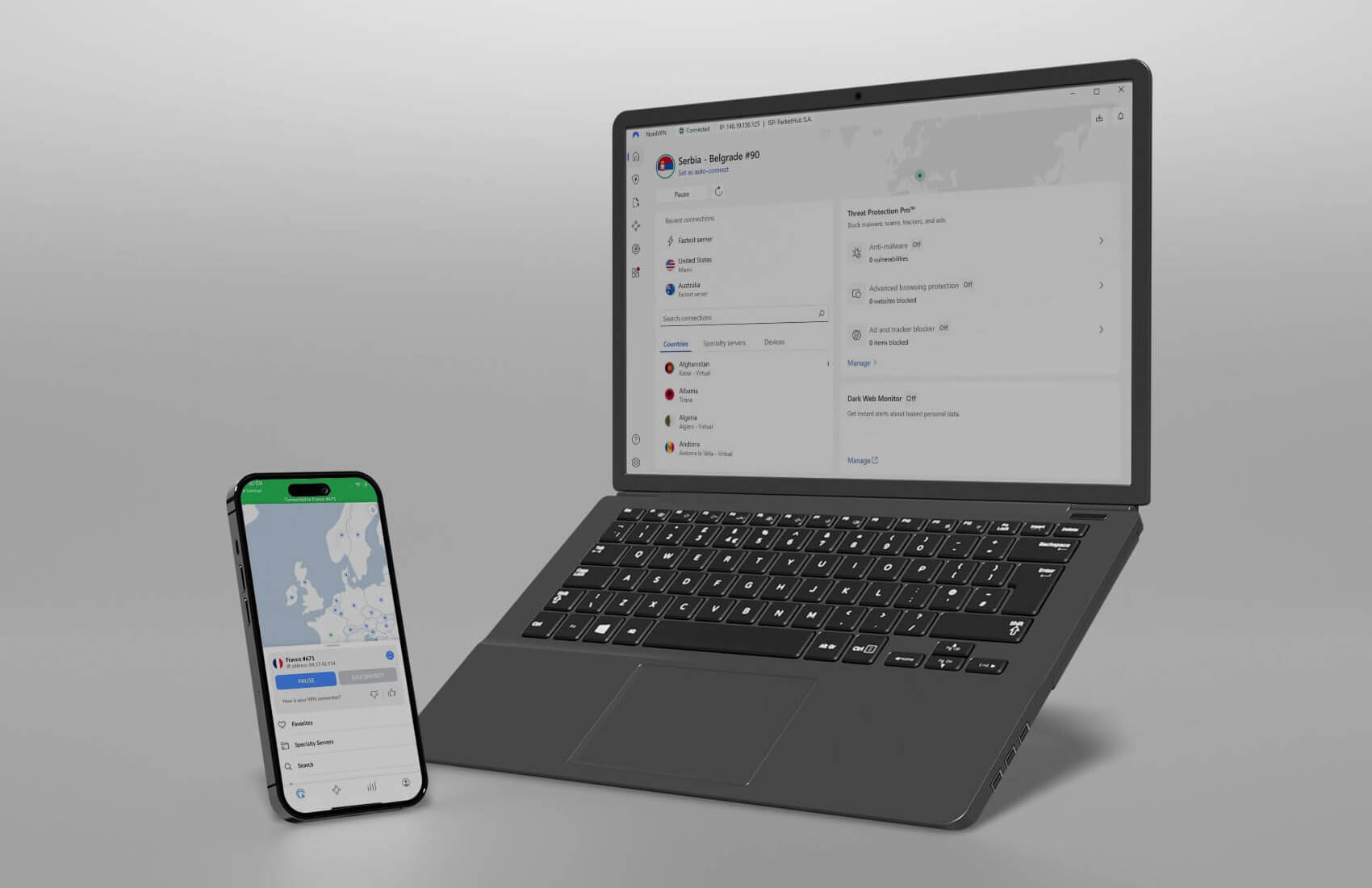
- Confusing app interface
NordVPN unblocks RTE Player outside Ireland blissfully. Our #1 pick offers hundreds of 10 Gbps servers in Ireland and thousands more abroad. It’s the fastest, most reliable VPN with the NordLynx protocol and unlimited data. NordVPN is specifically designed to navigate complex geo-blocks and restrictions.
For instance, its Meshnet tool lets you sidestep the Netflix password-sharing ban. However, its regular servers also unblock Netflix, Peacock, HBO Max, and other streamers. Smart DNS, also available for free, offers streaming on non-VPN-friendly devices. Plus, users can enjoy a wide selection of security features.
NordVPN offers Double VPN servers, malware protection, and obfuscation. It supports all devices and systems for easier installation. Overall, NordVPN is built for everything, not just for watching RTE One or other channels abroad. Its price is one of the lowest around, and if you pick the 2-year plan, you’ll save the most.
We recommend the Basic plan at 70% off and a price of around $3.39 per month. Since you can get a refund within 30 days, you can watch RTE Player abroad for free if you’re outside of Ireland for a few weeks.
Access RTE Anywhere With NordVPN
2. ExpressVPN: Fastest VPN for Watching RTE Player Live
Pros
- Dozens of servers in Ireland
- Optimized for streaming
- Ad blocker is included
- Easy-to-use apps
Cons
- Not many features
- Short 3-day trial
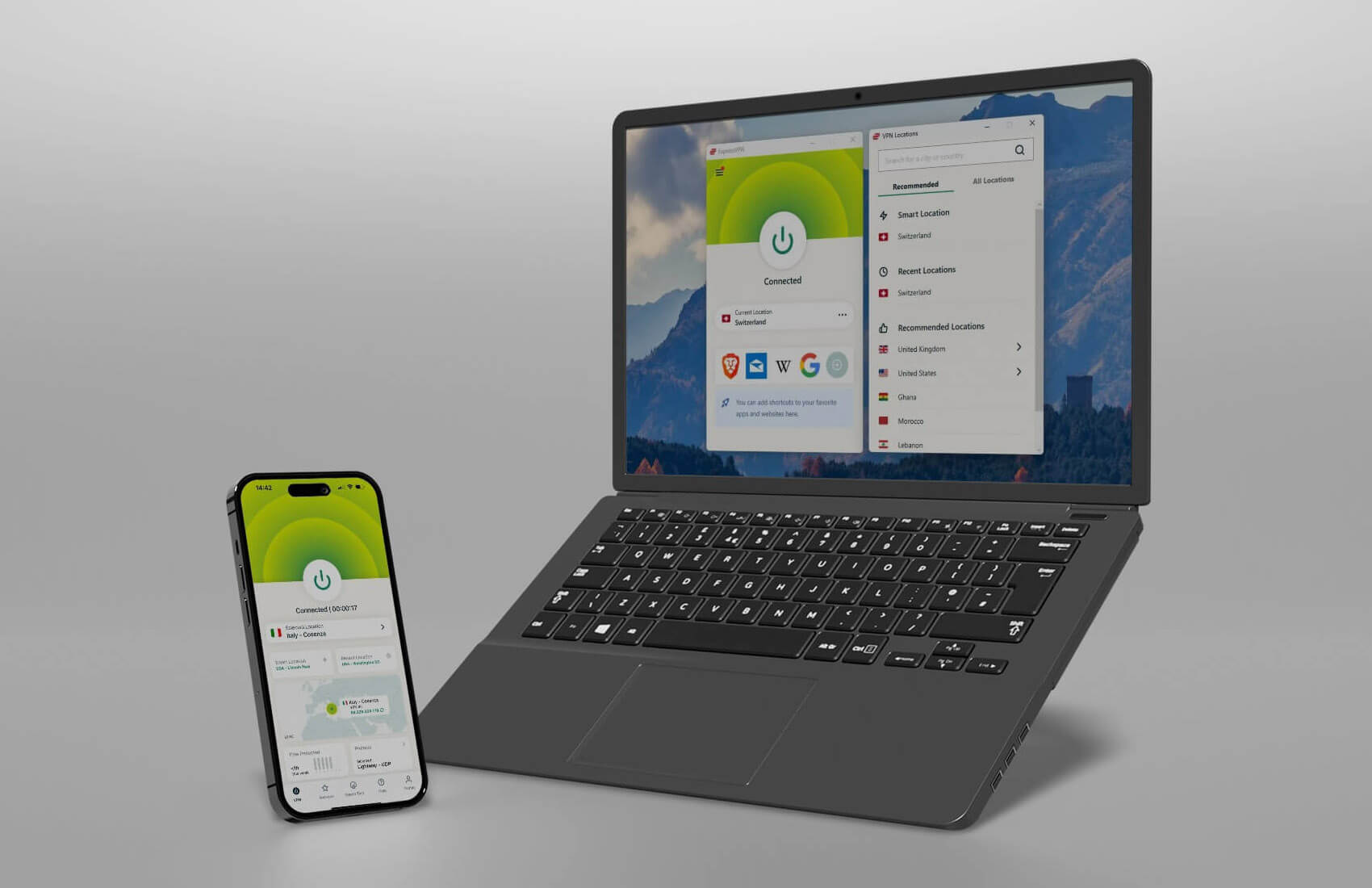
We tested ExpressVPN with RTE Player abroad with excellent results. It unblocks the platform and provides buffer-free streaming thanks to fast speeds, 10 Gbps servers, and its Lightway protocol. Our tests included using ExpressVPN with Netflix, with solid results, with over 15 libraries unblocked without hassle.
Users love ExpressVPN’s one-click apps for maximum simplicity. Even Smart DNS is easy to set up for unblocking sites. Meanwhile, you can also enable its Advanced Protection that shields you against ads and trackers directly within the app. ExpressVPN even includes Parental Control to block porn sites.
While it may lack security features compared to NordVPN, you don’t need them to watch RTE Sport or RTE Player in general. ExpressVPN is inexpensive, and the biennial Basic plan with 4 free months is only $2.45 per month. Are you abroad temporarily? Then you can use its 30-day money-back guarantee and lose nothing.
3. CyberGhost: Cheap VPN to Unblock RTE Anywhere
Pros
- 10 Gbps servers in Dublin
- Fast speed due to WireGuard
- It blocks ads and trackers
Cons
- Confusing app UI
- Only 7 simultaneous connections
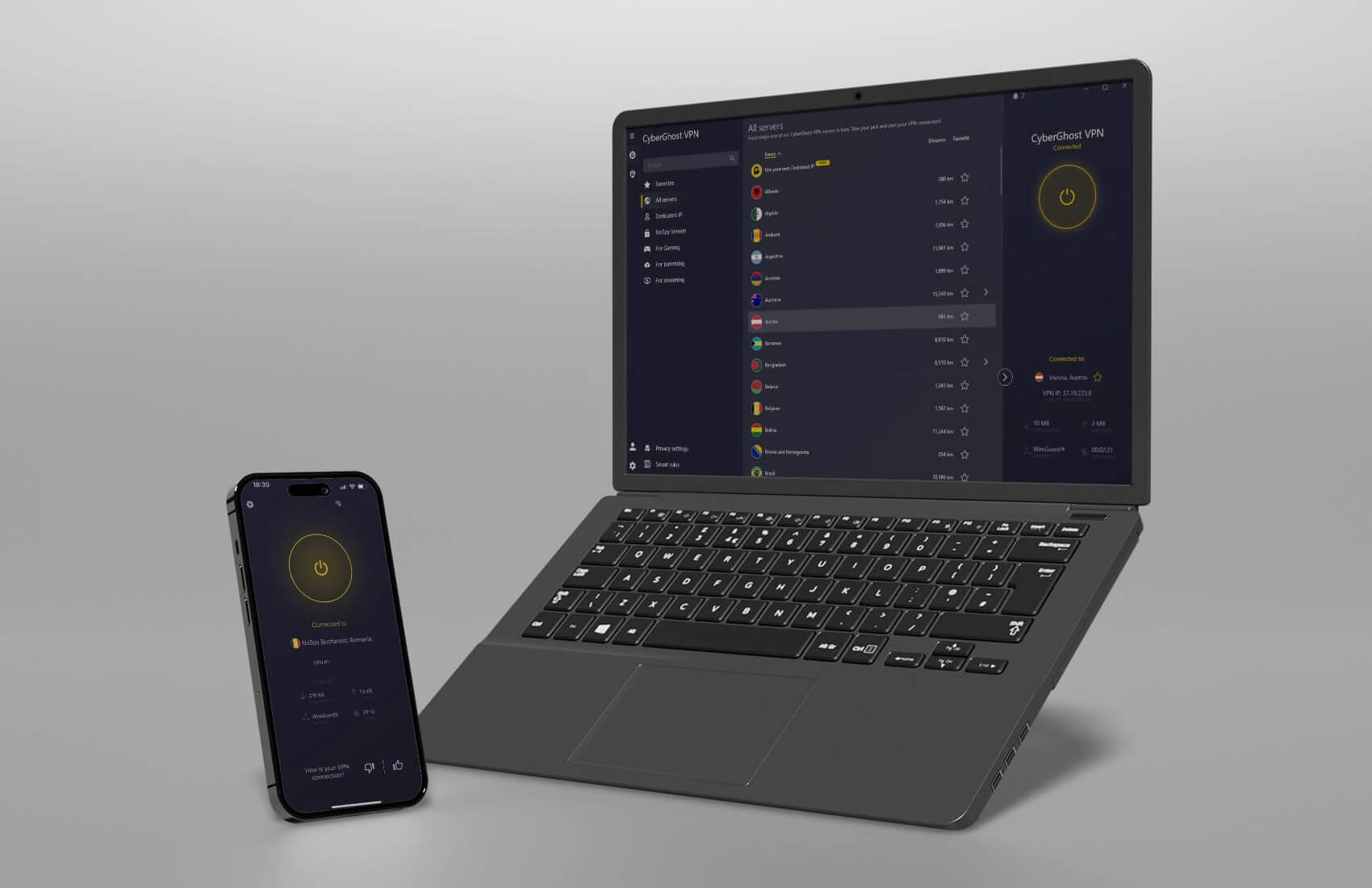
CyberGhost has nearly 90 servers in Dublin for watching RTE Player live outside of Ireland. It costs pennies, especially with the CyberGhost coupon that discounts it by 83% and drops the price to $2.03 or $2.19 per month. Add to that a 45-day money-back guarantee, and you have a solid RTE Player VPN in 2026.
The provider doesn’t skimp on many things. It’s fast, stable, and reliable, using WireGuard and modern 10 Gbps servers. It also doesn’t restrict data or bandwidth, and provides safety measures like 256-bit encryption and leak protection. CyberGhost is a trusted VPN with an audited no-logging policy.
At the same time, it has innovative security features and dedicated servers to adapt to your needs. Gaming, streaming, torrenting, privacy, CyberGhost does it all. If you want, you can even buy its antivirus protection for $1 per month. That’ll let you watch RTE live abroad with no compromise on your security.
Watch RTE Abroad With CyberGhost
Watch RTE Player Abroad: Summary
After everything is explained, you should know how to watch RTE Player live outside Ireland with a VPN. Get an Irish IP and, no matter where you are, access the channel without issues. For this purpose, it’s best to use NordVPN. It’s the fastest and most impressive VPN that unblocks everything easily.
Other VPNs you can try include ExpressVPN and CyberGhost. While slightly inferior, they’re cheaper and might offer something of value for users on a budget, apart from streaming on RTE Player abroad.
Frequently Asked Questions
Can I watch RTE Player in the UK?
No, you can’t, the same way you can’t access BBC iPlayer in Ireland or abroad. To watch RTE in the UK, you must get an Irish IP address through a VPN. NordVPN offers many Irish IP addresses you can use.
Can I access RTE Player in the USA?
No, you can’t. RTE Player works only in Ireland, and users from the USA are blocked. The only reliable path is to use a VPN, connect to an Irish server, and watch RTE Player in the USA. You can use NordVPN for that.
Does RTE Sport work outside Ireland?
No. RTE Sport is exclusive to Ireland and is accessible through RTE Player. If you’re abroad, use a VPN for swift access. This lets you unblock RTE One, Two, and other sub-channels of this streaming site.
